A clean white background can make a product listing look simple. Creating one without damaging the product is not. In the clipping path versus background removal decision, the right choice affects edge quality, color accuracy, shadows, and whether your image looks credible next to competing listings.
For ecommerce brands, this is not just a post-production detail. A rough cutout can make a premium watch look inexpensive, leave a halo around a cosmetic bottle, or cause a garment to lose its natural shape. The best editing method depends on what you sell, where the images will appear, and how closely customers need to inspect the product.
Clipping Path Versus Background Removal: The Core Difference
A clipping path is a hand-drawn vector outline placed around a product. The editor uses the pen tool to trace the object, then uses that path to separate the item from its background. It is highly controlled and works especially well on products with firm, clearly defined edges.
Background removal is the broader result: separating the product from its original background so it can be placed on white, transparent, colored, or lifestyle-ready backgrounds. A clipping path may be used to achieve background removal, but it is not the only method. Editors may also use layer masks, channel masks, edge refinement, and manual retouching.
That distinction matters because not every object can be accurately cut out with a path alone. A rectangular electronics box and a clear perfume bottle need very different editing approaches. Asking for “background removal” tells a studio what you need visually. Identifying the product type helps the retoucher select the right technique.
When a Clipping Path Is the Better Choice
Clipping paths deliver the cleanest results for products with solid, predictable outlines. Think shoes, handbags, watches, boxes, kitchenware, books, phones, office products, toys, and many packaged goods. The path can follow the exterior edge precisely, producing a polished cutout without the uneven edges common with one-click removal tools.
This technique is also useful when the image needs multiple versions. Once a precise path is created, the product can be placed on a white ecommerce background, a catalog layout, a promotional color field, or a transparent PNG without rebuilding the selection from scratch. That consistency is valuable for brands managing large product catalogs and seasonal campaigns.
A clipping path is usually the practical choice when you need a product isolated for these uses: a marketplace main image, print layout, comparison chart, or clean product grid. It can also support natural-looking contact shadows when the original shadow is separate from the product edge and requires controlled retouching.
The limitation is simple: a path follows a defined edge. It cannot reproduce detail that has no hard edge to follow. Hair, fur, sheer fabric, feathers, translucent glass, and mesh require more than a standard path if they are going to look believable.
When Background Removal Requires Masking
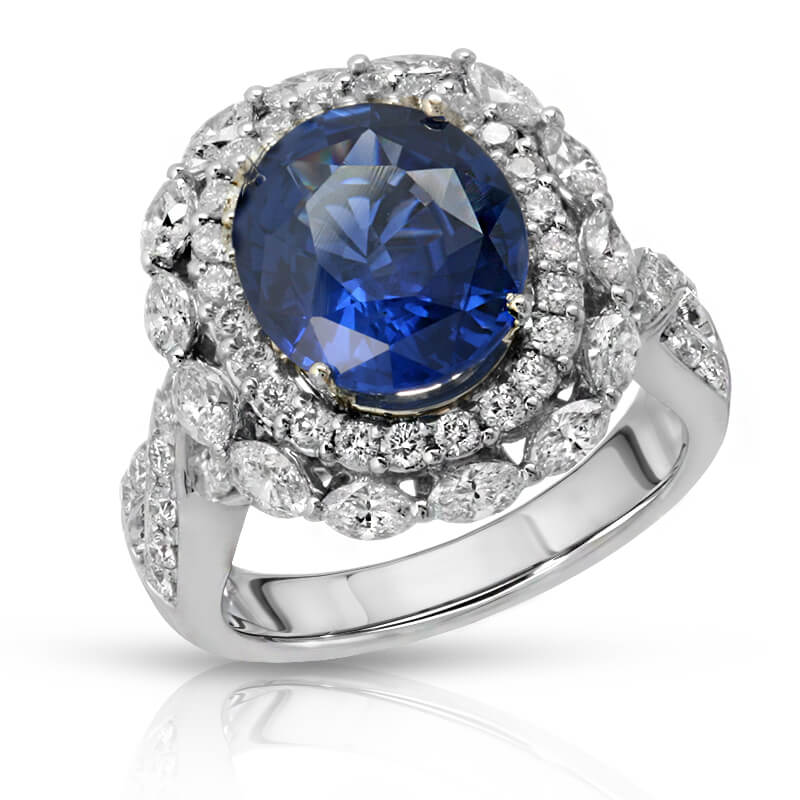
For difficult products, background removal is less about drawing a line and more about preserving visual reality. A jewelry piece may include fine chain links and reflective highlights. A beauty bottle may have transparent edges, metallic caps, and lettering that must remain sharp. Apparel may include flyaway fibers, lace, fringe, or semi-transparent material.
In these cases, a professional editor often combines techniques. A clipping path can isolate the solid parts of the product, while a mask protects soft or translucent areas. The editor may then refine edge color, reduce background spill, restore highlights, and preserve the product’s actual texture.
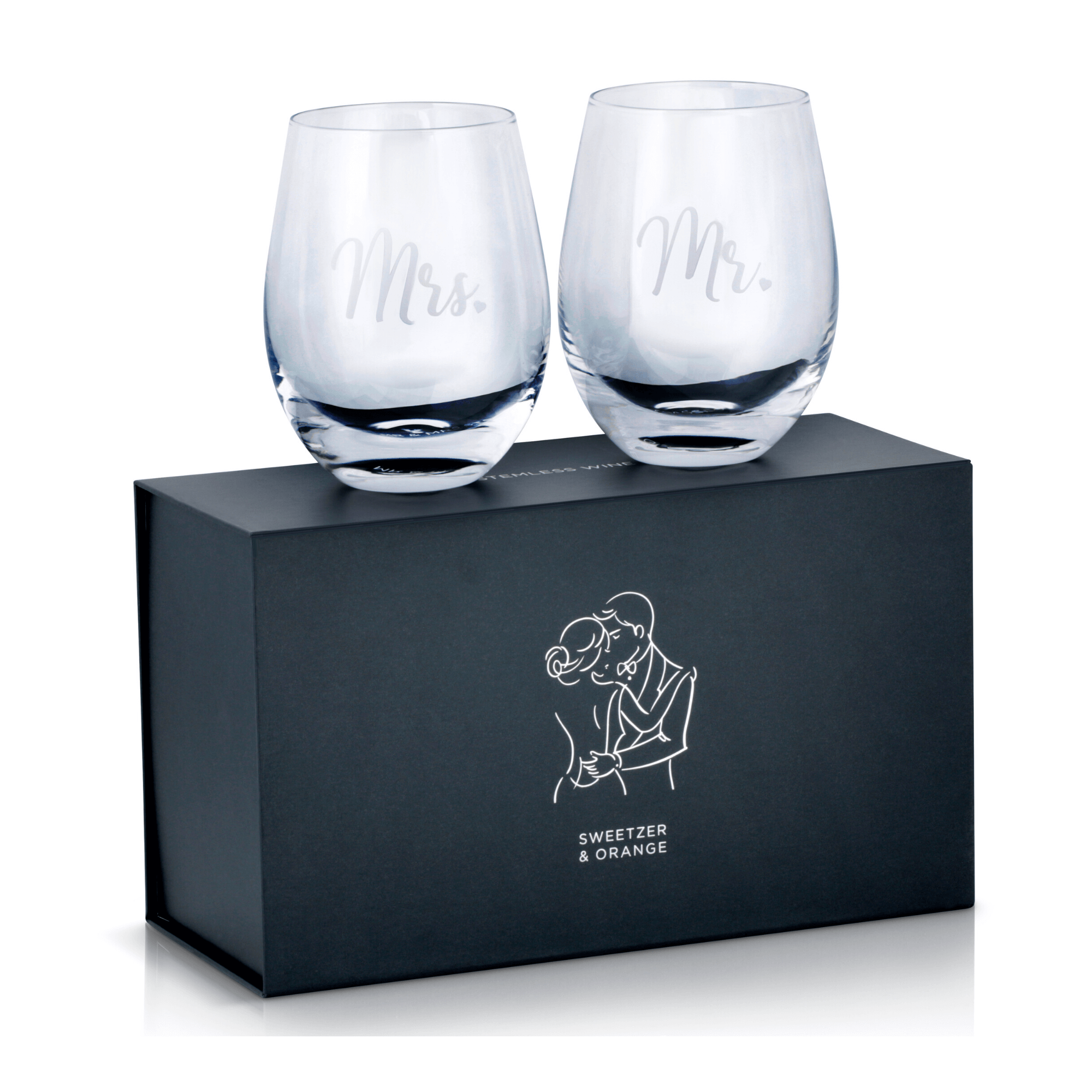
Glassware is a clear example. An automated background remover may erase the pale outer edge of a clear glass or replace it with a dark, artificial outline. That makes the object look heavy and inaccurate. Proper background removal retains the subtle reflections and transparency that tell shoppers they are looking at glass.
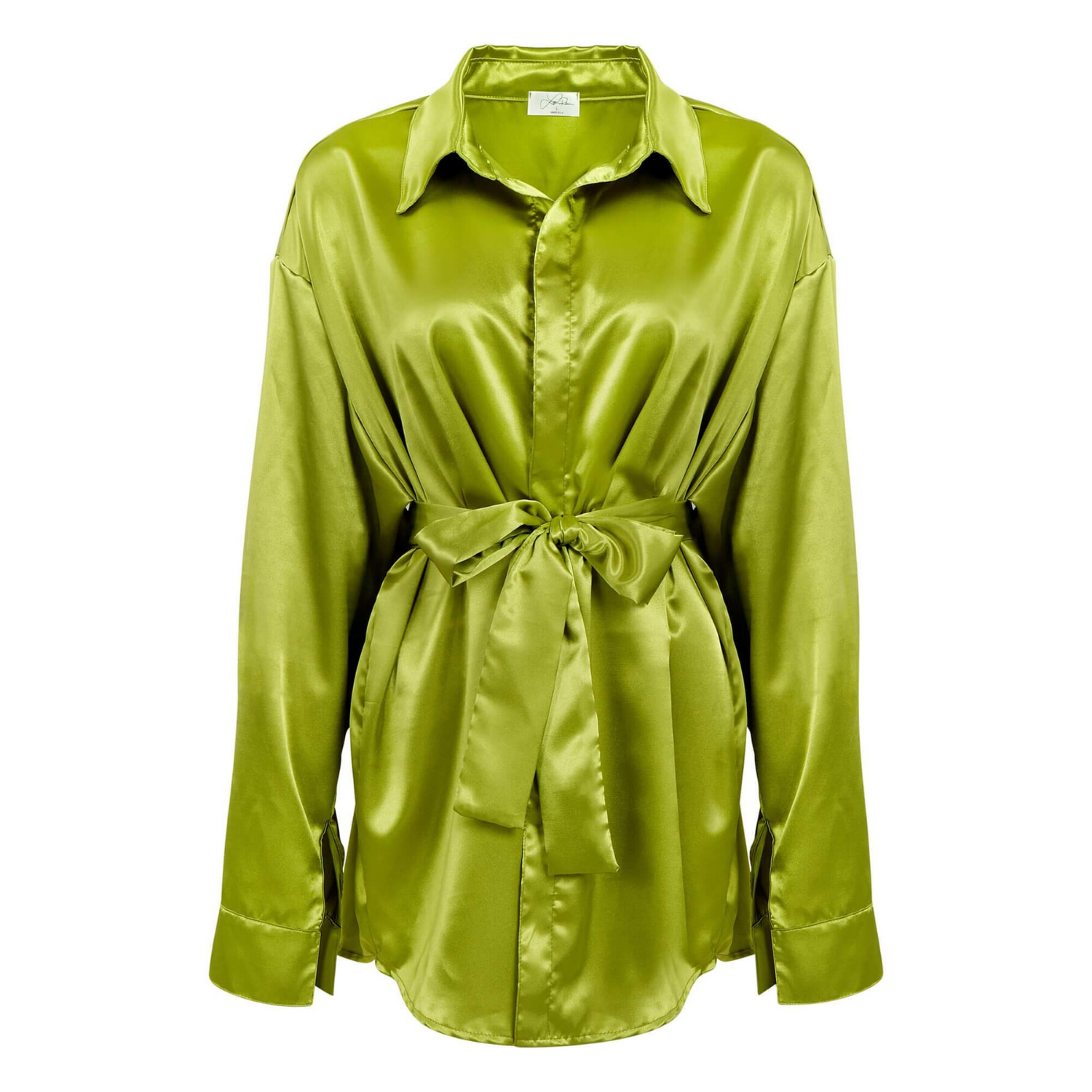
The same principle applies to apparel. A hard path around a sweater can technically remove the background, but it may flatten the fibers and create a pasted-on appearance. A more detailed masking workflow keeps the garment clean while retaining the texture that supports a premium presentation.
Why Automated Removal Is Not Always Enough
Automated tools are fast, and they have a place in early mockups or low-priority social content. They can be useful when speed matters more than precision. But they often struggle with reflective materials, white products on pale backgrounds, fine details, overlapping objects, and edges with similar colors to the original backdrop.
The problem is not always obvious at thumbnail size. It appears when customers zoom in, when the image is placed on a new background, or when a catalog designer needs high-resolution files for print. Small halos, missing details, jagged corners, and shifted edge colors quickly become visible.
For sales-focused product imagery, the goal is not merely to remove a background. The goal is to make the product look accurate, clean, and ready to buy. That calls for human review, especially for hero images, marketplace listings, and campaigns where every product needs to match the same visual standard.
Choosing the Right Method for Your Product Images
Start with the product itself. Hard-edged, opaque products usually benefit from clipping paths. Products with soft, transparent, reflective, or highly detailed edges need a background-removal workflow that includes masking and retouching. Mixed products may require both.
Next, consider the final destination. Amazon and other marketplaces commonly require a pure white main-image background, though sellers should always confirm the current rules for their category. A white background does not mean the product should look flat. Professional editing keeps the edges crisp while preserving realistic shape, controlled shadows when allowed, and accurate color.
Then consider the number of SKUs and the future use of the images. For a large catalog of consistently shaped products, clipping paths can provide efficient, repeatable results. For a beauty launch, jewelry collection, or apparel lookbook, the editing time may be higher because the details that create perceived value require more attention.
A good production partner will ask to see sample products before quoting. One price does not fit every item. A simple boxed product can be edited quickly, while a gemstone necklace or transparent beverage bottle may require detailed manual work. Clear scoping protects both turnaround time and final quality.
What Professional Retouching Adds After the Cutout
Even a perfect selection is only part of a finished product image. The product may need dust removal, scratch cleanup, label straightening, color correction, reflection control, and shape refinement. These adjustments should improve the presentation without changing the item customers receive.
Color accuracy is particularly important for apparel, cosmetics, and home goods. If a product is photographed under imperfect lighting or photographed alongside materials that cast color onto it, removing the background alone will not fix the issue. Retouching helps deliver a more consistent, commercially usable image across your store, ads, marketplace pages, and printed materials.
At Product Photography Studio, post-production is planned around the selling environment, not treated as an afterthought. That means matching background standards, preserving product details, and delivering high-resolution files that can work across ecommerce and print requirements.
Get the Scope Right Before Production Begins
When requesting a quote, provide the product count, product category, desired background, preferred file type, and where the images will be used. If you need transparent files, multiple background versions, preserved shadows, or high-resolution print files, state that at the beginning. Those details determine the best editing workflow and prevent avoidable revisions.
For straightforward products, professional clipping paths can be an efficient and affordable route to clean, consistent listings. For complex items, investing in detailed background removal protects the product details customers notice most. The strongest product image is the one that makes the item look real, refined, and ready to earn the click.