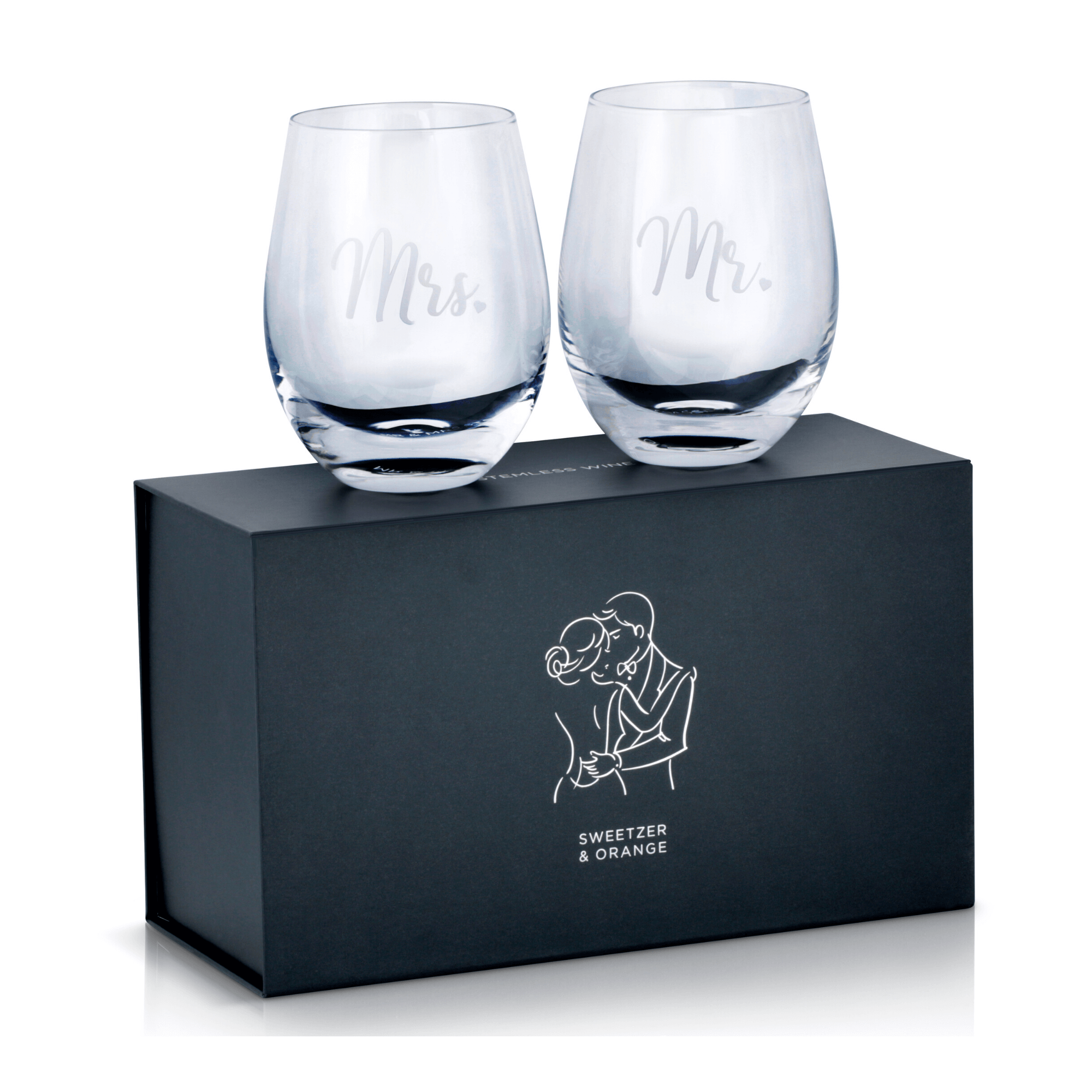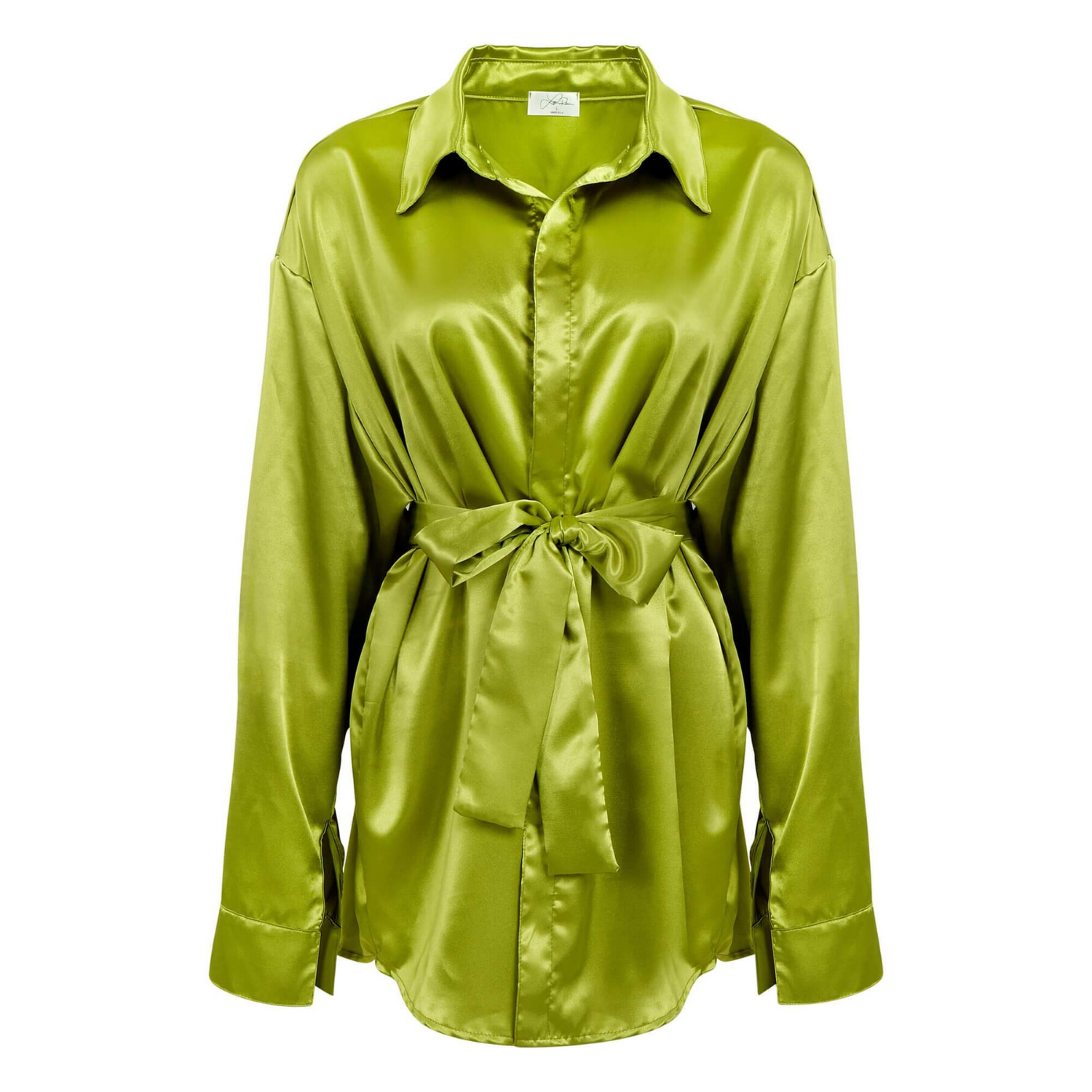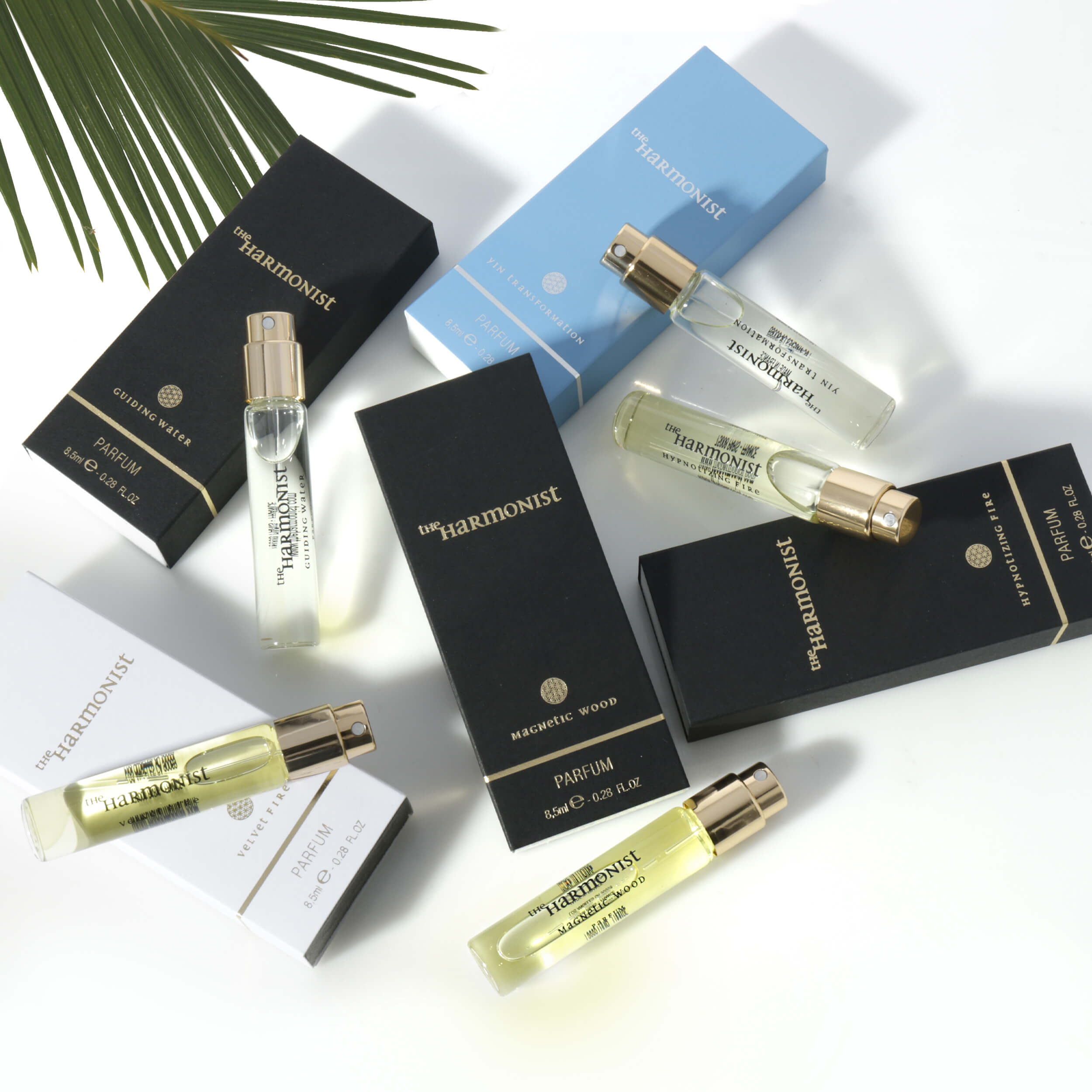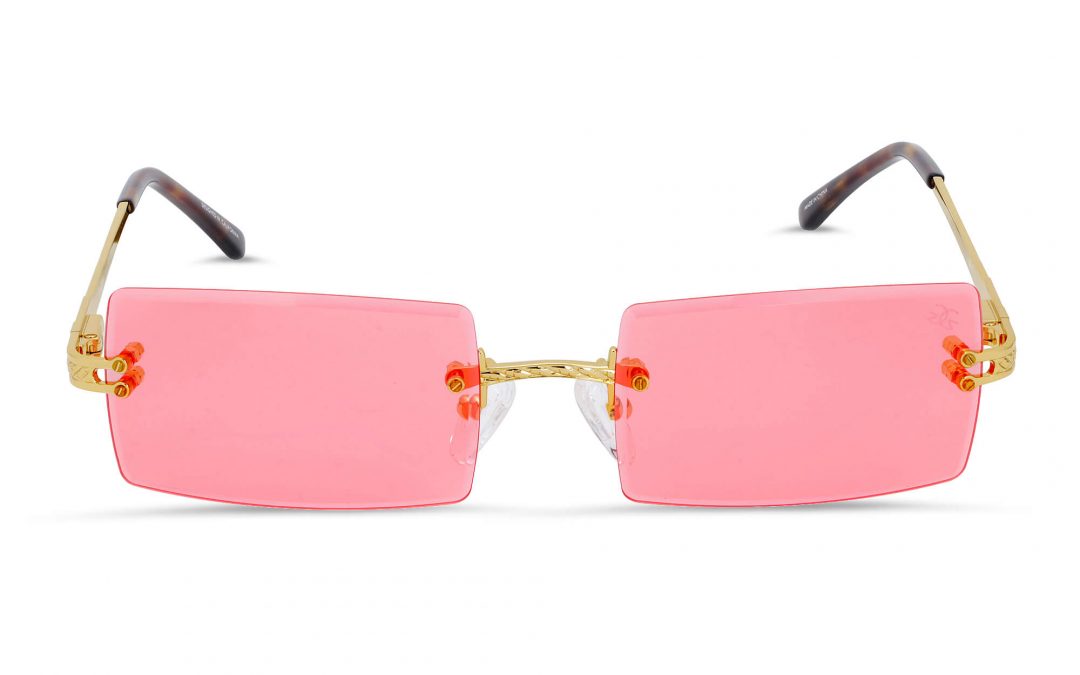
A customer can decide whether to click on a product in seconds. Background removal for product photos helps ensure that decision is based on your product, not a distracting countertop, uneven shadow, wrinkled backdrop, or mismatched lighting. For ecommerce brands, clean imagery is not just a design preference. It is part of the sales process.
A polished white-background image makes products easier to compare, supports marketplace requirements, and gives your catalog a consistent professional standard. Whether you sell jewelry, cosmetics, apparel, electronics, housewares, or specialty goods, the quality of the cutout affects how credible the product looks on every channel where it appears.
Why Clean Backgrounds Affect Ecommerce Sales
Online shoppers cannot pick up an item, inspect its finish, or judge its scale in person. Your images have to do that work. When the background is clean and controlled, the buyer can focus immediately on the product’s color, shape, texture, and key features.
This is especially valuable on crowded search pages. Amazon listings, retail marketplaces, Google Shopping results, and category pages place competing products side by side. A clean, accurately prepared product image gives your listing a more organized appearance and helps it hold attention at thumbnail size.
Background cleanup also protects brand consistency. A collection photographed over several weeks, or across multiple product categories, can still look like one cohesive catalog when color, crop, shadows, and background treatment are managed correctly. That consistency makes a smaller brand look established and gives larger catalogs a more reliable visual system.
For many marketplace main images, a pure white background is a requirement rather than an option. But even when a platform allows lifestyle imagery, transparent cutouts and white-background images remain essential working assets. They can be used in ads, product detail pages, print layouts, email campaigns, comparison charts, and promotional graphics.
Background Removal for Product Photos Is More Than a Cutout
Basic automated tools can remove a simple background quickly. They are useful for rough drafts, internal presentations, and high-volume images where perfection is not critical. The trade-off is that automation often misses the details that make a product look real and premium.
Fine jewelry can lose prongs, chain links, and gemstone edges. Glassware may develop harsh outlines or disappear in transparent areas. Apparel can show jagged seams, missing fabric texture, or uneven edges around straps and sleeves. Beauty products with reflective caps and metallic labels can pick up halos that make the image look pasted onto the page.
Professional retouching starts with a precise selection, then addresses the visual issues that remain after the original setting is removed. That includes edge refinement, dust cleanup, color correction, reflection control, and natural shadow work when appropriate. The goal is not to make the item look artificially perfect. The goal is to present it accurately, clearly, and at a standard that supports a purchase decision.
A quality file should still look clean when enlarged. This matters for zoom-enabled product pages, print production, retailer submissions, and high-resolution advertising. A rough edge that is invisible in a small social post can become obvious on a product page or in a catalog.
White, Transparent, or Custom Background?
The right background depends on where the image will be used. Pure white is the standard choice for many ecommerce marketplaces because it keeps the presentation clean and lets customers compare products without visual noise. It is also practical for catalog pages and product grids.
Transparent PNG files are useful when your design team needs flexibility. They allow a product to be placed over branded colors, campaign graphics, seasonal layouts, or website modules without repeating the clipping process. Transparent files work well for marketing, but they should be reviewed carefully when the product contains clear glass, translucent material, loose hair, or fine mesh details.
Custom backgrounds can strengthen a brand when they support the product rather than compete with it. A subtle color field, soft gradient, or carefully built surface can be effective for beauty, beverages, accessories, and premium retail campaigns. For primary listing images, however, it is usually best to follow the marketplace’s image specifications first and reserve creative backgrounds for secondary images and advertising.
Product Categories That Need Extra Retouching Care
Every item presents a different post-production challenge. Jewelry requires close attention to metal reflections, gem sparkle, tiny clasps, and accurate stone color. The work must preserve detail without creating a cutout that looks overly sharpened or artificial.
Apparel needs accurate color, natural garment edges, and a consistent approach to wrinkles, folds, and shape. If a shirt, handbag, or shoe is photographed on a mannequin or model, removal may require careful reconstruction of areas that were obscured during the shoot. For fashion brands, consistency across a full collection matters as much as the result on a single image.
Glass, bottles, and glossy products require particular skill because their edges are often defined by reflections rather than solid color. An aggressive removal can flatten the object and remove the visual cues that show its shape. The retoucher needs to retain transparency, highlights, and dimensionality while eliminating unwanted background distractions.
Electronics, medical items, and household products benefit from clean lines and controlled shadow. Buyers often study ports, buttons, materials, labels, and included components. Removing the background should improve clarity, not erase useful product definition or distort the actual finish.
What a Commercial-Ready Image Should Include
A finished product photo needs more than a white canvas behind it. It should be correctly cropped, centered according to the selling channel, and delivered at a resolution that supports its intended use. Colors should be true to the product, particularly for apparel, cosmetics, gemstones, and branded packaging.
Retouching should also be consistent from image to image. If one product has a soft natural shadow and the next appears to float with no grounding, the catalog can feel uneven. If one bottle is bright white and another has a warm color cast, customers may question the product or the brand. Consistent post-production creates a cleaner storefront and reduces friction for shoppers.
It also pays to plan output files before a shoot begins. A retailer may need JPEGs on white, while your marketing team needs transparent PNGs and a few layered compositions for ads. Creating the right set of assets early is more efficient than returning to the same files repeatedly as new channel needs appear.
At Product Photography Studio, product photography and post-production are handled with commercial use in mind, from high-resolution product files to refined background removal and royalty-free usage. That approach helps brands receive assets ready for ecommerce, retail, print, and campaign work without building an in-house production workflow.
When to Use a Professional Service Instead of an App
An app may be enough when you need a quick social post or a simple object against a strongly contrasting background. It becomes less reliable when images are customer-facing, the product has difficult edges, or the files will be used at scale.
Professional service is a stronger choice when you need a full catalog to match, need color-sensitive work, sell premium products, or must meet retailer and marketplace specifications. It is also a practical decision when the internal time spent correcting automated results starts to outweigh the cost of getting the work done correctly from the start.
Speed matters, but so does quality control. A fast turnaround should not mean rushed selections, weak edges, or inconsistent files. The best production process balances efficient delivery with a final review that checks product accuracy, background cleanliness, and readiness for the channel where the image will appear.
Before submitting products for photography or retouching, decide where each image needs to work and identify any platform-specific requirements. That simple planning step makes it easier to build a product image library that stays useful long after the first listing goes live. Clean backgrounds may look simple, but when they are executed well, they keep the focus exactly where it belongs: on the product you need customers to buy.