A strong product can lose the sale before a shopper reads a single bullet point. On Amazon, the main image has to earn the click, while the rest of the image set has to answer the questions that keep a customer from buying. This Amazon listing image requirements guide covers the technical standards sellers need to meet and the image decisions that help a listing look credible, clear, and ready to convert.
Amazon image rules are not just an upload checklist. They affect whether your listing is approved, whether the zoom feature works, and how professional your product appears next to competing offers. A clean, correctly sized image also gives your brand more room to compete on value rather than price alone.
Amazon Listing Image Requirements: The Main Image
Your main image is the most regulated image in the set. It is also the image that appears in search results, on product detail pages, and often in sponsored placements. If it is unclear, poorly cropped, or noncompliant, shoppers may never reach the rest of your content.
For most product categories, the primary image should show the actual item for sale on a pure white background. The background should be RGB 255, 255, 255, not light gray, off-white, or a white surface with a visible shadow. The product should generally fill at least 85% of the frame without being cropped or distorted.
The main image should not include promotional text, badges, logos added as graphics, borders, watermarks, lifestyle scenes, or extra products that are not included with the purchase. Props can create confusion and may trigger a compliance issue. If a charger, case, refill, or accessory is included, show it only when the listing clearly states that it is part of the package.
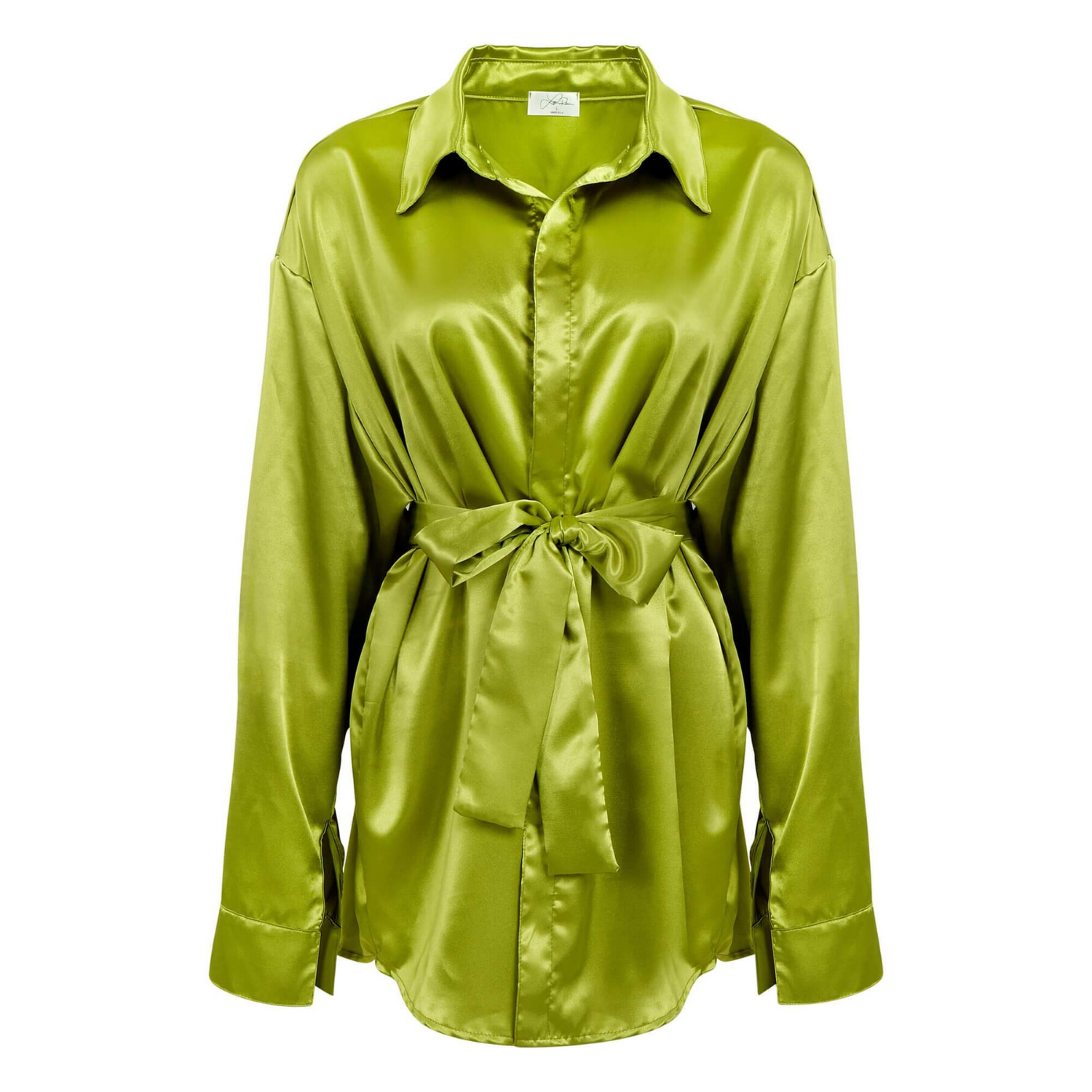
Category rules can vary. Apparel, jewelry, books, and certain specialty categories may have additional styling guidance. A model can be appropriate for some apparel listings, for example, but a model is not a universal solution for every primary image. Check the current category-specific requirements before planning a large photo shoot.
Image Size, Resolution, and File Format
Amazon accepts common image file types, including JPEG, TIFF, PNG, and GIF. JPEG is usually the most efficient choice for ecommerce photography because it delivers strong visual quality with manageable file sizes. Your files should be high resolution, sharply focused, and properly compressed so page loading is not affected by unnecessarily heavy uploads.
Use images that are at least 1,000 pixels on the longest side when possible. This helps activate Amazon’s zoom experience, which is especially valuable for jewelry, cosmetics, electronics, textured materials, and products with fine details. While smaller files may upload in some cases, they do not present the product at the same standard and can limit a shopper’s ability to inspect it.
Square images are practical because they display consistently across search results and mobile screens. A 2,000 by 2,000 pixel master file gives your team flexibility for Amazon, your own ecommerce site, ads, and print needs. What matters most is not chasing oversized files, but delivering clean detail, accurate color, and a crop that keeps the product prominent.
Build an Image Set That Answers Buying Questions
Amazon allows multiple listing images, and each one should have a job. The first image earns attention. The next images should remove uncertainty. A set made up of nearly identical angles wastes valuable space and leaves key questions unanswered.
Start with clear product-only views. Show the front, back, side, top, or interior when those perspectives help customers understand what they are purchasing. For a handbag, that may include the interior compartments and hardware. For a beauty product, it may mean showing the packaging, applicator, texture, and scale. For electronics, ports, controls, included components, and installed use can all influence the buying decision.
Lifestyle photography belongs in the secondary images, where it can show real-world use without compromising the clean main image. A beverage bottle on a styled table, a watch on the wrist, or a storage product in a well-organized room helps shoppers understand scale and context. The scene should support the product, not overwhelm it. If the product is small in the frame or visually lost in a busy environment, the image may look attractive but do little to drive sales.
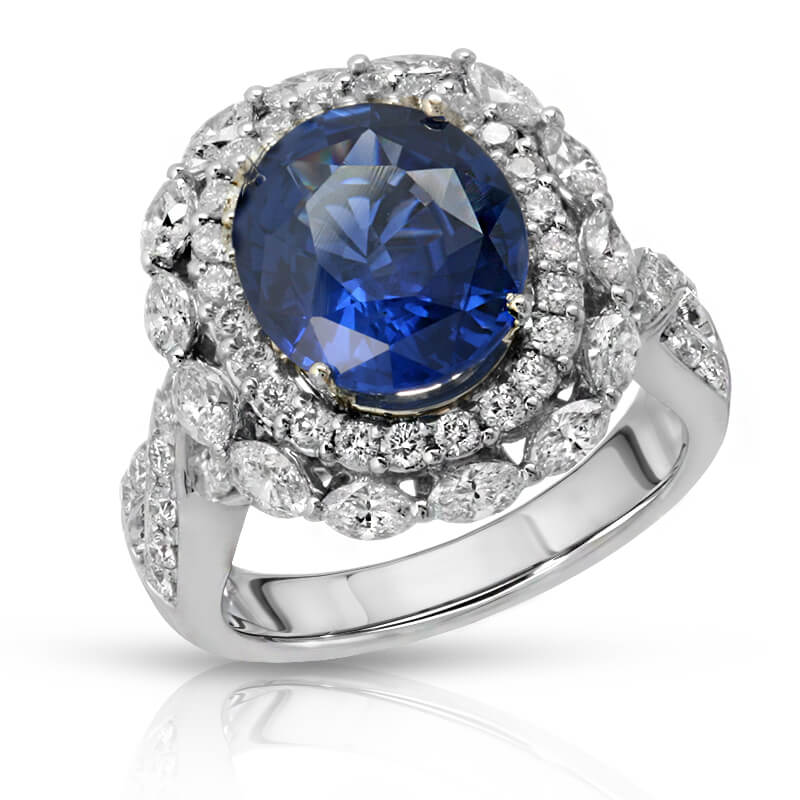
Detail shots are particularly valuable for products where workmanship, materials, finish, or texture justify the price. Macro photography can show gemstone facets, fabric weave, engraved details, skin-care texture, or the grain of a premium leather accessory. These images need careful lighting and retouching. Over-editing can make a finish look misleading, while poor lighting can make a quality product appear cheap.
Use Infographics Carefully
Secondary images can include text overlays, feature callouts, comparison details, dimensions, and simple instructions where Amazon permits them. The best infographics are easy to scan on a phone. They use large type, limited claims, and visual proof that supports the message.
Avoid crowding an image with every feature your product offers. One image might communicate dimensions and capacity, while another explains a material benefit or shows what is included. Claims such as “best,” “guaranteed,” or medical-performance language can create compliance concerns if they are not properly supported. Keep the copy factual and consistent with your product detail page.
Color Accuracy Is a Sales Requirement
Product color is one of the fastest ways to create returns when it is handled poorly. This is especially true for apparel, cosmetics, jewelry, glassware, furniture, and any product offered in multiple color variations. A color-corrected image should represent the actual item under normal viewing conditions, not an overly saturated version created to stand out in a crowded search page.
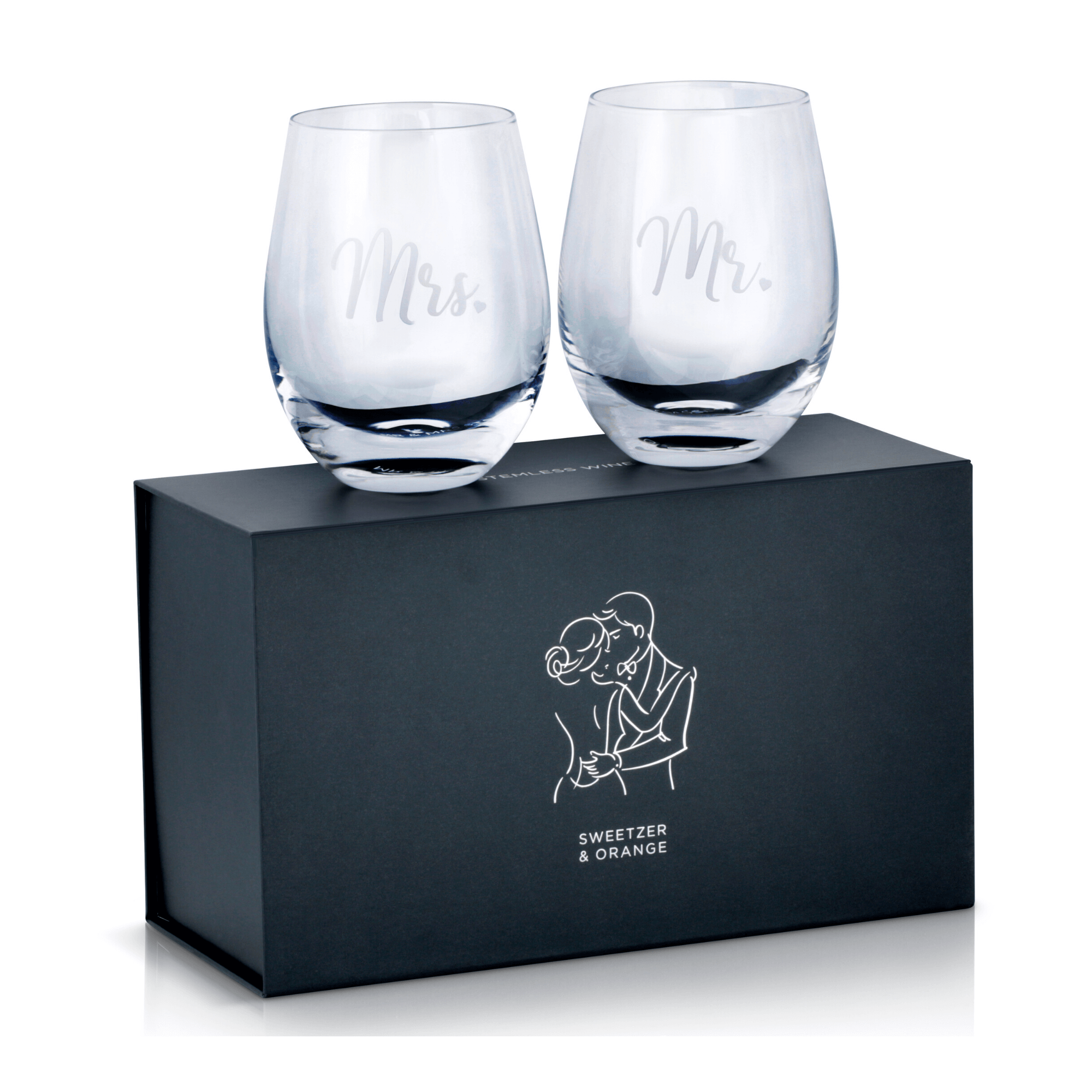
Accurate color requires more than a good camera. It depends on controlled lighting, calibrated monitors, thoughtful retouching, and a consistent workflow across every SKU. White products need detail without looking gray. Black products need shape and texture without losing their true tone. Reflective items such as watches, metallic packaging, and glass require careful control of highlights and reflections.
For variation listings, consistency matters as much as individual image quality. Every colorway should use the same crop, camera angle, lighting approach, and visual scale. This gives the customer a reliable comparison and makes the brand page look organized rather than pieced together.
A Production Workflow That Prevents Costly Reshoots
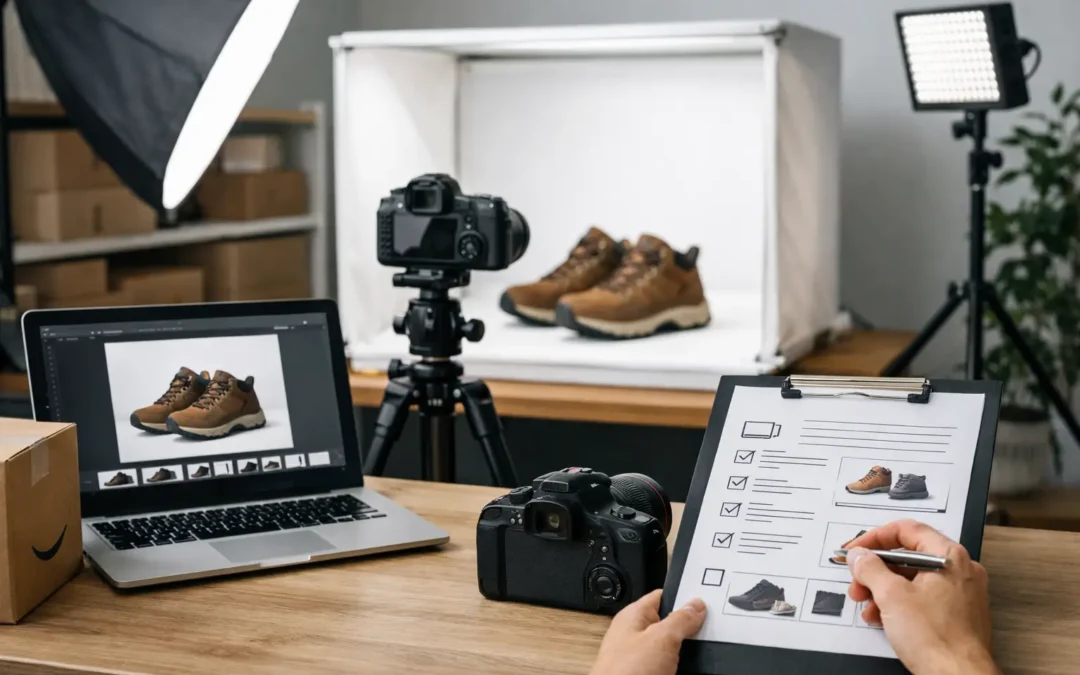
The most efficient Amazon photography starts before the camera comes out. Send the complete product sample, packaging, inserts, accessories, and any available brand guidelines. Confirm what is included in the sale, which features deserve close-ups, and whether the listing will use variations or bundles. Small details at this stage prevent images from showing the wrong item or an incomplete package.
A practical production plan usually includes four parts:
- A compliant white-background main image for every sellable SKU or variation.
- Product-only angles that show construction, scale, and included components.
- Detail images for materials, textures, labels, interfaces, or premium features.
- Lifestyle and infographic images that explain use, benefits, and purchasing context.
This approach balances compliance and conversion. Not every product needs the same number of lifestyle scenes or macro images. A basic office supply may convert with clean angles, dimensions, and one in-use image. A premium beauty product or jewelry collection may need more detail work to communicate quality and justify its price point.
Before upload, review every file at full size and at mobile size. Check for dust, fingerprints, crooked labels, inaccurate colors, weak crops, pixelation, and text that becomes unreadable on a small screen. Also make sure images match the exact variation being sold. A polished blue item image attached to a black variation can quickly create confusion, negative reviews, and returns.
Common Image Problems That Hurt Listings
The most common issue is treating the Amazon main image like a brand campaign image. A dramatic shadow, colorful background, styled props, or promotional graphic may work on social media, but it can fail Amazon’s primary-image standards. Keep the hero image simple and use the later slots for creative merchandising.
Another frequent problem is showing too little product. A small object surrounded by excessive white space loses visual impact in search results. The opposite problem is an overly tight crop that cuts off an edge, accessory, or important label. Professional product photography solves both problems by creating a clean, balanced composition with the product large enough to read instantly.
Finally, do not rely on generic manufacturer images when your competitors are investing in clear, branded visual content. Buyers compare listings in seconds. Clean lighting, accurate color, thoughtful retouching, and useful secondary images signal that the seller understands the product and stands behind it.
When your images meet Amazon’s standards and answer the customer’s real questions, they do more than help a listing get approved. They give shoppers a clearer reason to click, trust, and buy. For sellers who need fast, polished production across multiple SKUs, professional product photography can turn that image set into a measurable sales asset.