A shopper cannot pick up your product, check its scale, feel its finish, or turn it over in their hands. Your listing photos have to answer those questions before hesitation turns into an abandoned cart. So, how many listing photos should a product have? For most ecommerce listings, the practical answer is five to eight strong images. For products with more features, variations, or buying considerations, eight to 12 images may be the better investment.
The goal is not to fill every available image slot. The goal is to give shoppers enough visual proof to buy with confidence. A listing with four clear, purposeful photos will usually outperform one with 10 repetitive images. Conversely, one clean hero shot is rarely enough to sell a detailed product online.
How Many Listing Photos Are Right for Your Product?
Start with the complexity of the product and the questions a buyer needs answered. A simple candle in a standard jar may need five or six images: a clean main image, alternate angles, a label close-up, a scale reference, and a lifestyle image. A watch, skin care set, piece of jewelry, or electronic device often needs eight or more because customers want to inspect materials, controls, packaging, dimensions, and fine details.
For many Amazon sellers, seven images plus a video is a strong working target when the category allows it. Amazon product pages have limited space, so each image needs a defined job. Direct-to-consumer stores and marketplace listings can often support more images, especially for apparel, furniture, beauty products, or products with multiple components.
Think in terms of buyer confidence rather than image quantity. If a shopper still has to guess about size, color, finish, use, or what is included, the listing needs another useful photo.
Build a Photo Set That Moves Shoppers Forward
A conversion-focused listing usually starts with a polished hero image. This is the image that earns the click. It should show the product clearly, fill the frame appropriately, and meet the marketplace or retail site’s technical requirements. For Amazon, the main image is typically a clean product view on a pure white background. Your product should be instantly recognizable at thumbnail size.
The next images should reduce uncertainty. Alternate angles show the full shape and construction. Close-up images show texture, hardware, stitching, gemstones, ingredients, interfaces, or other details that affect perceived quality. A scale image helps prevent returns caused by unexpected size. For a small product, showing it in a hand or next to a familiar object can be more effective than a dimension graphic alone.
Lifestyle photography adds context. It shows where, when, or how the product fits into a customer’s life. A beverage belongs in a serving moment. A handbag should be shown carried. A desk organizer should be shown in use. This kind of image helps shoppers picture ownership, which can strengthen purchase intent.
Finally, use infographic or feature-callout images when a product has benefits that are difficult to understand from a standard photograph. A skincare product may need ingredient or application callouts. Electronics may need a clear view of ports, compatibility, or battery life. A home product may need a concise dimensions graphic. Keep the design clean. Too much text, too many icons, or tiny type creates noise instead of clarity.
A Practical Image Count by Product Type
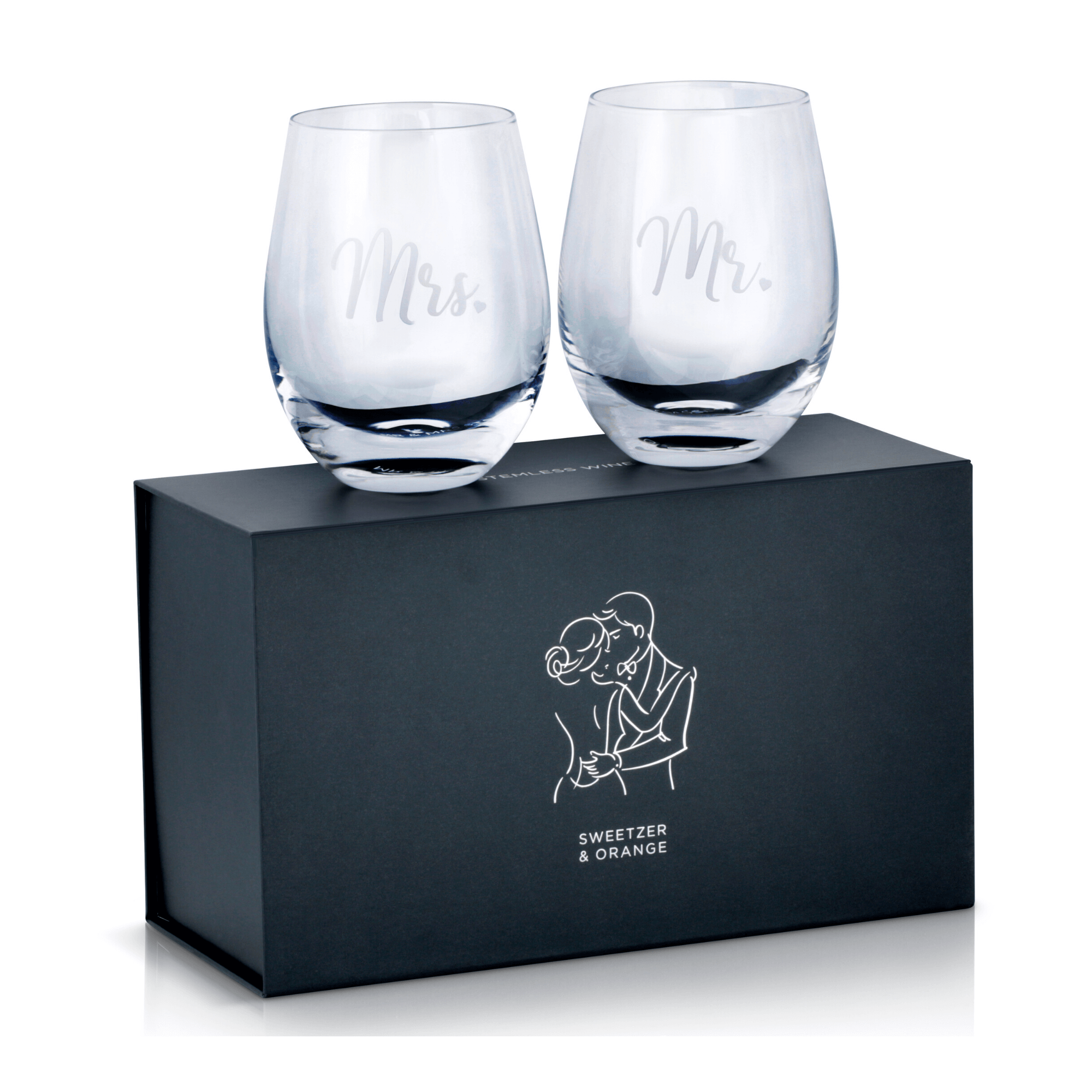
Simple, low-cost products usually need five to six listing photos. That is enough room to show the front, back, side, important details, size, and one contextual use case. Examples include notebooks, basic glassware, office supplies, simple accessories, and single-item household goods.
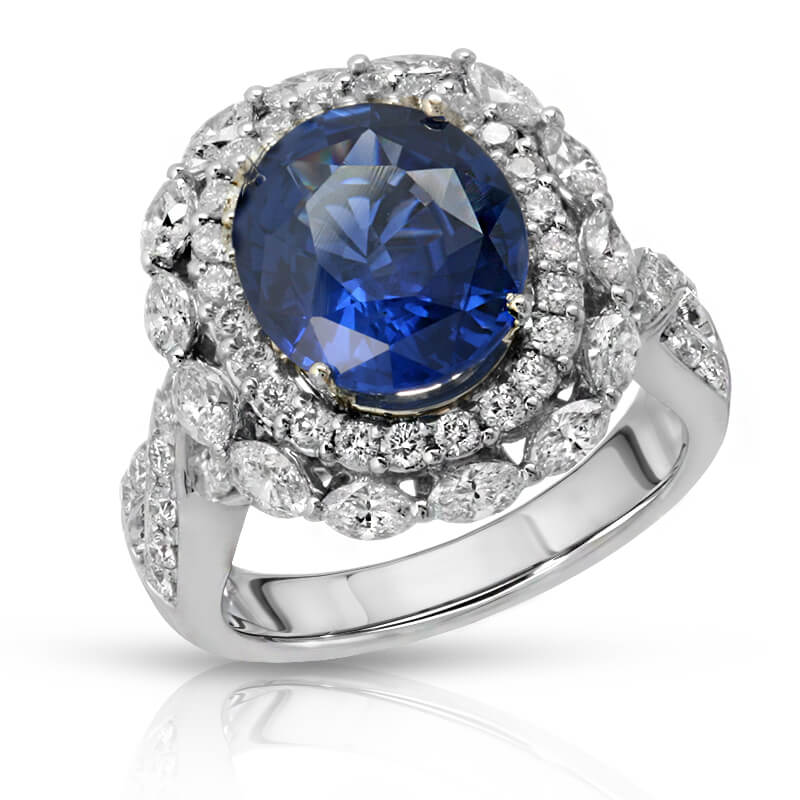
Products with visual details or premium materials generally need seven to nine photos. Jewelry, watches, handbags, cosmetics, footwear, and specialty food or beverage packaging fall into this range. Customers need to see quality from multiple angles before they trust the price. Color accuracy, retouching quality, reflections, and macro detail matter more in these categories than simply adding extra images.
Complex, multi-piece, technical, or high-consideration products may need nine to 12 photos. This includes electronics, medical items, kits, appliances, furniture, and products sold in multiple configurations. Use the additional space to show what comes in the box, key parts, assembly or setup, compatibility, dimensions, and real-world use.
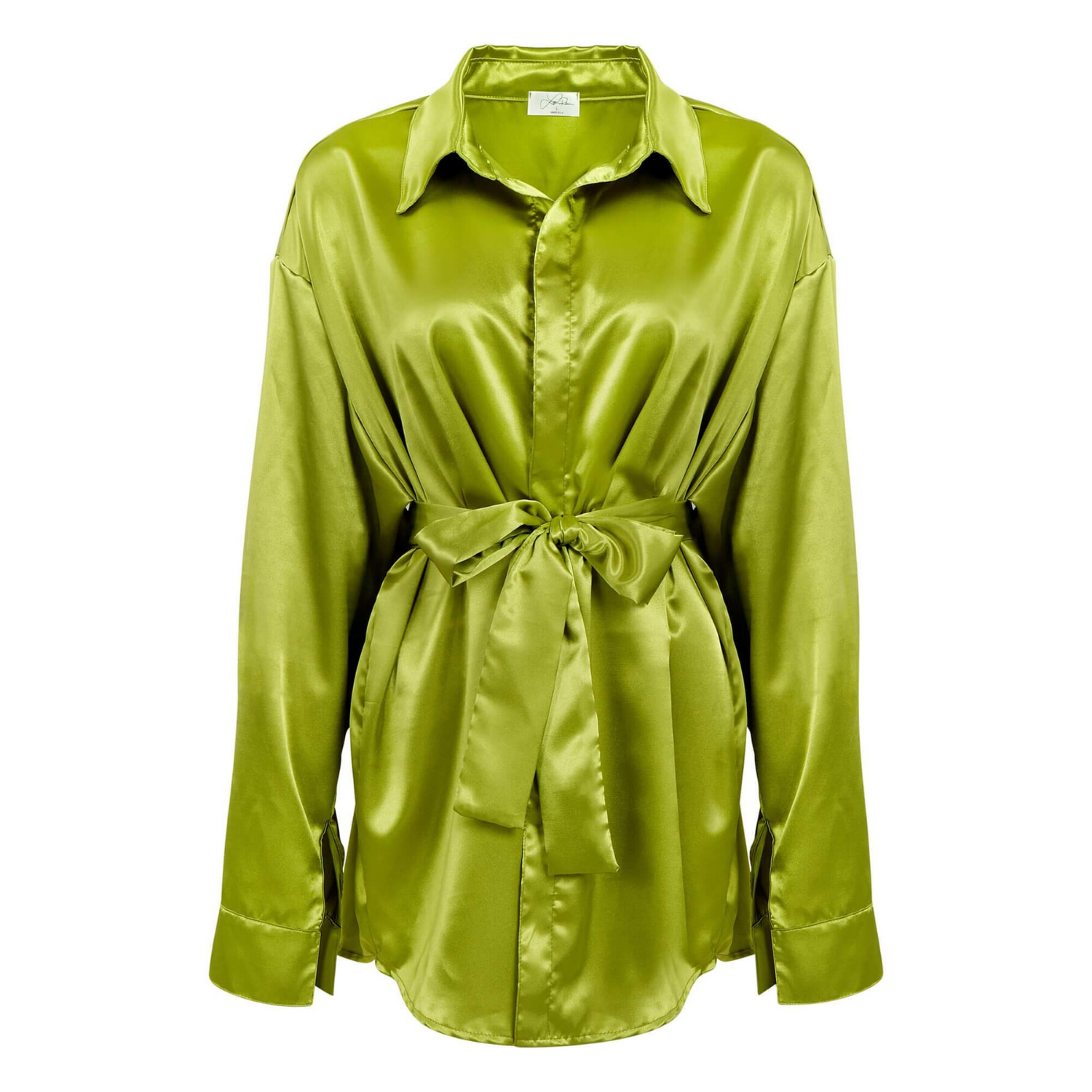
Apparel deserves its own approach. Most clothing listings need at least six to 10 images because fit and color are major purchase barriers. Show front, back, side, detail views, fabric texture, and the garment on a model when appropriate. Add close-ups of closures, pockets, hems, embroidery, or stretch details when they influence the buying decision. Accurate color is especially important because a mismatch can quickly become a return.
More Images Are Not Always Better
It is easy to assume that more listing photos automatically mean more sales. That is not always true. Repeating nearly identical angles can make a product page feel unfinished or poorly planned. It can also bury the information shoppers actually need, especially on mobile screens.
Every image should answer a different question. What does it look like? How large is it? What is it made of? What is included? How does it work? How does it look in use? Why is it better than a basic alternative? If two photos answer the same question, choose the stronger one.
There is also a production trade-off. More images require more styling, retouching, quality control, and sometimes additional props or models. That cost is worthwhile when the photos address a real sales objection. It is less worthwhile when they only create visual duplication. A focused six-image set can be more efficient and more effective than a rushed 12-image set.
Match the Photo Count to the Sales Channel
Marketplace rules should shape your plan. Amazon sellers need to follow category-specific standards for main images, backgrounds, image dimensions, and text overlays. The main image has a different job from the supporting images, so do not treat the entire gallery as one generic photo set.
For your own ecommerce site, you have more control over the customer experience. You can use detail shots, lifestyle scenes, comparison graphics, packaging images, and short-form video to tell a fuller product story. Retailers and wholesale catalogs may prioritize consistent white-background images, exact color representation, and standardized angles across a full product line.
If you sell the same product across Amazon, Shopify, Walmart Marketplace, and retail channels, plan the photography once and deliver channel-ready crops and versions. This protects brand consistency while helping each platform perform at its best.
Use Listing Photos to Prevent Returns
A high-converting image set does more than earn clicks. It sets accurate expectations. That means showing the actual color, correct product size, included accessories, packaging, and any details that could surprise a buyer after delivery.
Do not hide limitations. If an item is compact, show its scale. If a set includes three pieces, photograph all three. If a finish has natural variation, show it honestly. Clear photography may filter out a few poorly matched shoppers, but it can also reduce costly returns and protect reviews.
For products with color variations, photograph every color carefully rather than relying on inaccurate digital recoloring. For jewelry and reflective products, detailed lighting and professional retouching are essential to showing metal, stones, and surface finish without misleading the customer.
Plan Your Listing Photography Before the Shoot
The fastest way to control cost and turnaround is to create a shot list before products arrive at the studio. Define the hero image, alternate views, required details, scale reference, lifestyle concepts, and feature graphics. If you are launching a collection, identify which images need to stay consistent across every SKU.
A professional product photography team can help turn that list into a scalable production plan. Product Photography Studio creates high-resolution, professionally retouched product images for ecommerce sellers and brands, with pricing that can start as low as $12 per image depending on the project. The right plan prevents reshoots and gives your marketing team assets they can use across product pages, ads, catalogs, and social campaigns.
Before adding another image, ask one direct question: will this photo make the product easier to understand or easier to want? If the answer is yes, it belongs in the listing. If not, invest that budget in making the essential photos sharper, more accurate, and more persuasive.