A customer cannot pick up your product, feel its weight, inspect its finish, or compare its size in person. On a marketplace listing, your images have to do that work in seconds. A focused marketplace image strategy gives buyers the visual proof they need to click, trust the product, and complete a purchase.
For Amazon sellers, ecommerce brands, and retail marketing teams, better photos are not simply a design upgrade. They are a sales asset. The right image set can clarify what the product is, show why it is worth the price, reduce avoidable questions, and create a more polished brand experience across every listing.
What a Marketplace Image Strategy Should Accomplish
A strong product listing does more than display a white-background cutout. It leads a buyer from first impression to purchase decision. Each image should answer a practical question: What is this? What does it look like from every relevant angle? How large is it? What makes it different? How will it fit into the buyer’s life?
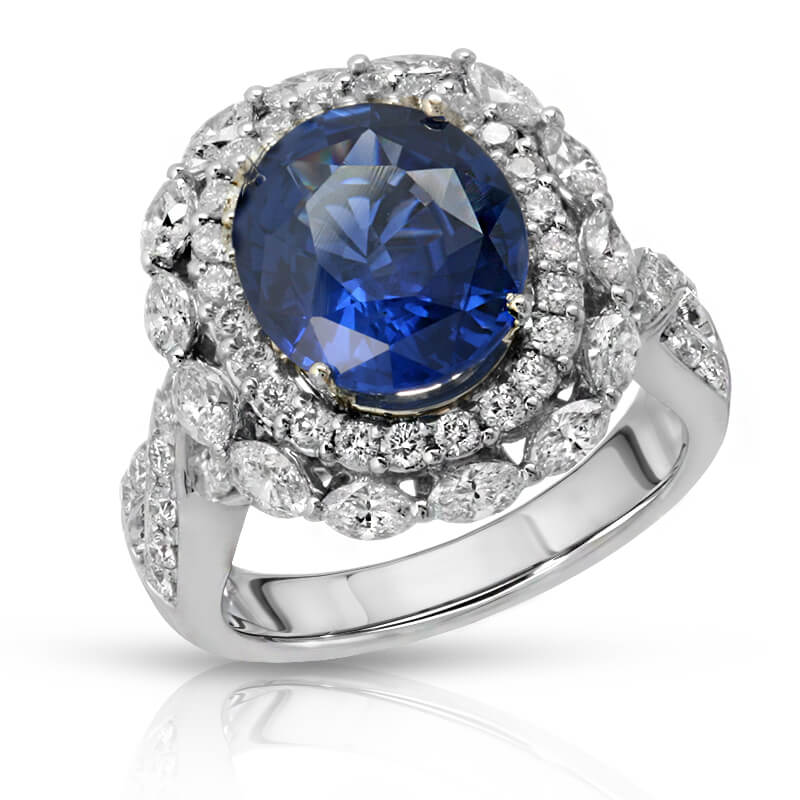
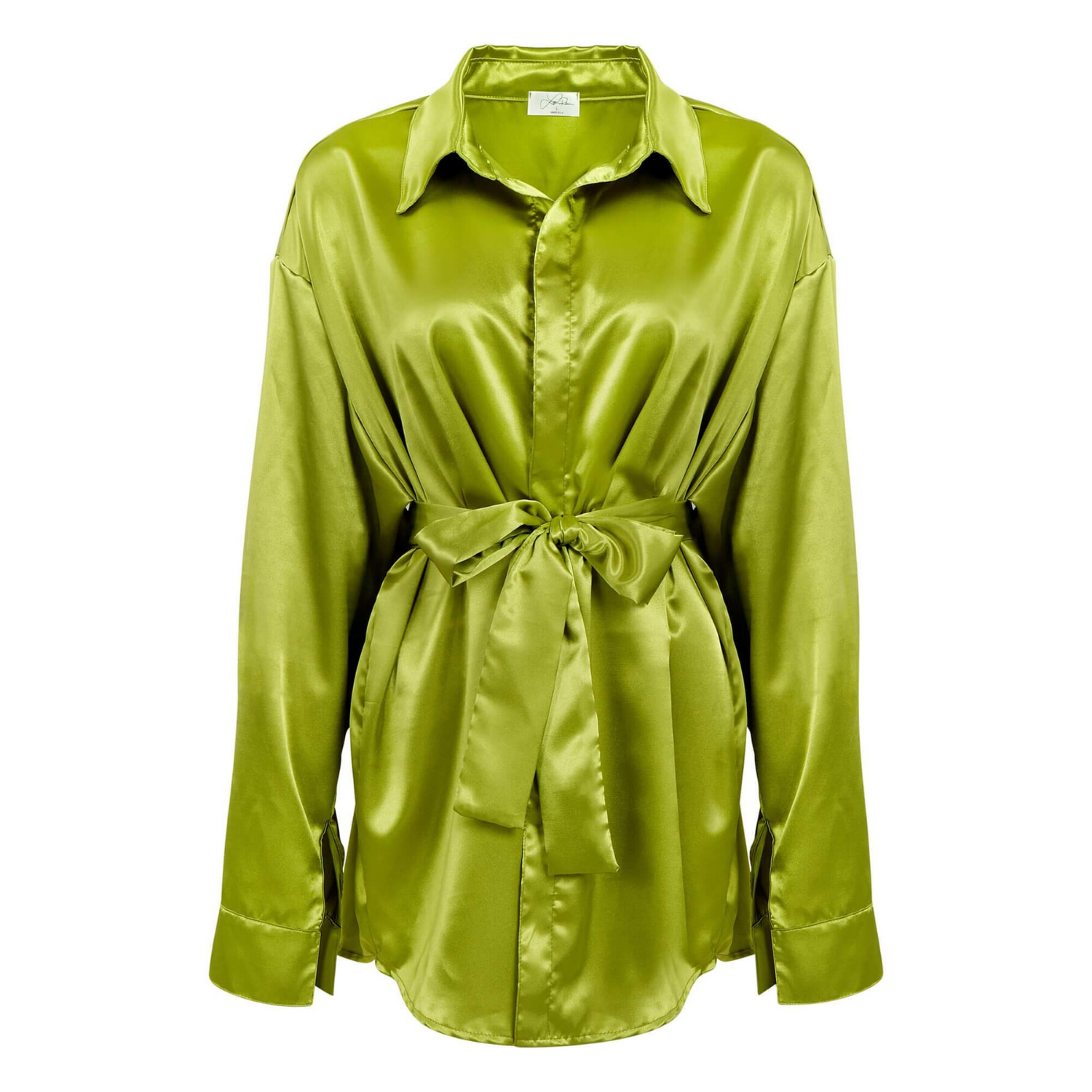
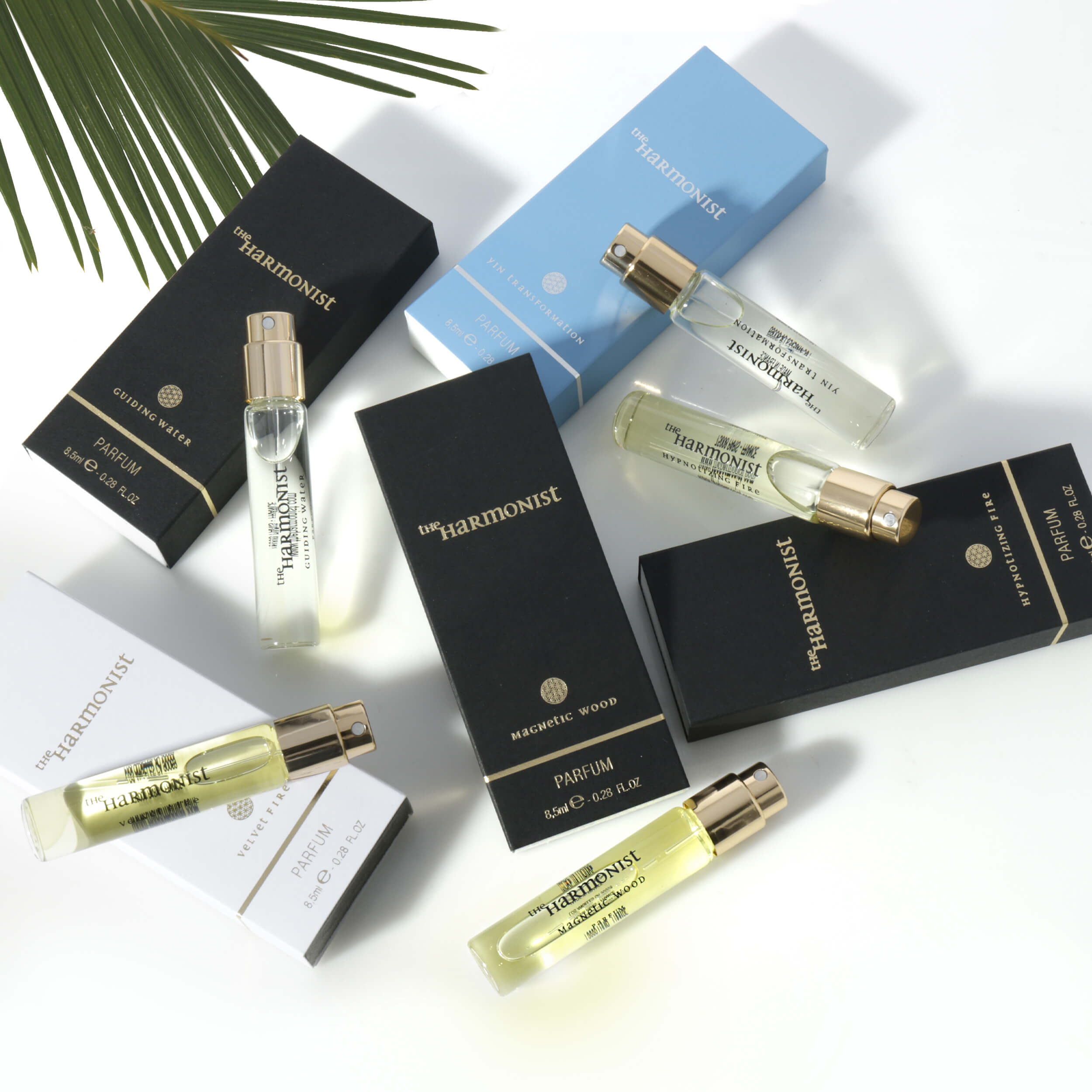
The priority varies by product category. Jewelry buyers need sharp detail, accurate metal color, gemstone sparkle, and scale. Apparel shoppers need true color, fit, fabric texture, and a clear view of front, back, and key details. Beauty products need clean packaging, readable labels, and imagery that supports the product’s intended use. Electronics require ports, controls, dimensions, accessories, and compatibility to be easy to understand.
That is why one standard photo package rarely works for every product. The best strategy starts with the buyer’s decision-making process, then builds an image sequence around it.
Start With the Marketplace Rules, Then Build for Conversion
Every marketplace has its own technical and content rules. Amazon, Walmart, Etsy, eBay, and retail marketplaces may differ on main-image backgrounds, text overlays, lifestyle content, image dimensions, or acceptable props. Those requirements should shape production from the beginning, not become a last-minute editing problem.
Your main image is usually the most restricted and the most commercially important. It needs to be clear at thumbnail size, professionally lit, properly cropped, and instantly recognizable. For many marketplace categories, that means a product shown on a pure white background with no distracting graphics, packaging clutter, or unnecessary accessories.
Compliance alone is not enough. A technically acceptable main image can still lose clicks if the product is too small in frame, poorly lit, visibly wrinkled, or missing an important included component. The image should make the product feel premium and easy to understand before the shopper reads a single bullet point.
Secondary images have more room to sell. They can show features, material details, scale, real-world use, packaging, product variations, and comparison points. This is where brands can address objections before they become abandoned carts or returns.
Put the Most Valuable Information First
Marketplace shoppers move quickly. Your image order should reflect that behavior. After the main image, show the view or benefit most likely to influence the purchase. For a handbag, that may be interior capacity. For a supplement, it may be the label and serving information. For a watch, it may be the dial, band texture, and side profile. For cookware, it may be the cooking surface, handle construction, or set contents.
Do not save the best proof for the final image. If a product has an adjustable feature, unusually compact size, premium material, or useful accessory, place that information early in the sequence.
Build an Image Set Around Buyer Questions
The most effective marketplace listings usually include a mix of clean product photography and supporting visual information. The exact number depends on the platform, category, and product complexity, but the roles should be intentional.
A practical image set often includes these distinct functions:
- A compliant hero image that makes the product immediately clear
- Multiple product angles that reveal shape, finish, construction, and included parts
- Detail images that show craftsmanship, texture, closures, controls, labels, or materials
- Scale imagery that makes dimensions understandable
- Lifestyle images that show the product in use or in an appropriate setting
- Feature graphics that communicate factual benefits without overcrowding the image
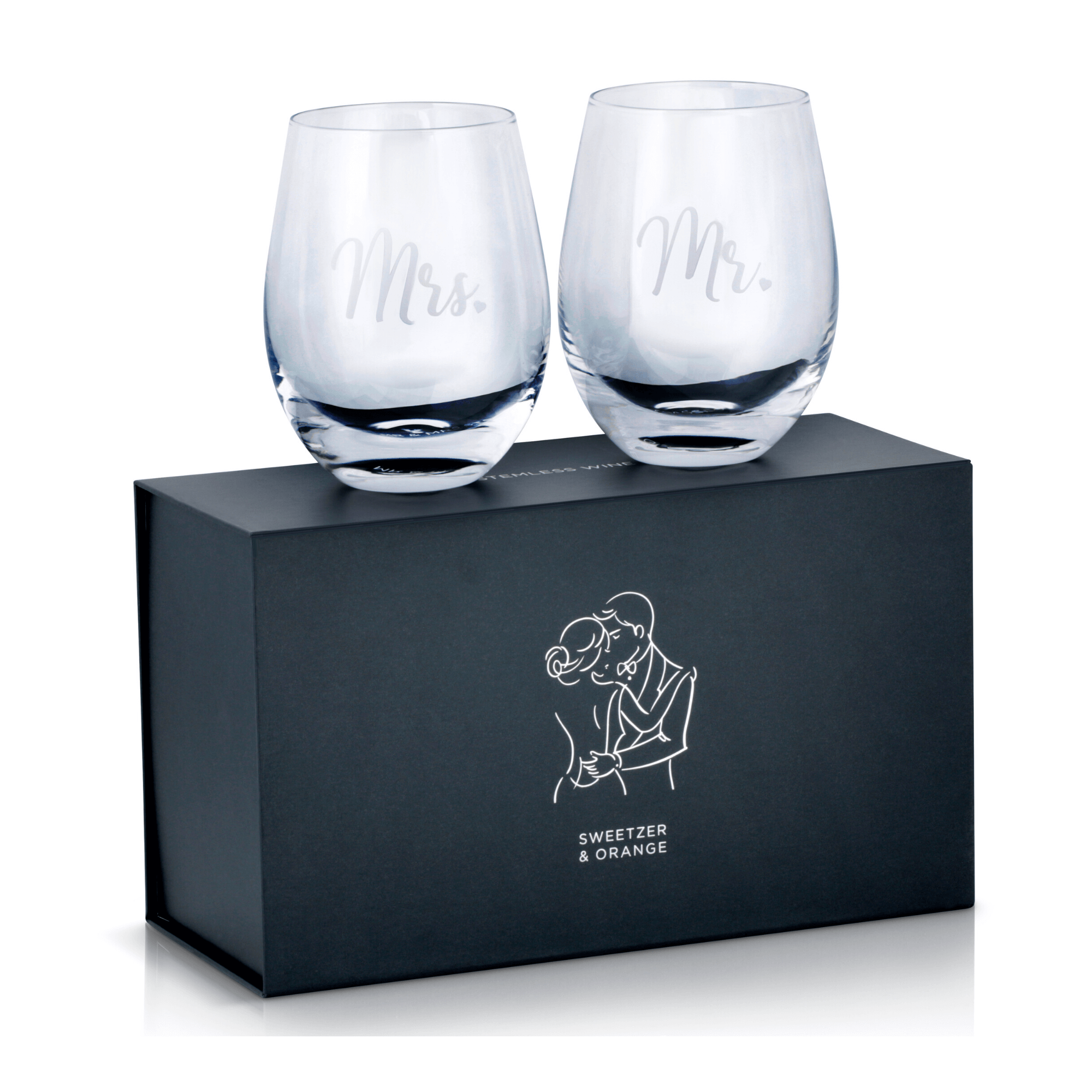
- Packaging or bundle images when what is included affects the purchase decision
Not every product needs every image type. A simple pair of earrings may need close-up detail, model scale, side views, and a polished packaging image. A multi-piece office product may need a hero shot, set contents, dimensions, usage images, and clear feature callouts. More images are useful only when each one removes uncertainty.
Use Lifestyle Images to Add Context, Not Confusion
Lifestyle photography helps buyers imagine ownership. It is especially valuable for apparel, accessories, home goods, beauty, beverages, toys, and fitness products. It can establish scale, show use, and support a brand’s visual personality.
But lifestyle images need restraint. Busy locations, excessive props, poor styling, or dramatic lighting can hide the item you are trying to sell. The product should remain the visual focus. If the buyer has to search the frame to find it, the image is not doing its job.
For products with color-sensitive finishes, a combination works best: clean studio images for accuracy and lifestyle images for context. This is particularly important for apparel, cosmetics, glassware, and jewelry, where a dramatic scene may look appealing but distort the actual color or finish.
Make Color, Retouching, and Consistency Non-Negotiable
Inconsistent imagery creates hesitation. A customer may not consciously identify the problem, but they notice when one product photo looks warm, another looks blue, and a third has a different background tone. The listing feels less established, and the product may appear lower quality than it is.
Professional post-production brings consistency to the entire catalog. It corrects dust, fingerprints, scratches, loose threads, distracting reflections, uneven backgrounds, and small visual issues that weaken a product’s presentation. For apparel, careful retouching can preserve true fabric color while keeping garments clean and properly shaped. For jewelry and watches, it can control difficult reflections while retaining realistic metal, stone, and dial detail.
Retouching should improve the presentation, not misrepresent the product. Over-editing can create return problems when the delivered item does not match customer expectations. Accurate color, honest proportions, and visible product details protect both conversion rates and long-term customer trust.
Design for Mobile Screens First
Most marketplace browsing happens on phones, where a beautiful desktop image can become unreadable. Fine text, tiny comparison charts, and crowded feature callouts often fail on mobile screens.
Before approving image graphics, view them at a small size. Is the headline readable? Does the product remain visible? Can a customer understand the feature without zooming? If not, simplify it. One clear point per graphic usually performs better than a dense block of marketing copy.
This matters most when brands use infographic images. The purpose is to reinforce a purchase decision, not to place an entire product manual inside a photo. Use concise, factual language and show the feature visually whenever possible.
Plan Photography for Scale, Not One Listing at a Time
A marketplace image strategy becomes more valuable when it can be repeated across a growing catalog. Brands need consistent crop ratios, angles, background treatment, lighting, file naming, and image specifications so new listings do not look disconnected from existing ones.
Create a category-specific shot plan before products arrive at the studio. Identify the required hero image, essential angles, detail shots, scale references, lifestyle needs, and any graphics your marketplace team will need later. For product lines with multiple colors or variants, decide which images will be photographed individually and which can be managed through accurate color variations or shared supporting content.
This planning reduces reshoots and controls costs. It also gives your listings a recognizable visual standard, whether you are launching five SKUs or five hundred.
At Product Photography Studio, we work with brands that need high-resolution, retouched product images produced quickly and priced for growth. A clear shot list and category-aware production approach help keep every image focused on the result that matters: a listing that looks credible and sells confidently.
Measure What Buyers Are Telling You
Image performance is not always visible through a single metric, but several signals can point to a visual problem. Low click-through rate may indicate a weak main image. Strong clicks but low conversion can mean shoppers need better detail, scale, or lifestyle context. Repeated product questions often reveal missing information that an image could answer more effectively than copy.
Returns deserve attention as well. If buyers say an item was smaller than expected, a scale image may be missing. If they mention color differences, review color accuracy and editing. If they misunderstood what was included, make the bundle contents unmistakable in both imagery and listing copy.
Test thoughtfully when your marketplace allows it. Change one major variable at a time, such as the hero crop, the order of secondary images, or a feature graphic. Avoid redesigning the entire listing without a way to identify what improved performance.
Your product may be excellent, but marketplace customers can only buy what they can understand and trust from the screen. Give them clear, accurate, professionally produced images, and your listing has a far better chance to earn the click that starts the sale.