A product can be perfectly photographed and still look weak on Amazon if the crop is wrong. Amazon image cropping determines how large the item appears in search, whether fine details remain visible on mobile, and whether your main image feels clean enough to earn the click. For sellers competing against dozens of similar listings, framing is not a minor finishing step. It is part of the sales presentation.
A tight, accurate, platform-ready crop helps shoppers recognize the product immediately. A loose crop, clipped edge, or poorly centered image can make the same item look small, unpolished, or different from what the buyer expects. The goal is not simply to fill the frame. It is to show the product clearly while meeting marketplace standards and preserving a professional brand image.
Why Amazon Image Cropping Affects Sales
Amazon shoppers make fast decisions, especially in search results where product images appear at a small size. If an item occupies too little of the image area, important features disappear. Jewelry may lose its sparkle, cosmetics packaging may become unreadable, and a product with a distinctive shape may look like every competing option.
A stronger crop gives the product visual priority. It places the item where the shopper expects to see it, keeps the white background clean, and provides enough scale for the image to read at thumbnail size. This matters even more on mobile, where an oversized margin around the product can reduce its impact.
Cropping also affects consistency across a catalog. When one product is centered and generously sized while the next sits low in the frame with uneven empty space, the storefront feels less organized. Consistent presentation builds confidence, particularly for private-label brands and sellers with multiple variations.
There is a balance, however. Cropping too tightly can cut off a handle, lid, chain, sleeve, or package edge. It can also make a product feel crowded and make its true proportions harder to understand. The best crop is deliberate: large enough to be immediately legible, but open enough to show the complete item and its shape.
Main Image Cropping: Clean, Centered, and Compliant
The main image carries the most responsibility. It is commonly the first visual a shopper sees, and it must do more than look attractive. It needs to communicate exactly what is being sold without visual clutter.
For most standard product listings, the product should be photographed against a pure white background, centered in the square frame, and shown as the actual item for sale. A crop that allows the product to occupy most of the image area is usually more effective than one with large white borders. In practical terms, aim for a product presence that feels substantial without touching or being cut off by the image edges.
The product should never appear to float awkwardly near the top or bottom of the canvas. This often happens when an image is cropped from a lifestyle setup without being re-centered for the marketplace. A professional retoucher adjusts placement, not just dimensions, so the final file looks intentional.
Some categories need extra care. Tall bottles, apparel on invisible mannequins, long necklaces, and narrow electronics can create more white space by nature. Trying to force every item into the same visual footprint may distort the presentation. Instead, use a crop that respects the product’s proportions while making it as visible as possible.
Amazon’s image requirements and category rules can change, and some product types have additional restrictions. Before uploading, sellers should confirm the current image rules for their category. A well-produced image still needs to meet the marketplace’s active technical and content standards.
Start With a High-Resolution Original
Cropping removes pixels. If the original photo is too small, enlarging the final crop can soften edges, blur label text, and create visible artifacts. This is especially damaging for beauty packaging, watches, gemstones, and small consumer goods where buyers want to inspect fine detail.
Start with a high-resolution studio image, then create the final Amazon-ready crop from that master file. This gives the retoucher room to straighten packaging, refine the background, center the product, and export the correct dimensions without sacrificing sharpness. It also creates a useful archive for future marketplaces, print materials, and paid advertising.
Use Secondary Images to Answer Buying Questions
The main image should be simple. Secondary images are where sellers can show context, scale, components, use cases, and close-up detail. Cropping decisions here should follow the question each image is meant to answer.
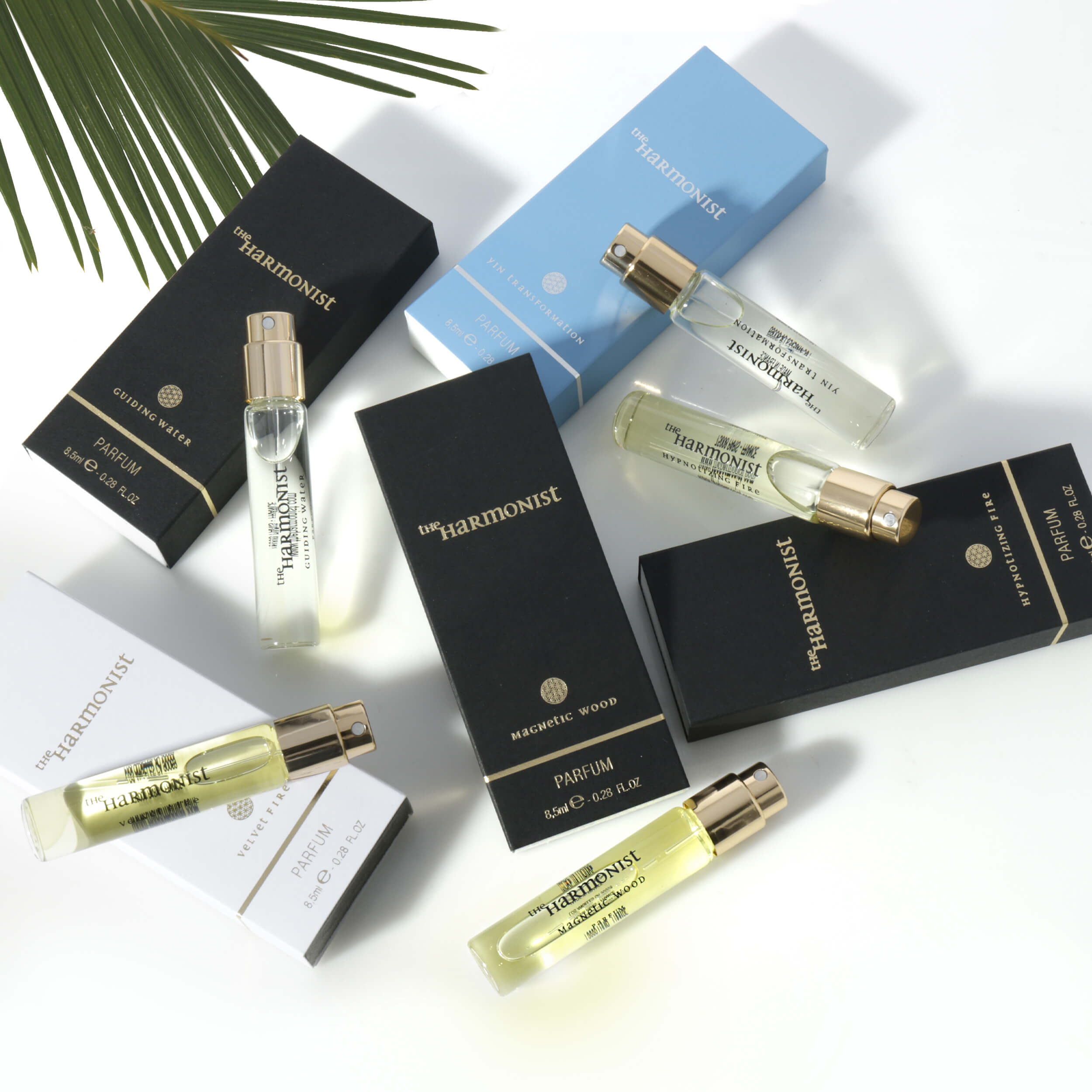
A close crop is effective when it highlights a material, finish, ingredient panel, clasp, control button, or construction detail. For example, a watch image may focus tightly on the dial and crown, while a skincare image can show the texture of the product and readable package information. These crops help reduce uncertainty without forcing the main image to do too much.
Lifestyle images need a different approach. The product should remain easy to identify, but the crop can include a hand, room setting, model, or usage moment when that context supports the sale. The mistake is allowing the environment to become the subject. If the product is small or visually lost in the scene, the image may look polished but fail to move a shopper toward purchase.
For products sold in sets or multipacks, use secondary images to clarify exactly what is included. A careful crop can show every component at a useful size. This is more reliable than relying on a distant group shot where buyers must guess whether accessories, refills, or packaging are part of the purchase.
Common Cropping Problems That Weaken Listings
Many listing-image issues begin after the photoshoot, when images are resized quickly without a product-specific review. The most common problems are avoidable.
A product that is too small in the frame loses visual power in search. Conversely, an item cropped too close can conceal its silhouette or make it look larger than it is. Uneven margins make a catalog feel inconsistent, while poor centering can look careless even when the product itself is high quality.
Another frequent issue is cropping before retouching is complete. Dust, scratches, uneven background tone, and imperfect cutout edges become more obvious when the product is enlarged. Retouching should happen with the final crop in mind, so the edges, shadows, reflections, and white background remain clean at the delivered size.
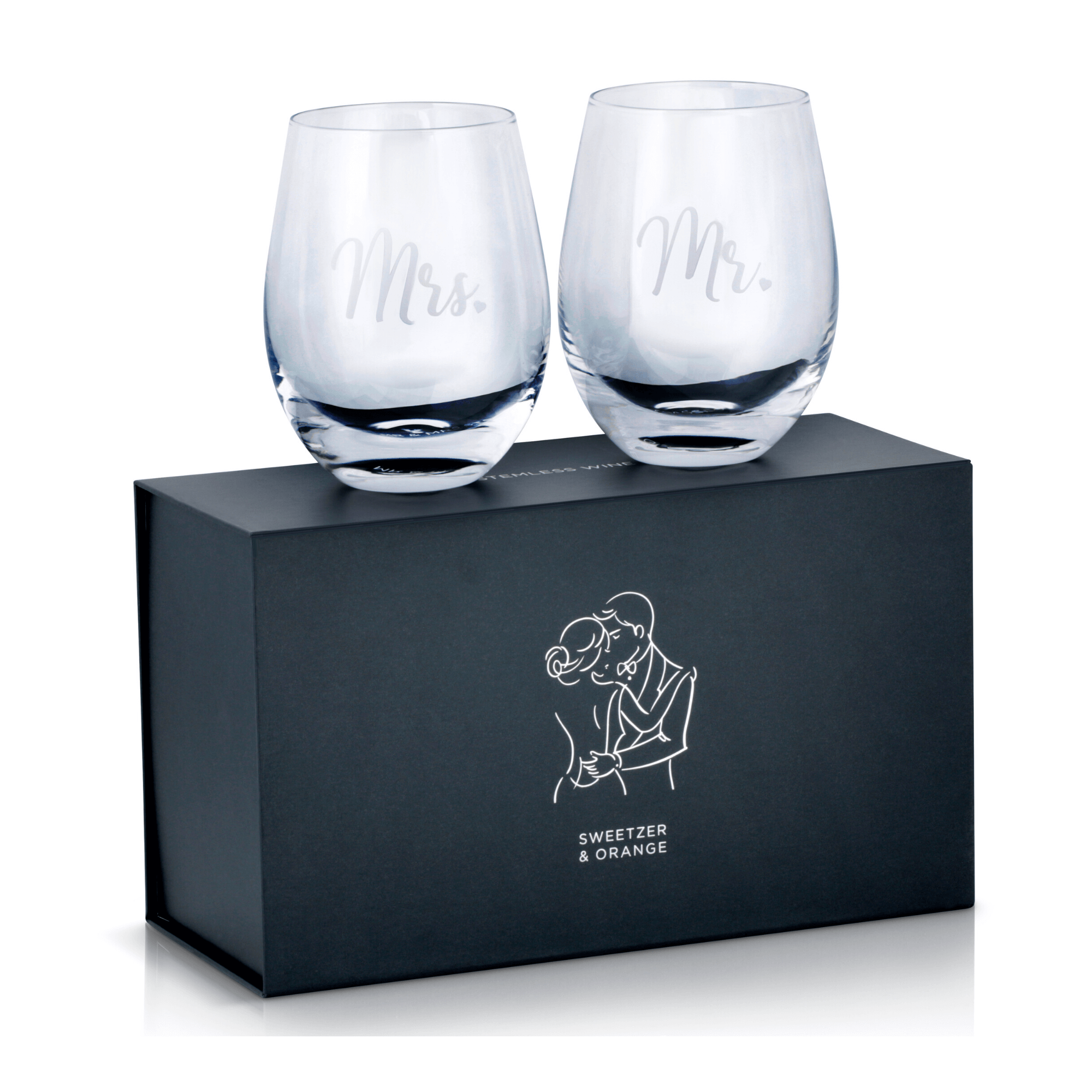
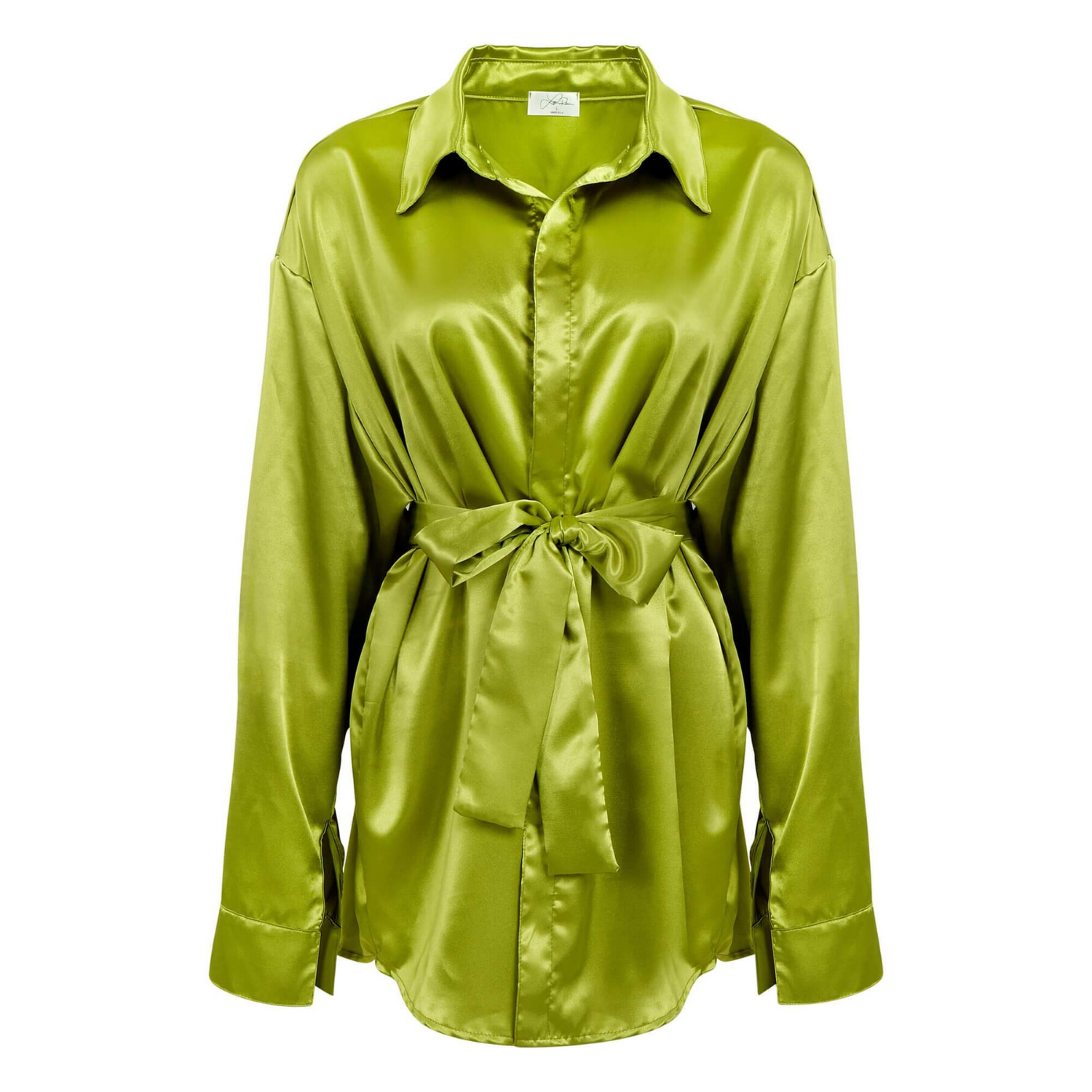
Color is also connected to cropping. When a product occupies very little of the frame, its color and surface finish have less opportunity to register. This is particularly relevant for apparel, cosmetics, glassware, and metallic accessories. Accurate lighting and color correction make the crop work harder for the listing.
A Practical Workflow for Amazon-Ready Images
Efficient sellers treat cropping as one stage of a repeatable production process. Begin by identifying the hero view of each product: the angle that makes it recognizable and presents the primary selling feature. Photograph that angle at sufficient resolution, with enough room around the product for refinements during post-production.
Next, select secondary views based on buyer objections. A kitchen tool may need a scale image, a close-up of the grip, and an in-use photo. A piece of jewelry may need a full-product image, a detail crop of the setting, and a worn image to communicate size. This approach produces images with a clear job rather than a collection of near-duplicates.
During retouching, refine the background, product alignment, exposure, and color before finalizing the crop. Then review the images at actual search-thumbnail size as well as full size. An image that looks excellent on a large monitor may still appear weak when reduced for a mobile search result.
Finally, keep consistent framing across related SKUs. Similar products do not need identical crops, but they should share the same visual discipline. Matching white backgrounds, centered placement, comparable scale, and clean retouching make a brand look established and make comparisons easier for shoppers.
When Professional Cropping Is Worth the Investment
For a few simple products, basic cropping may be manageable in-house. The trade-off is time and quality control. Once a catalog includes reflective metal, clear glass, apparel, small packaging, complex bundles, or frequent new launches, image production can become a bottleneck.
Professional product photography combines high-resolution capture with retouching and final marketplace formatting. At Product Photography Studio, that means creating polished product images designed for ecommerce use, with accurate color, clean backgrounds, and detail-focused finishing that helps products present at their best.
The strongest Amazon listing images make the buying decision feel easier. Give every product enough room to be understood, enough scale to stand out, and enough polish to earn shopper confidence before they read a single bullet point.