A product can be well made, fairly priced, and ready to ship, yet still lose sales because its listing images make shoppers hesitate. A marketplace photo audit identifies exactly where that hesitation begins: a weak main image, unclear product scale, inconsistent color, missing detail shots, or photos that fail a platform’s rules. For brands selling on Amazon, Walmart Marketplace, Etsy, eBay, and other ecommerce channels, this is one of the fastest ways to find practical improvements before investing more in ads or discounts.
A strong audit is not about making every photo look more artistic. It is about making each image do a specific selling job. The goal is to earn the click, answer likely questions, reduce uncertainty, and present the product at the standard shoppers expect in its category.
What a Marketplace Photo Audit Reveals
Most underperforming listings do not have one obvious photography problem. They have several small issues working together. The main image may technically meet marketplace requirements but look dim next to competitors. A secondary image may show a feature without clearly explaining its benefit. A lifestyle photo may be attractive but fail to show the product’s actual size or finish.
A marketplace photo audit reviews the full image set as a buyer sees it, not as the seller remembers creating it. That distinction matters. Sellers know what the product is, how it feels, and why it is useful. New shoppers do not. They make quick judgments from a thumbnail, then look for visual proof before they buy.
The audit should compare your listing to both marketplace standards and the products occupying the most visible positions in your search results. A photo set can be compliant and still be commercially weak. If competing images are brighter, more detailed, better styled, or easier to understand on a phone screen, compliance alone will not close the gap.
Start With the Main Image
The main image has one job: stop the right shopper and make the product immediately recognizable. On crowded search pages, it is often the difference between an impression and a click.
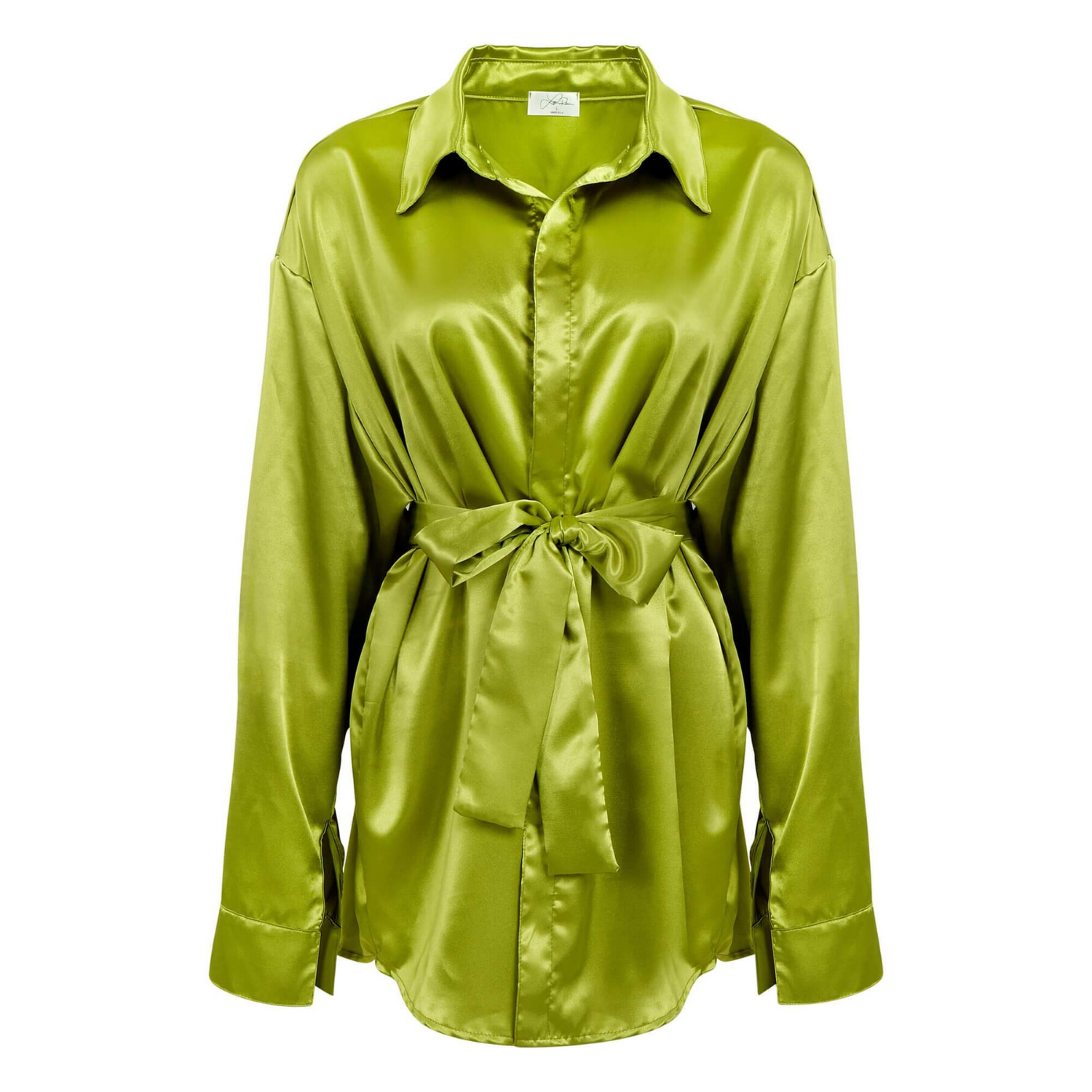
For most marketplaces, the main image should show the exact product clearly against a clean white background. The product needs to occupy enough of the frame to be easy to identify at thumbnail size without being cropped awkwardly. Edges should be clean, lighting should be even, and the product should look true to its real color and material.
This is especially important for jewelry, cosmetics, glassware, electronics, and apparel. A ring can disappear if metal reflections are flat. A skincare bottle can look low value if labels are soft or packaging is wrinkled. An apparel item can generate returns when its photographed color shifts too far from what arrives. Strong retouching corrects distractions while preserving accurate product details.
Ask a straightforward question: if the product appeared next to five similar items at a small size, would a shopper understand what it is and why it looks worth considering? If the answer is uncertain, the main image needs attention.
Check Whether Every Supporting Image Has a Purpose
Secondary images are where a listing earns confidence. They should not be repeated angles that look different only to the person who photographed them. Each image should answer a question that could prevent a purchase.
Review your image sequence for these essential jobs:
- Show the product from angles that reveal shape, depth, closures, connectors, or construction.
- Show scale through dimensions, a hand, a model, or a familiar reference when marketplace rules allow it.
- Show close-up details such as fabric texture, gemstones, controls, ingredient labels, finishes, or craftsmanship.
- Explain a key function, included component, size option, or product benefit with clear supporting graphics where permitted.
- Put the product in use when context helps the buyer understand fit, purpose, or lifestyle relevance.
The right mix depends on the category. A watch needs dial, case, clasp, and wrist-scale views. A beverage product needs a clean hero image, packaging details, serving context, and a readable view of its variety or count. A medical or electronic item may require connection points, controls, compatibility details, and a clear indication of what is included.
Avoid using lifestyle images as decoration. A lifestyle shot should make the product easier to imagine owning or using. If it makes the product too small, hides the key feature, or introduces visual clutter, it may work better for a brand campaign than a marketplace listing.
Review Color, Retouching, and Consistency
Color accuracy is a sales issue, not a cosmetic preference. When shoppers receive a product that looks materially different from the listing, the result can be returns, negative reviews, and lower confidence in future purchases. This risk is especially high for apparel, makeup, gemstones, home goods, and products with glossy or reflective surfaces.
An audit should check whether colors remain consistent from image to image. If one photo makes a navy garment look black and another makes it look bright blue, shoppers will notice. The same applies to white balance. A white product photographed with a yellow cast can look aged or lower quality, while overly cool lighting can make warm-toned materials appear lifeless.
Retouching should remove dust, scratches, wrinkles, uneven backgrounds, and minor production distractions. It should not misrepresent the product. For example, removing a temporary smudge from a glass bottle is appropriate. Editing out a functional seam, changing the color of a fabric, or making a small gemstone appear substantially larger creates a customer expectation problem.
Consistency also applies across your catalog. Similar products should have similar framing, background treatment, shadow style, and level of retouching. A unified visual standard makes a brand look established and helps customers compare options quickly. It also gives marketing teams more usable assets for product pages, catalog layouts, and advertising.
Test Images on the Screens Customers Actually Use
Desktop review is necessary, but it is not enough. Many marketplace shoppers discover products on mobile, where thumbnails are small and attention is limited. An image that looks detailed on a large monitor may become unreadable on a phone.
Check the listing on mobile and desktop. Look at the search-result thumbnail, the first image at full screen, and the full carousel sequence. Can you read the label? Does the product still have clear edges? Are infographic callouts large enough to understand without zooming? Does the order of images answer the most important questions early?
This is also the point to check crop behavior. Different marketplaces and ad placements may display images in slightly different aspect ratios. Keep critical product details away from outer edges, and do not rely on tiny text to communicate an essential feature.
Compare Against the Real Competitive Set
A useful audit does not judge images in isolation. Search the phrases shoppers use to find your product, then study the leading listings as a buyer would. Focus on visual patterns, not copying another seller’s style.
Look for the standards the category has established. In premium jewelry, sharp macro detail and controlled reflections may be expected. In kitchen products, shoppers may expect size comparisons, in-use photos, and clear views of included pieces. In beauty, clean packaging, texture shots, and shade clarity often carry more weight.
Then identify your opportunity. If every competitor uses nearly identical white-background photos, a stronger angle, better lighting, or more legible packaging may help your listing stand out. If the category is crowded with busy lifestyle shots, a clean, highly readable product image can become the advantage.
Price position matters here. A premium-priced product needs imagery that supports premium expectations. A value-priced product does not need to look inexpensive. It needs to look honest, clear, and worth the stated price.
Turn Audit Findings Into a Production Plan
The audit should end with prioritized actions, not vague comments such as “improve photos.” Start with changes that affect visibility and buyer confidence most directly: replace an ineffective main image, add missing detail or scale shots, correct inaccurate color, and remove distracting presentation issues.
Next, separate work that requires a reshoot from work that can be handled in post-production. Background cleanup, dust removal, color correction, cropping, and consistent shadows may be corrected from existing high-resolution files. Missing angles, poor focus, inaccurate styling, or insufficient product coverage usually require new photography.
For growing catalogs, create a repeatable shot plan by category. That keeps future listings consistent and prevents the same gaps from returning. It also makes production faster because the team knows which views, dimensions, and details need to be captured before products arrive at the studio.
Product Photography Studio helps brands turn audit findings into polished, marketplace-ready image sets with professional retouching, high-resolution delivery, and category-specific product expertise. For many sellers, outsourcing this work is more cost-effective than maintaining in-house equipment, retouching resources, and production staff for every new launch.
Your product images are often the only chance to answer a shopper’s questions before they choose another listing. Review them with the same discipline you apply to pricing, inventory, and fulfillment, then make the changes that give customers a clearer reason to click and buy.