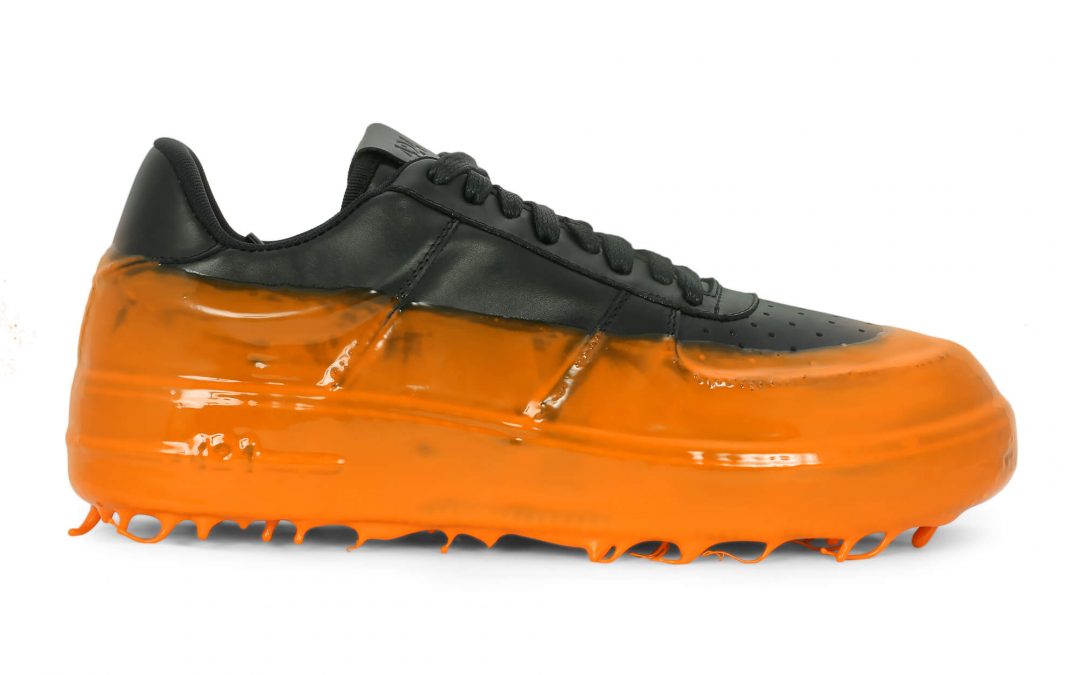
A shopper cannot hold your product, test its texture, or inspect its finish through a screen. Your images have to do that work. This ecommerce product photography guide is built for brands and sellers that need product listings to look credible, consistent, and ready to convert – whether you sell on Amazon, a direct-to-consumer site, or through retail catalogs.
Strong product photography is not simply a matter of making an item look attractive. It answers the practical questions that cause shoppers to hesitate: What does it actually look like? How large is it? What is included? Is the color accurate? Does it feel premium? When those answers are clear, customers can buy with more confidence.
Start With the Sales Channel and Image Requirements
Before setting up a camera or shipping products to a studio, identify where each image will be used. A marketplace listing, a brand website, a printed catalog, and a social campaign may all need different crops, backgrounds, resolutions, and image counts.
Amazon and many other marketplaces often require a clean primary image on a pure white background. This image should show the product clearly, without props, promotional text, or distracting visual effects. It is designed for search results, comparison pages, and category grids where the product needs to read instantly at a small size.
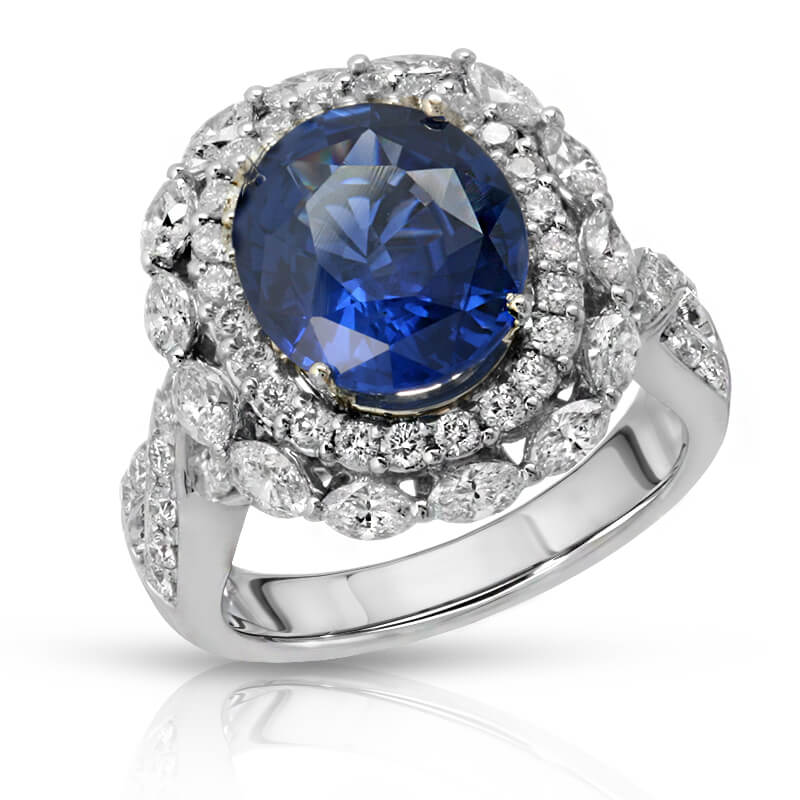
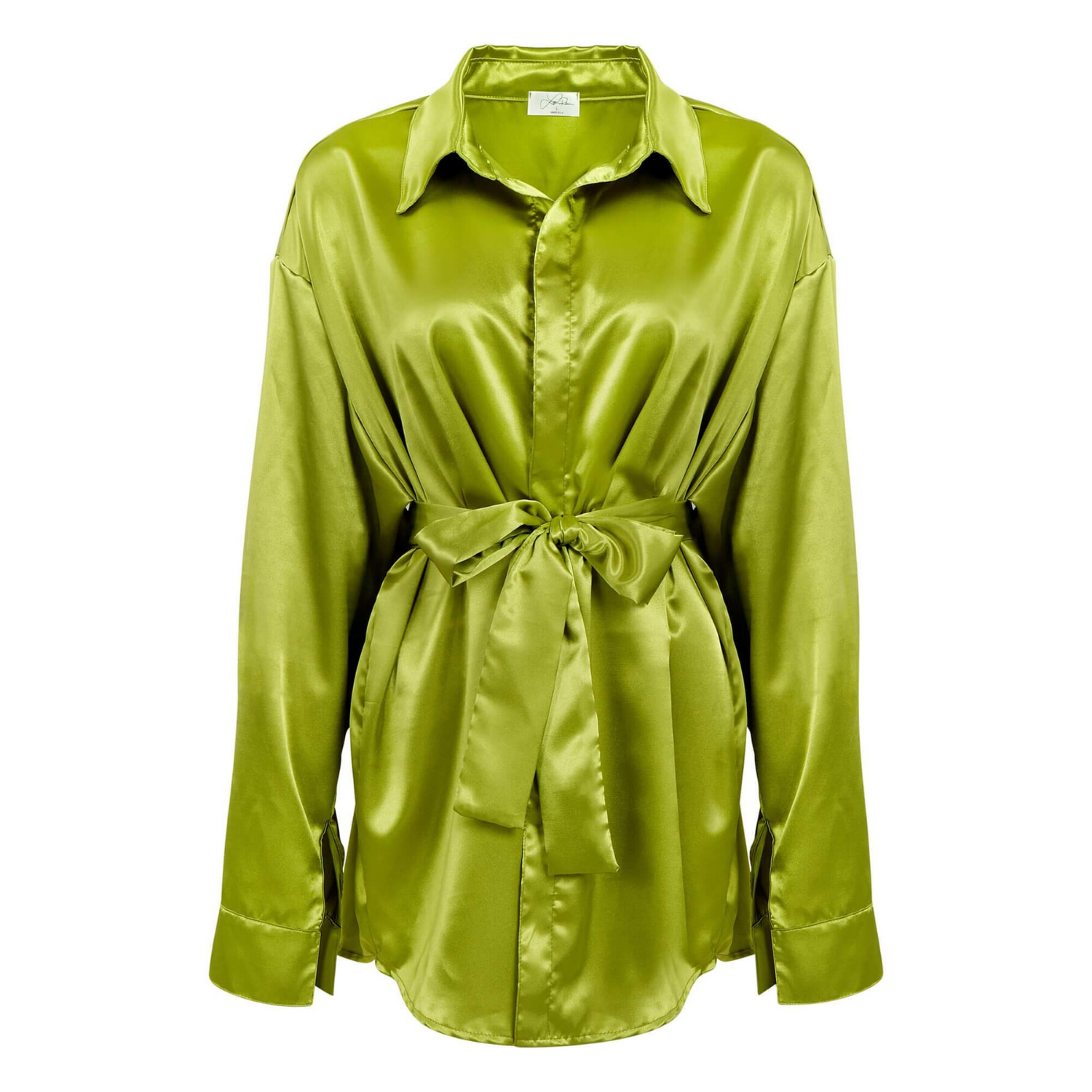
Your supporting images can do more selling. They can show alternate angles, details, scale, packaging, textures, features, and real-world use. For apparel, that may mean front, back, side, close-up fabric detail, and fit imagery. For jewelry, it may mean a clean hero image plus clasp, stone, engraving, and on-model views. The best shot plan depends on the product category and the buyer’s questions.
A common mistake is treating every channel as if it needs the same file. The core photography can remain consistent, but crops and exports should be prepared for their final destination. Planning this early prevents expensive reshoots and keeps your storefront looking organized.
Build a Shot List Before the Product Arrives
A detailed shot list protects both speed and quality. It gives the photographer, stylist, retoucher, and marketing team one shared standard for every SKU. Without one, brands often receive images that look good individually but feel inconsistent across a collection.
For each product, document the product name or SKU, color, angles required, background treatment, visible features, and whether the product needs props, styling, a mannequin, or a model. Include approved reference images when a specific look matters. For products with variants, make clear what should remain identical and what must change.
Most ecommerce listings benefit from a mix of these image types:
- A clean main image that shows the complete product immediately
- Multiple angles that remove uncertainty about shape and construction
- Detail images that show materials, craftsmanship, controls, labels, or texture
- Scale or lifestyle images that help customers understand size and use
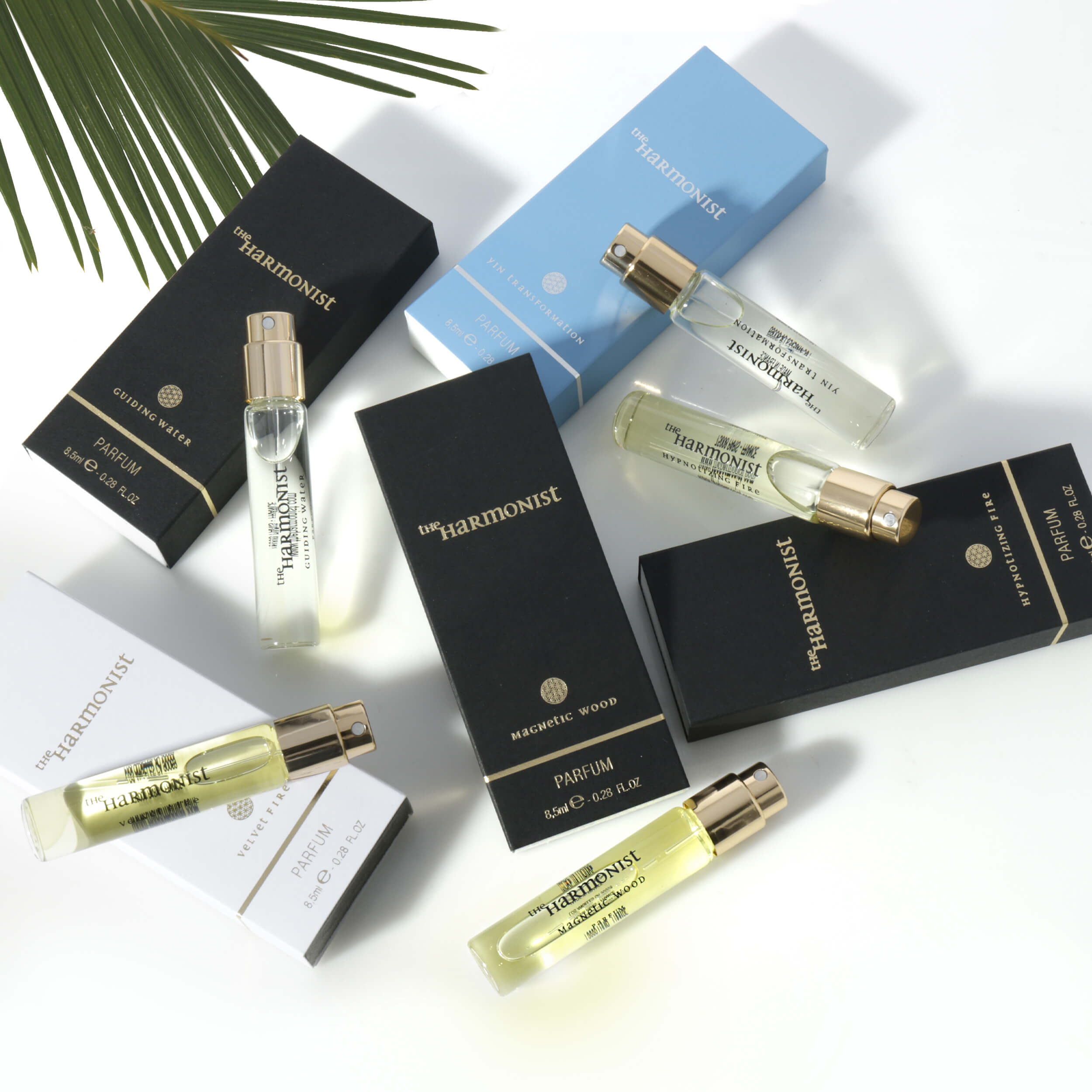
Not every product needs every type. A simple office supply may sell best with a straightforward white-background set and a few feature details. A premium fragrance, watch, handbag, or skincare product may need more careful styling because the image also communicates brand value. More images are useful only when each one answers a new question.
Lighting Is What Makes Products Look Credible
Good lighting creates dimension, reveals materials, controls reflections, and preserves accurate color. Poor lighting creates the opposite effect: flat surfaces, muddy shadows, blown-out labels, unwanted glare, and colors that do not match the actual product.
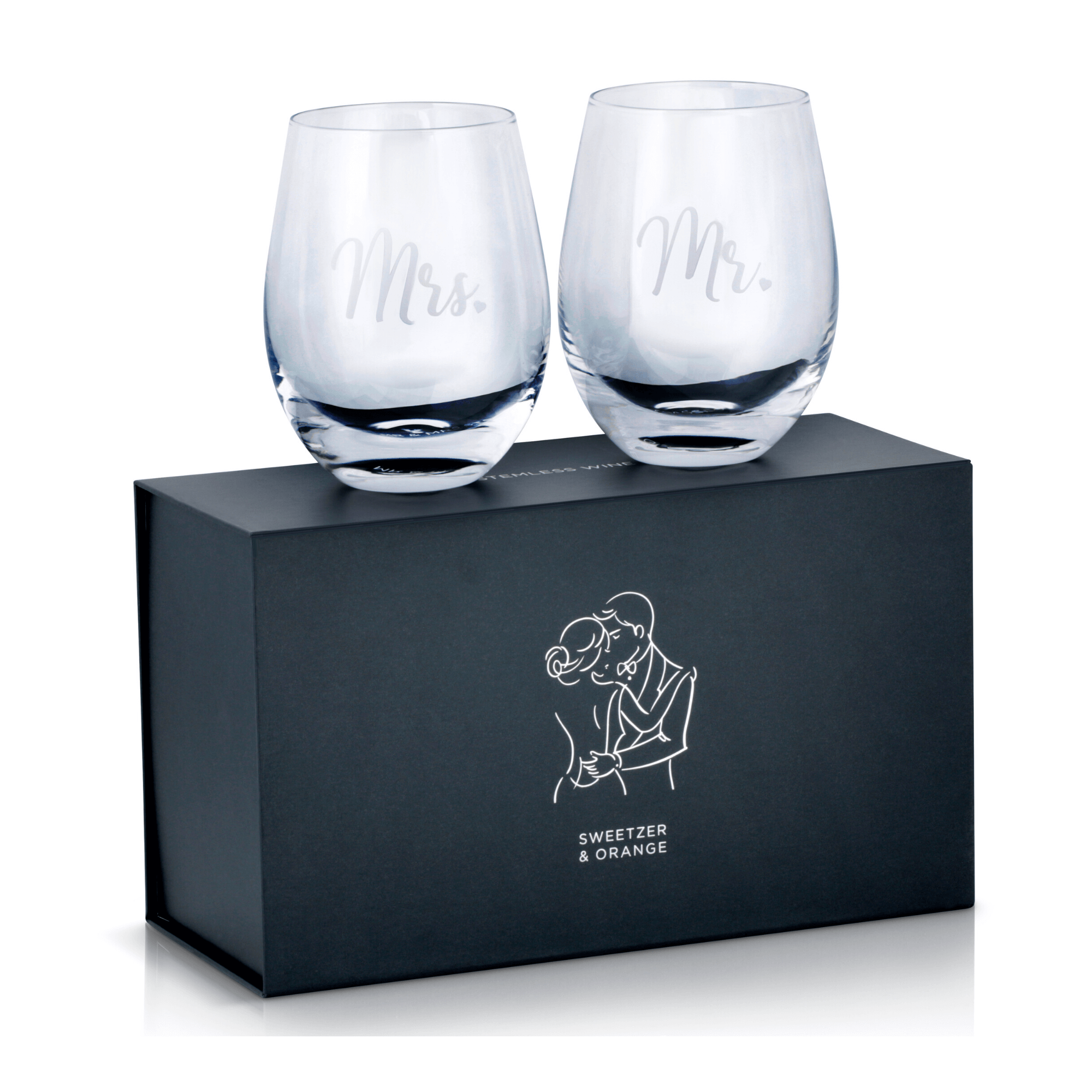
The right approach depends on the item. Soft, controlled light often works well for cosmetics, apparel, household goods, and matte packaging because it creates clean, even results. Jewelry, watches, glassware, and glossy electronics require more precise reflection control. These products are difficult because every light source, camera position, and surrounding surface can appear in the final image.
For reflective items, the goal is not to remove every reflection. A completely reflection-free metal object can look dull and unrealistic. The goal is to shape reflections so they define the product’s edges, finish, and form without obscuring important details. This is one reason category-specific experience matters. Lighting a gemstone, a clear bottle, and a black smartphone are three very different technical jobs.
Color accuracy is equally important. Apparel, beauty products, home goods, and packaging are especially vulnerable to return requests when online color differs from what arrives at the customer’s door. Consistent lighting, calibrated equipment, and professional color correction help protect customer expectations and your brand reputation.
Choose Backgrounds That Support the Product
White-background product photography remains essential for marketplaces and clean ecommerce grids. It keeps the item as the focus and makes it easier for shoppers to compare colors, styles, and product variations. It also creates a more uniform catalog when you are adding new items over time.
But white is not the only useful option. A soft neutral background can add depth for a premium website collection. A colored set can reinforce a campaign concept. A lifestyle environment can show how a product fits into a customer’s routine. The key is to use each background intentionally rather than mixing styles without a plan.
For example, a beauty brand might use white-background images for product pages, color-matched creative images for advertising, and bathroom-vanity lifestyle photography for social content. The product remains recognizable across every format, while the image treatment changes to fit the placement.
Be cautious with heavy props and highly seasonal styling. They can make a campaign feel current, but they may date quickly or distract from the item. If you need evergreen product images, keep the set clean and let the product be the visual priority.
Retouching Should Refine, Not Misrepresent
Professional retouching is where technically good photography becomes polished commercial imagery. It removes dust, fingerprints, minor scratches, uneven backgrounds, stray threads, and small distractions that customers notice when they zoom in. It can also improve consistency across an entire product line.
The standard should be refinement, not deception. Retouching should not change a product’s true color, hide a material’s natural character, alter the size of a stone, or remove a feature a buyer will receive. Over-retouching creates a short-term visual win and a long-term customer-service problem.
For apparel, quality retouching may include color correction, wrinkle management, lint removal, and consistent garment shape. For jewelry, it may require extensive dust cleanup, precise metal work, controlled gemstone enhancement, and clean edge detail. For packaged products, it may involve label alignment, surface cleanup, and matching colors across multiple SKUs.
Ask for high-resolution master files in addition to web-ready exports. Your product images may later be needed for print, wholesale presentations, retailer submissions, paid advertising, and packaging. Starting with high-resolution photography gives your team more flexibility and reduces the need to recreate assets later.
Keep the Catalog Consistent as You Scale
A product page may look excellent on its own and still underperform if the overall store feels inconsistent. Different white levels, changing camera angles, uneven shadows, and mismatched crops make a catalog look less established. Consistency signals that a business is organized and trustworthy.
Create simple visual standards for your catalog: the preferred product angle, crop ratio, background, shadow style, image dimensions, and retouching level. Use the same standards when new products arrive. This is especially valuable for sellers managing dozens or hundreds of SKUs across changing inventory.
Speed also matters. Product launches, seasonal deadlines, retail submissions, and marketplace updates do not wait for a complicated production process. A commercial photography partner should be able to translate your shot list into reliable, repeatable assets with clear pricing and fast turnaround. Product Photography Studio supports brands with high-resolution, professionally retouched product imagery built for ecommerce and commercial use, with image pricing starting as low as $12 per image.
Know When DIY Is Enough and When It Is Not
A basic in-house setup can be effective for simple products, frequent inventory updates, or informal social content. If you have consistent lighting, a stable camera setup, and someone who understands color and basic editing, DIY photography can cover some day-to-day needs.
The trade-off is time and consistency. Complex products can quickly turn a simple shoot into hours of problem-solving. Jewelry, clear glass, glossy packaging, apparel, cosmetics, and electronics often require specialized lighting, styling, and retouching to look competitive. If your current images are producing low clicks, weak conversion, or frequent color complaints, professional photography is usually less expensive than continuing to lose sales.
Think of each image as a sales asset, not a box to check before publishing a listing. The right product image gives shoppers a clear reason to stop, look closer, and feel ready to buy.