A shopper cannot feel the fabric, test the stretch, or check how a jacket fits until after checkout. Your images have to answer those questions first. This apparel photography guide for brands explains how to create product photos that look polished, represent garments accurately, and give customers enough confidence to buy.
For ecommerce brands, photography is not just a creative expense. It is visual merchandising. A strong main image earns the click, while detail, fit, and alternate-angle images help reduce hesitation on the product page. When colors shift, hems disappear into shadows, or sizing details are unclear, returns and abandoned carts often follow.
Start With the Selling Channel and Image Requirements
The right apparel image set depends on where customers will see it. A marketplace listing, a direct-to-consumer product page, a seasonal lookbook, and a print catalog do not ask photography to do the same job.
Amazon and many ecommerce marketplaces typically require a clean, compliant hero image on a pure white background. The product should be easy to identify at thumbnail size, occupy the frame appropriately, and appear without distracting props or styling. That primary image is built for clarity and click-through performance.
Your brand site has more room to sell the experience. Along with the white-background product shot, you may need on-model images, close-ups of construction, fabric texture, back views, lifestyle scenes, and sizing references. Catalog and wholesale imagery may require a more standardized crop and consistent visual system across an entire collection.
Define the final use before the shoot begins. This avoids a common and expensive problem: receiving attractive photos that do not meet marketplace rules, website aspect ratios, or print-resolution needs. A good production plan accounts for file dimensions, background standards, crops, and the number of final images required for every SKU.
Choose the Apparel Photography Style That Fits the Product
There is no single best approach for every garment. The right format depends on price point, garment construction, brand positioning, and how much fit information a customer needs before purchasing.
Flat lay photography
Flat lays work well for tees, denim, casual wear, accessories, baby clothing, and garments with recognizable silhouettes. They are efficient to produce and can create a cohesive social or editorial look. The trade-off is that flat lays provide limited information about drape and fit, especially for structured pieces or apparel with volume.
Ghost mannequin photography
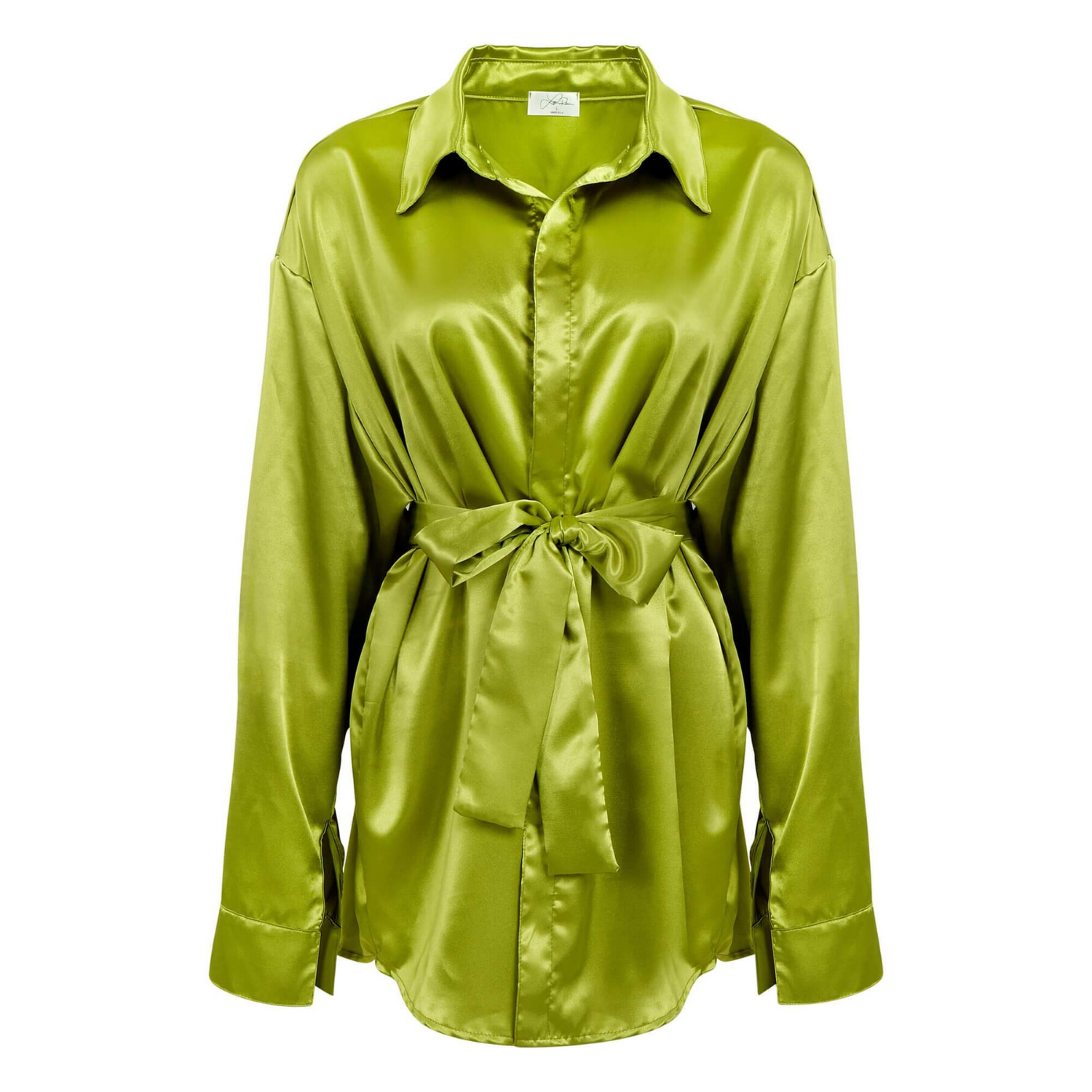
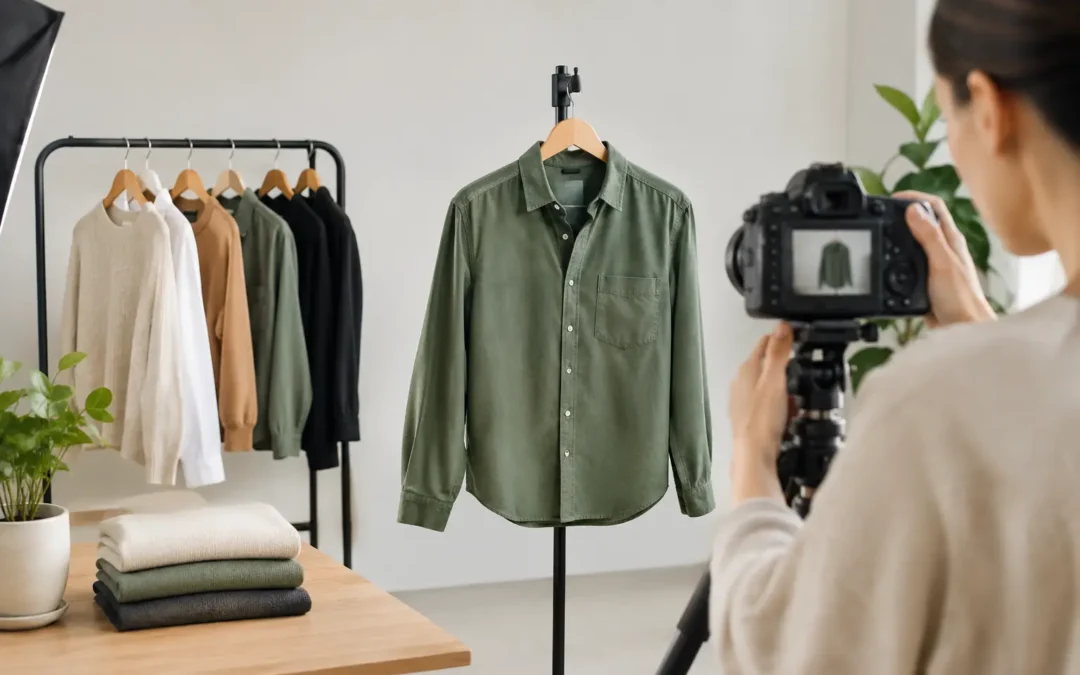
Ghost mannequin, also called invisible mannequin photography, gives apparel a shaped, three-dimensional appearance without showing a model. It is especially effective for shirts, dresses, jackets, activewear, and other pieces where neckline, shoulder shape, and interior details matter.
This style requires careful garment preparation and precise post-production. Multiple captures are often combined to create a clean final image, particularly around collars, sleeves, waistbands, and inner labels. When done well, it creates a premium, consistent presentation that keeps attention on the product.
On-model photography
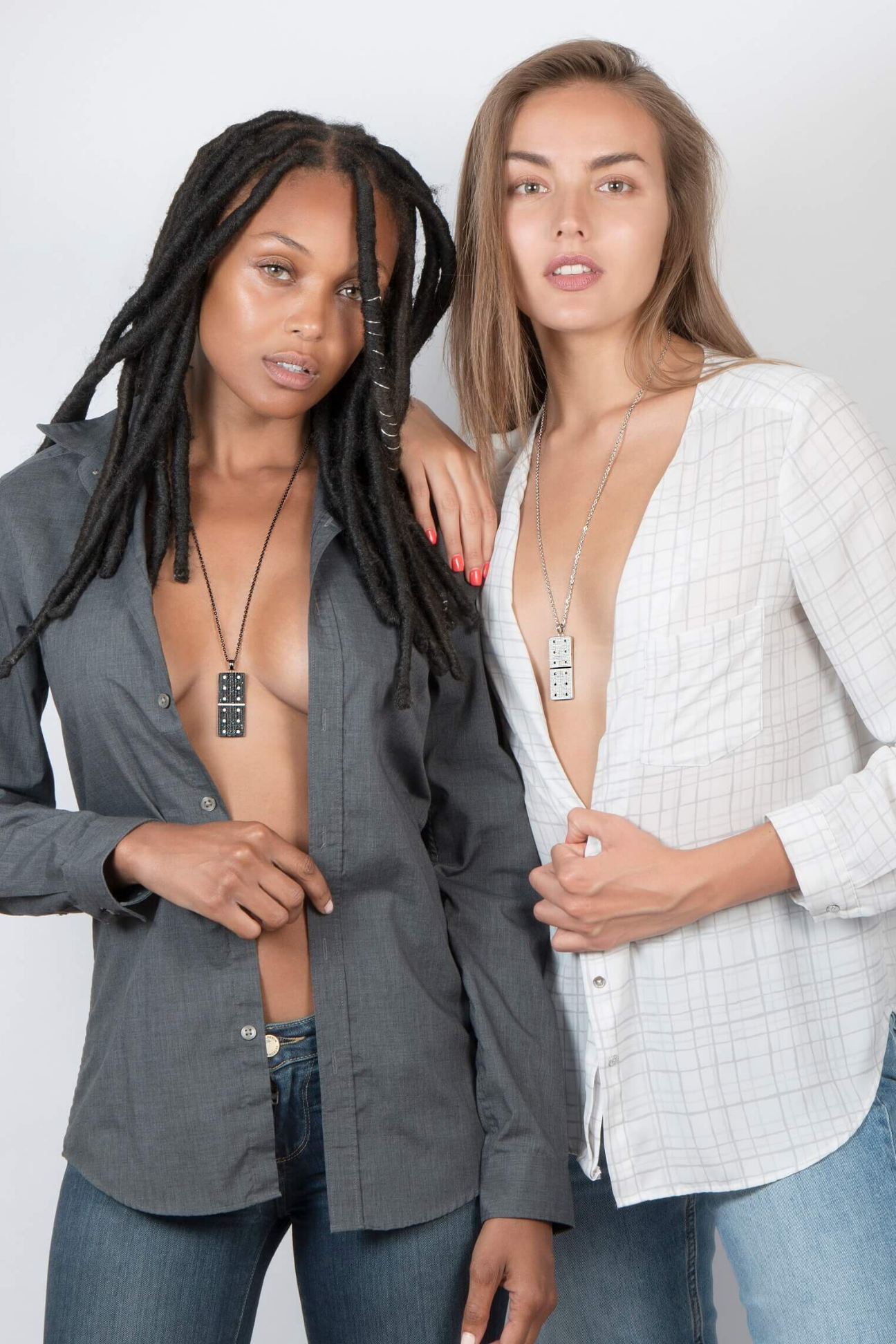
Models show scale, movement, fit, and attitude. For fashion-forward collections, premium apparel, swimwear, outerwear, and products where silhouette drives the purchase, on-model images can be the strongest conversion tool.
They also add cost and production variables. Casting, styling, location, hair and makeup, and usage needs must be planned. If budget is limited, a practical mix often works best: ghost mannequin or flat-lay images for core product documentation, followed by a smaller number of on-model shots for key products, campaigns, and collection pages.
Lifestyle photography
Lifestyle images place the garment in a setting that supports the brand story. They can be useful for advertising, email campaigns, social media, and lookbooks, but they should not replace clear product views. A customer still needs to see the exact color, shape, closure, and fabric details without visual distractions.
Color Accuracy Is a Sales Requirement
Color complaints are one of the fastest ways apparel brands lose trust. A forest green shirt that arrives looking olive, or a cream sweater photographed as bright white, creates a mismatch between expectation and reality.
Accurate apparel color starts with controlled lighting and calibrated equipment, then continues through editing and export. Mixed light sources can create unwanted color casts. Overly dramatic lighting may make a black garment look flat or erase the texture that distinguishes one fabric from another. Bright whites require special care because too much exposure removes seams, ribbing, and shape.
Retouching should refine the image, not change the product. Wrinkles can be reduced, lint and loose threads can be removed, and the garment can be shaped neatly. But the final photo should not alter the true fabric color, make material look heavier than it is, or hide construction details a customer will notice when the order arrives.
If you sell multiple colorways, photograph the actual garment colors whenever possible. Recoloring one sample can work for simple, uniform fabrics, but it becomes less dependable with heathered knits, washed denim, patterned textiles, metallic finishes, and materials that reflect light differently by color.
Prepare Every Garment Before It Reaches the Set
Most apparel photography delays are caused before the camera comes out. A garment that arrives folded, wrinkled, missing buttons, or without a confirmed SKU can slow the entire process and produce inconsistent results.
Create a shot list that identifies each style, color, size, and required view. Include front, back, side, detail, and close-up needs, along with any special features such as pockets, embroidery, zipper pulls, lining, labels, or adjustable straps. If the product has a functional benefit, plan a photo that makes it visible.
Garments should be steamed, inspected, and styled before photography begins. Bring or send extra pieces when possible, especially for white garments, delicate fabrics, and pieces that may show lint or handling marks. For on-model work, confirm the intended sample size and model measurements so the fit shown is representative rather than misleading.
Consistency matters across collections. Use the same camera angle, crop, garment position, lighting approach, and background treatment for similar products. A product page looks more credible when shoppers can compare shirts, dresses, or jackets without visual inconsistency getting in the way.
Build an Image Set That Answers Buying Questions
A strong main image gets attention. A complete image set earns the order. Think about the questions a shopper asks while scanning a listing: What does it look like from the back? How long is it? Is the fabric smooth, ribbed, sheer, thick, or lightweight? Where does the waist sit? What kind of closure does it have?
For most apparel products, the useful image set includes a clean front view, back view, appropriate side or three-quarter view, fabric or construction close-up, and fit image where relevant. More complex garments may need additional images for interior construction, adjustable elements, pockets, hardware, or reversible features.
Do not use every image slot simply because it is available. Repeating nearly identical angles adds little value. Each photo should reveal a different decision-making detail. This is especially important on mobile, where customers move quickly and may only view a few images before deciding whether to continue.
For size-sensitive categories, include visual fit support alongside your size chart. On-model photography can show proportion, but it should be paired with accurate model height, garment size worn, and product measurements. A photo alone cannot explain every fit variable, but it can make a size chart more believable and easier to use.
Retouching Should Make Products Look Ready, Not Artificial
Commercial apparel retouching is where raw captures become finished selling assets. The goal is a clean, consistent product presentation: balanced exposure, accurate color, smooth backgrounds, refined garment shape, and removal of small distractions.
The line between professional polish and over-editing matters. Excessive smoothing can erase texture from linen, fleece, denim, leather, and knitwear. Heavy reshaping can make a garment look different from its actual cut. Brands benefit from images that feel elevated while still representing the item honestly.
Ask for high-resolution final files and web-ready exports based on your needs. High-resolution images support print, zoom functions, future campaigns, and flexible cropping. Optimized files help maintain page speed and a crisp presentation online. Keeping both versions organized by SKU makes later updates far easier.
Work With a Studio That Understands Production at Scale
If you have a few hero garments, a smaller editorial shoot may be enough. If you are launching dozens or hundreds of SKUs, the priority shifts to repeatable quality, clear tracking, dependable turnaround, and predictable per-image pricing.
A commercial studio should be able to work from a defined shot list, maintain visual consistency across products, and deliver polished images ready for ecommerce, marketplaces, catalogs, and ads. Product Photography Studio helps apparel brands produce color-accurate, professionally retouched product images with efficient turnaround and royalty-free usage rights.
Before booking, confirm how garments will be received, labeled, steamed, photographed, reviewed, and returned. Ask what is included in retouching, how revisions are handled, which file formats will be delivered, and whether the team can match existing brand photography. Clear answers protect your timeline and keep the final image library consistent.
Your apparel photos should make the next click feel easy. Give shoppers clean views, honest color, useful details, and a clear sense of fit, and your product page can do more of the selling before a customer ever reaches the cart.