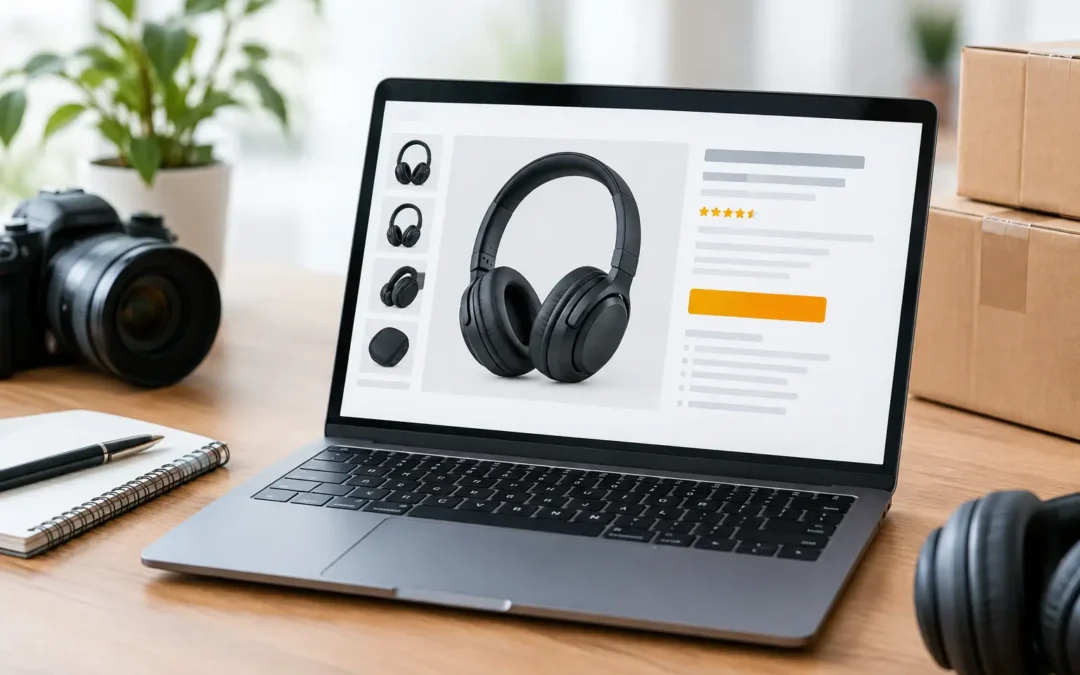
A shopper can make a decision about your product before reading a single bullet point. That is why the question of how many Amazon listing images to use is really a question about how completely your listing answers buyer concerns. One polished main image may earn the click, but a complete image set gives shoppers the confidence to add the product to their cart.
For most Amazon products, the strongest strategy is to use every available image slot with a specific sales purpose. More images are not automatically better, though. Repeating the same angle, using weak lifestyle shots, or crowding images with hard-to-read text can make a listing feel less professional. Every image should either clarify the product, demonstrate a benefit, or remove a reason not to buy.
How Many Amazon Listing Images Can You Use?
Most Amazon categories allow up to nine product images: one main image and up to eight additional images. Your actual available slots can vary by category, product type, account settings, and Amazon’s current listing requirements, so confirm the image template in Seller Central before planning a shoot.
The first image is the main image, also called the hero image. It must meet Amazon’s technical and content requirements, which typically include a pure white background, a clearly visible product, and no added text, logos, badges, lifestyle settings, or graphic elements. The product should fill most of the frame without being cut off.
The remaining images are where the listing does its selling. These secondary images can show additional angles, close-up details, dimensions, product use, packaging, comparison information, and lifestyle context. A listing with only two or three images can still be compliant, but it often leaves questions unanswered. That creates hesitation, especially when competing products present a clearer visual case.
For many consumer products, seven to nine strong images is the practical target. If the product is simple, such as a single-color office accessory, six excellent images may be enough. If it has multiple functions, fit considerations, components, materials, or care instructions, use all nine slots.
Why More Useful Images Can Increase Sales
Amazon shoppers cannot touch the product, test its weight, inspect its finish, or see how large it is in real life. Your images must do that work. High-resolution photography and accurate retouching help buyers understand what they are purchasing, while detail images help establish quality.
A strong image sequence also reduces the amount of mental work required to shop. Instead of searching the description for size, ingredients, compatibility, or included pieces, the customer sees the answer immediately. That matters on mobile, where shoppers often browse quickly and compare multiple listings at once.
The business impact can be significant. Better listing images can improve click-through rate by making the search result more attractive, and they can support conversion by removing uncertainty on the product page. They may also help reduce avoidable returns when the photos show scale, color, fit, contents, and product limitations honestly.
There is a trade-off. Adding images just to fill slots can weaken the presentation if those images are redundant or poorly produced. A clean set of seven purposeful photos will usually outperform nine inconsistent ones. The goal is not volume for its own sake. The goal is a complete visual sales presentation.
A Practical 9-Image Plan for Amazon Listings
The right image order depends on the category, but this framework works well for many brands and sellers.
1. Main product image
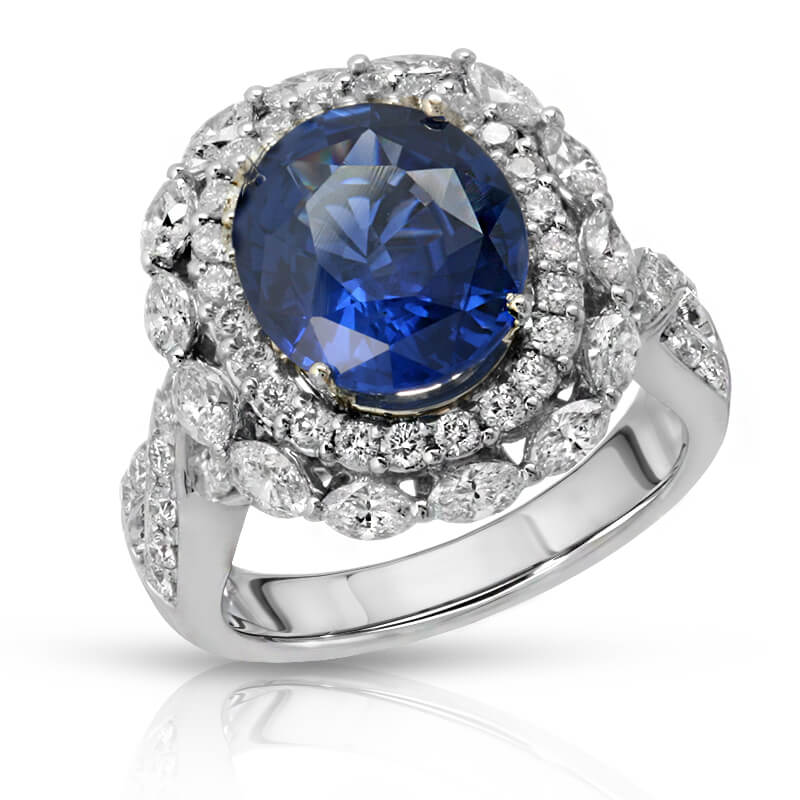
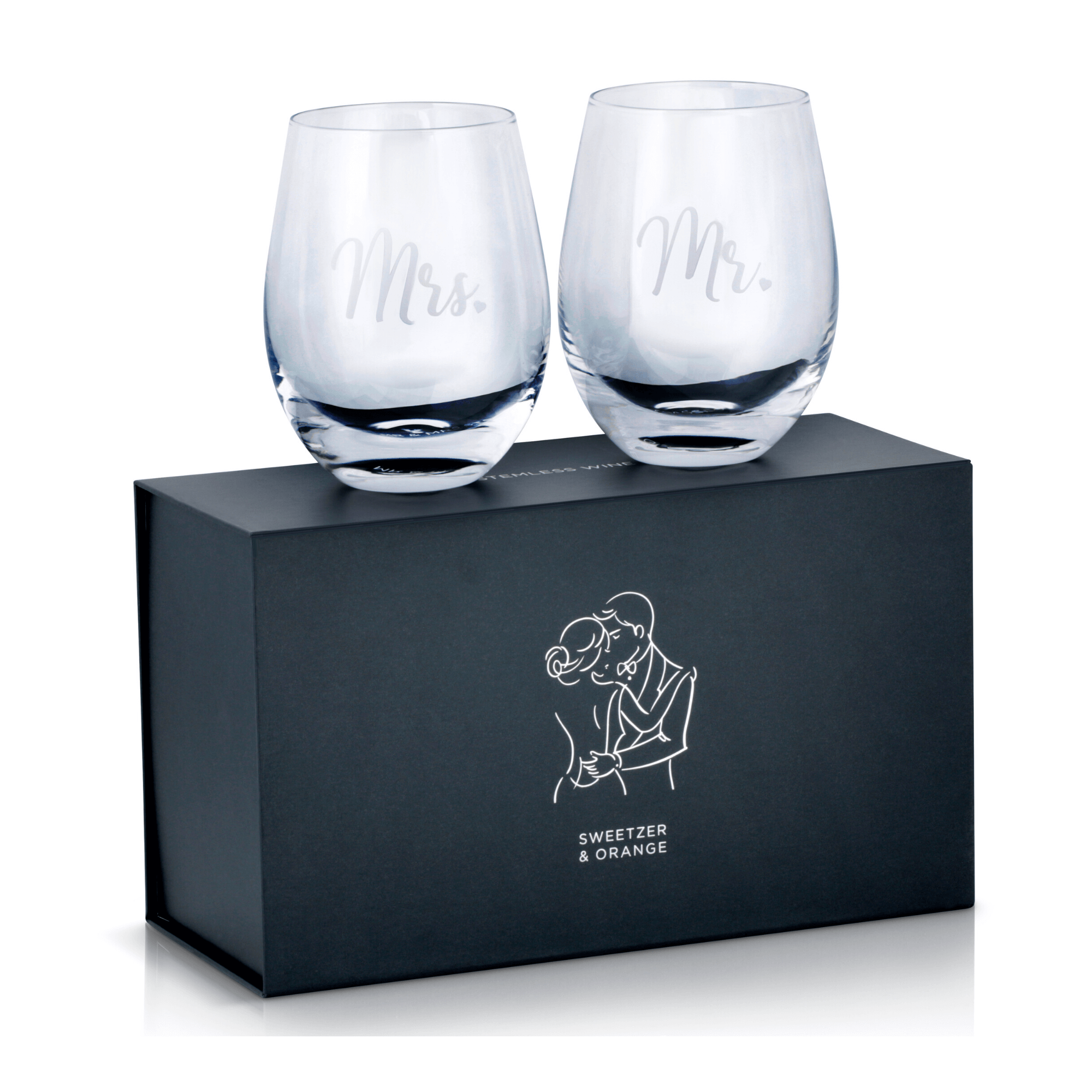
Use a sharp, professionally lit product photo on a pure white background. Show exactly what the buyer receives, in the correct color and configuration. For products sold as a set, make the full set clear. For jewelry, glassware, beauty products, and electronics, careful lighting is especially important because reflections, texture, and finish affect perceived quality.
2. Alternate angle
Give the shopper a second clean view that reveals shape, depth, side details, or closure mechanisms. A front-facing product photo alone rarely tells the full story.
3. Detail close-up
Focus on the feature that supports the price: a gemstone setting, fabric texture, brushed-metal finish, stitching, display screen, ingredient texture, or precision component. Close-ups are particularly valuable for premium products where craftsmanship needs to be visible.
4. Key benefit image
Use a secondary image with concise, readable copy to communicate one meaningful benefit. This could be a material advantage, performance feature, product capacity, or design solution. Keep copy brief and specific. Broad claims such as best quality or works perfectly are less convincing than visible proof.
5. Dimensions or scale image
Show measurements clearly or place the product in a realistic setting to establish size. A hand-held item can be photographed in hand. A bag can be shown worn by a model. A countertop product can be shown next to familiar objects. Scale images prevent a common source of disappointment: a product that looked larger or smaller online than it is.
6. Lifestyle image
Show the product being used by the intended customer in a believable environment. The setting should support the product, not distract from it. Apparel needs accurate color and natural fit. Beauty products should look clean and aspirational. Home goods should feel at home in a well-styled space without hiding important product details.
7. Use-case or feature demonstration
For functional products, show how the product works. A kitchen tool can be photographed in use. A storage item can show what it holds. A phone accessory can show installation or compatibility. This image often answers the question, Will this work for me?
8. What’s included or comparison image
If the buyer receives multiple parts, accessories, or package contents, show them clearly. A comparison image can also be effective when it objectively explains sizes, versions, or product options. Avoid misleading comparisons or graphic claims that cannot be supported.
9. Trust-building final image
Use the last available slot for care instructions, material callouts, compatibility details, another lifestyle view, or a brand-forward image that reinforces the product’s quality. For products with a learning curve, this can be an instruction-focused image. For a giftable item, it may show premium packaging if the packaging is included.
Match the Image Mix to Your Product Category
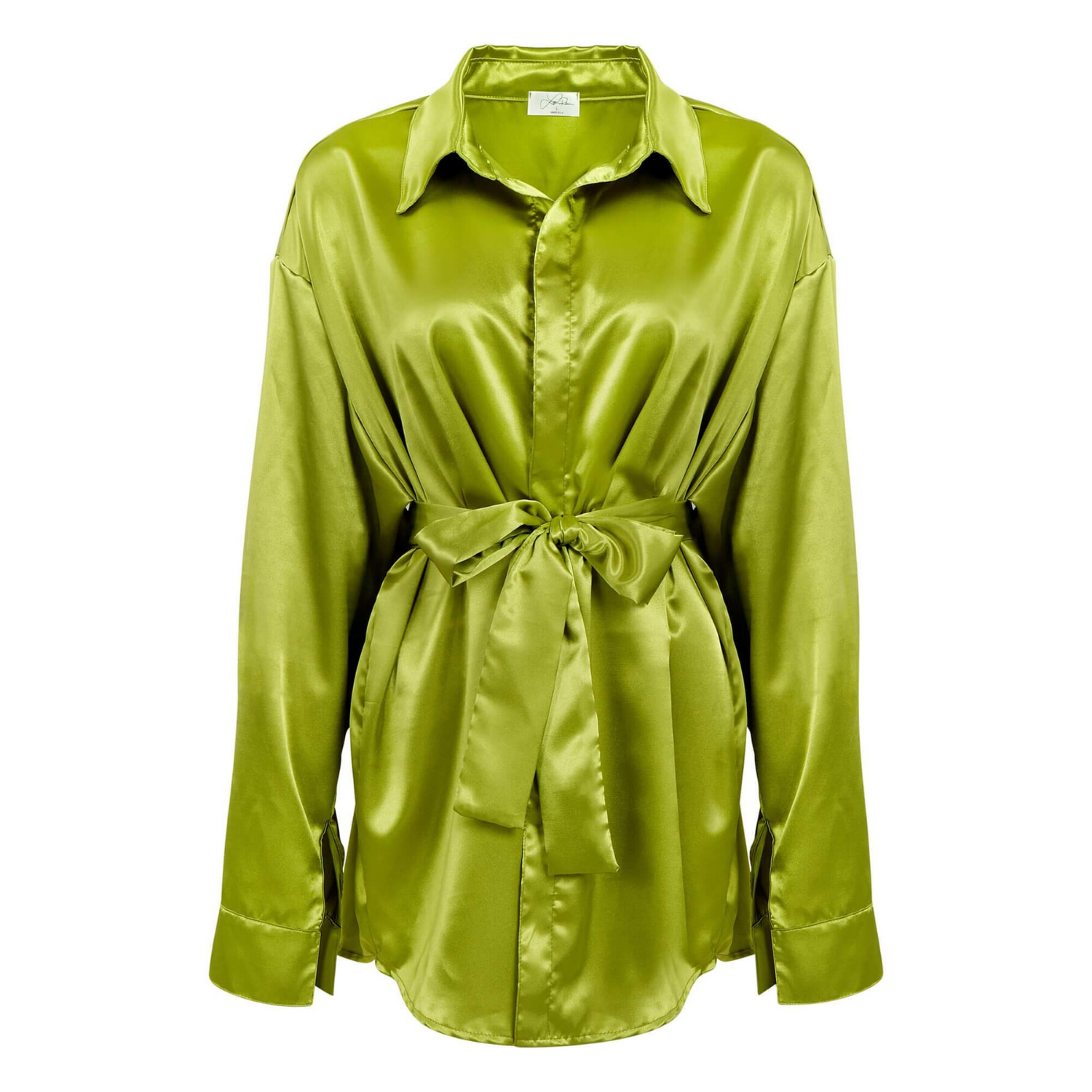
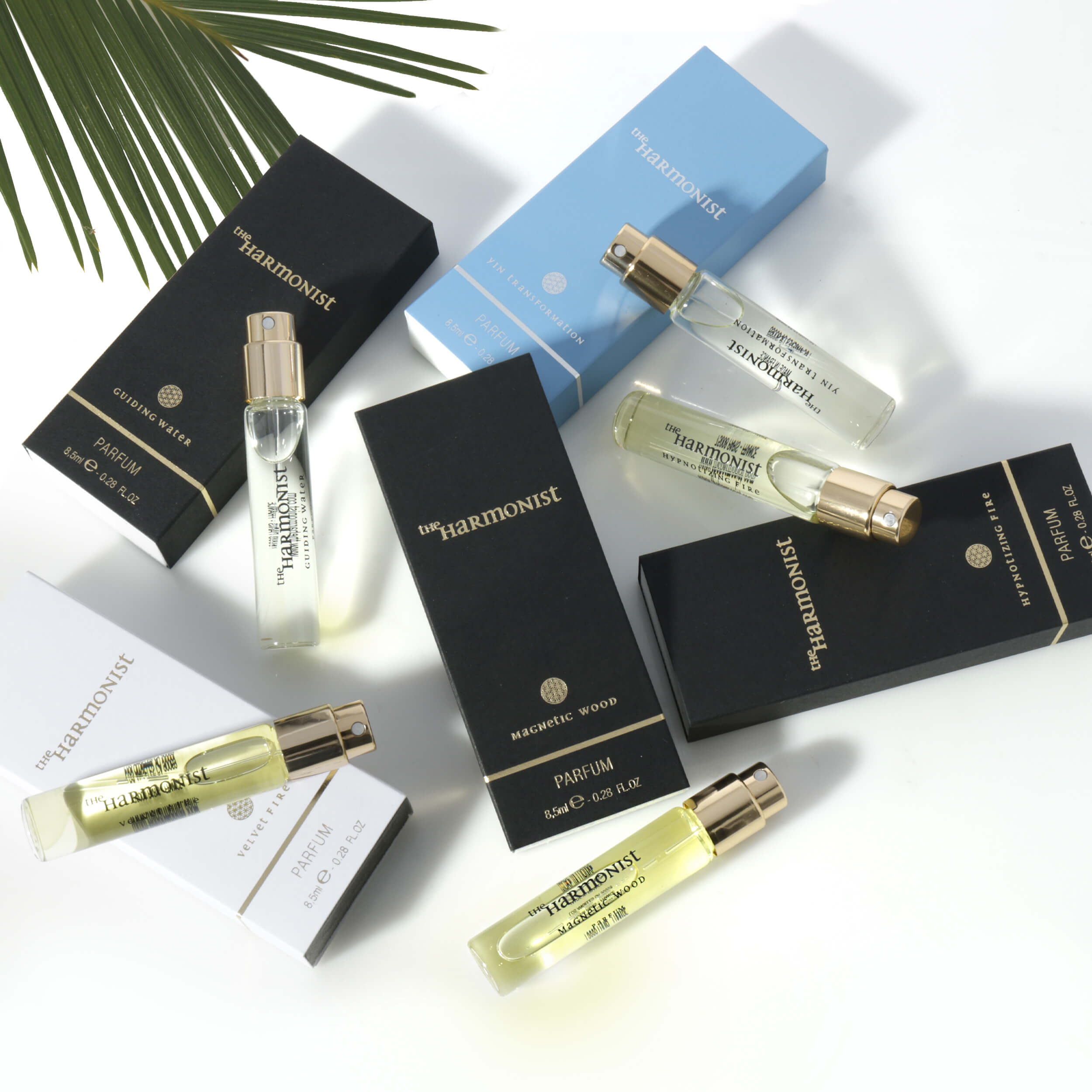
There is no single image formula for every Amazon listing. Jewelry needs precise close-ups, color accuracy, and scale references because small details drive perceived value. Apparel needs front, back, fabric, fit, and sizing support. Beauty products often need packaging, texture, application context, and compliant benefit messaging.
Electronics and household products benefit from clear feature callouts, ports, controls, compatibility, and in-use images. Food and beverage listings need an appealing hero shot, package clarity, serving context, and a careful representation of what the customer receives. Medical and wellness products require extra caution around claims, instructions, and category-specific compliance rules.
This is why generic photography can underperform. The image plan should reflect what buyers need to inspect before they feel ready to purchase.
Technical Quality Still Matters
Amazon allows shoppers to zoom on qualifying images, so image resolution should be large enough to preserve detail. A minimum of 1,000 pixels on the longest side is commonly used to support zoom, but higher-resolution source files give your brand more flexibility for Amazon, your website, retail materials, and future campaigns.
Professional retouching matters just as much as resolution. Dust, uneven backgrounds, inaccurate color, harsh reflections, crooked labels, and visible production flaws can make a legitimate product look lower quality. The objective is not to make the item look different from what the customer receives. It is to show it at its best while keeping the presentation accurate.
Before uploading, review every image on desktop and mobile. Check that text is readable at a small size, claims are compliant, product colors are consistent, and the image order tells a logical story. The main image should earn attention first. The next images should make the purchase easier.
Plan the Shoot Before You Need the Listing
The most efficient sellers build their Amazon image strategy before photography begins. Create a shot list based on customer objections, product features, packaging, variations, and the competitive landscape. This prevents costly reshoots and ensures your photographer captures the angles, details, and lifestyle scenes that have a real job on the listing.
Product Photography Studio helps brands produce high-resolution, retouched product imagery designed for ecommerce performance, with category-specific planning and affordable per-image pricing. Whether you need a clean white-background main image or a full visual story for all available slots, the right photography gives shoppers fewer reasons to hesitate and more reasons to buy.
A complete Amazon image set should make your product feel clear, credible, and worth choosing before the shopper reaches the reviews. Start with the questions your customers ask most often, then make sure each image answers one of them.