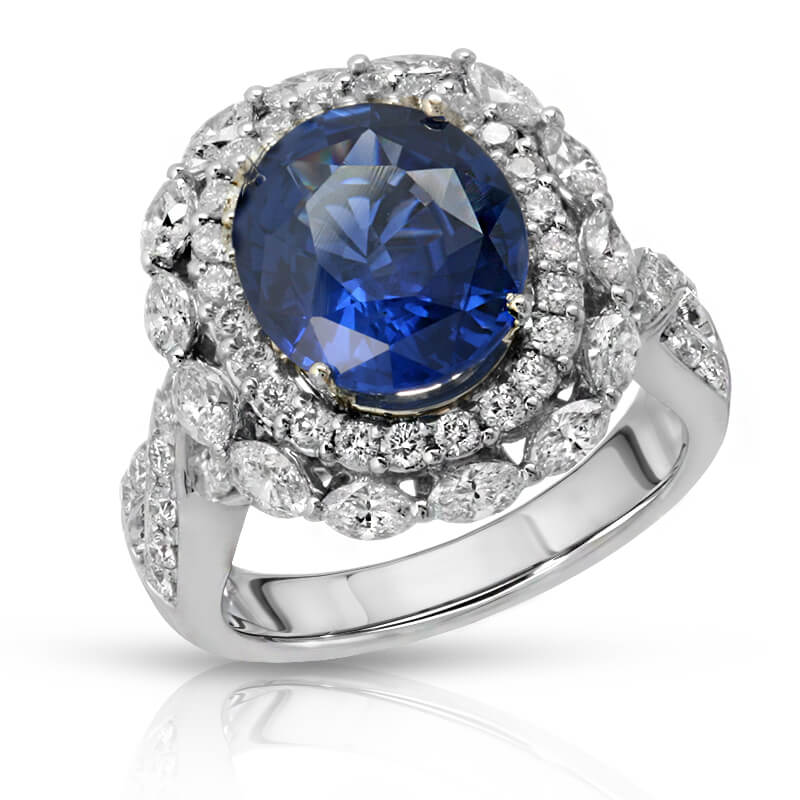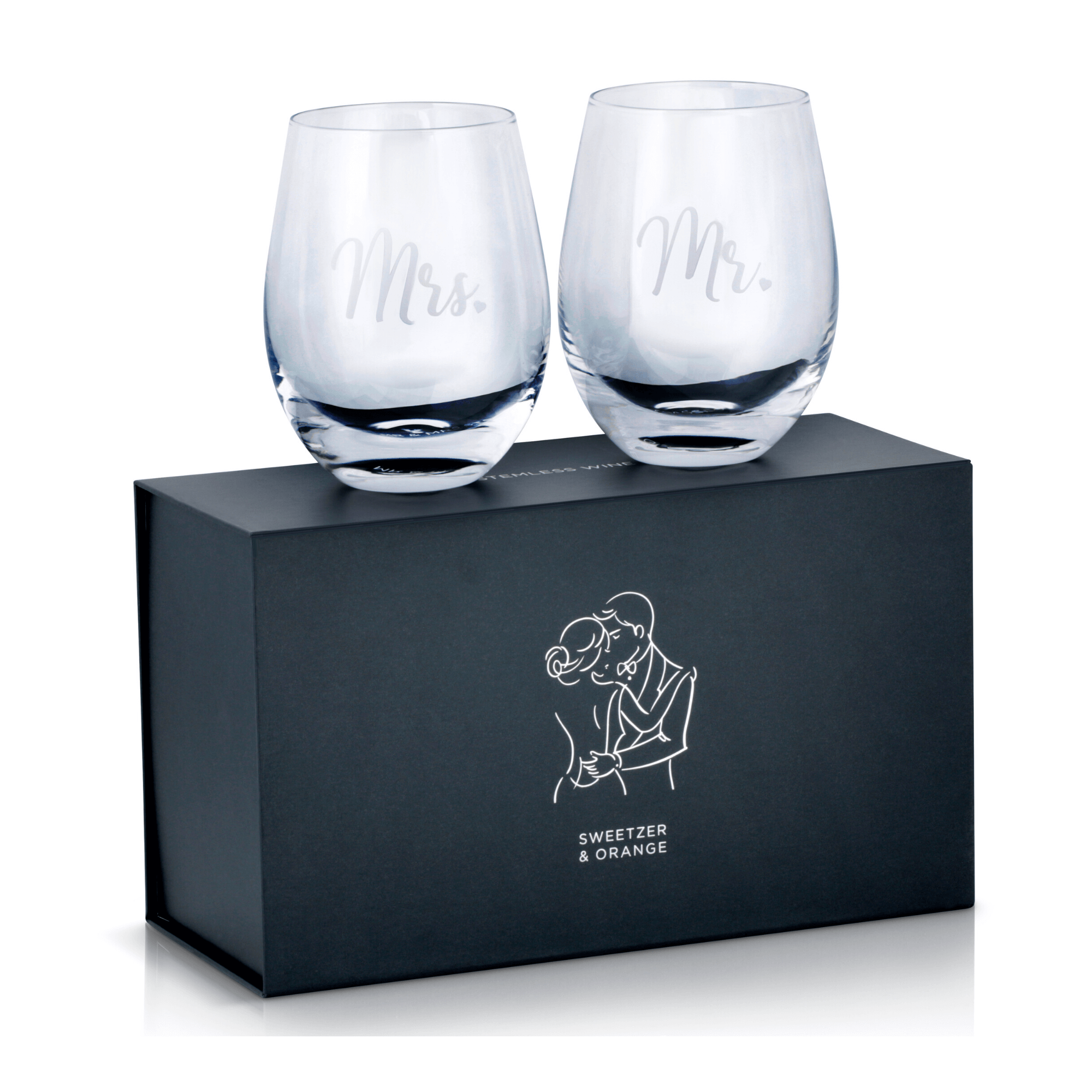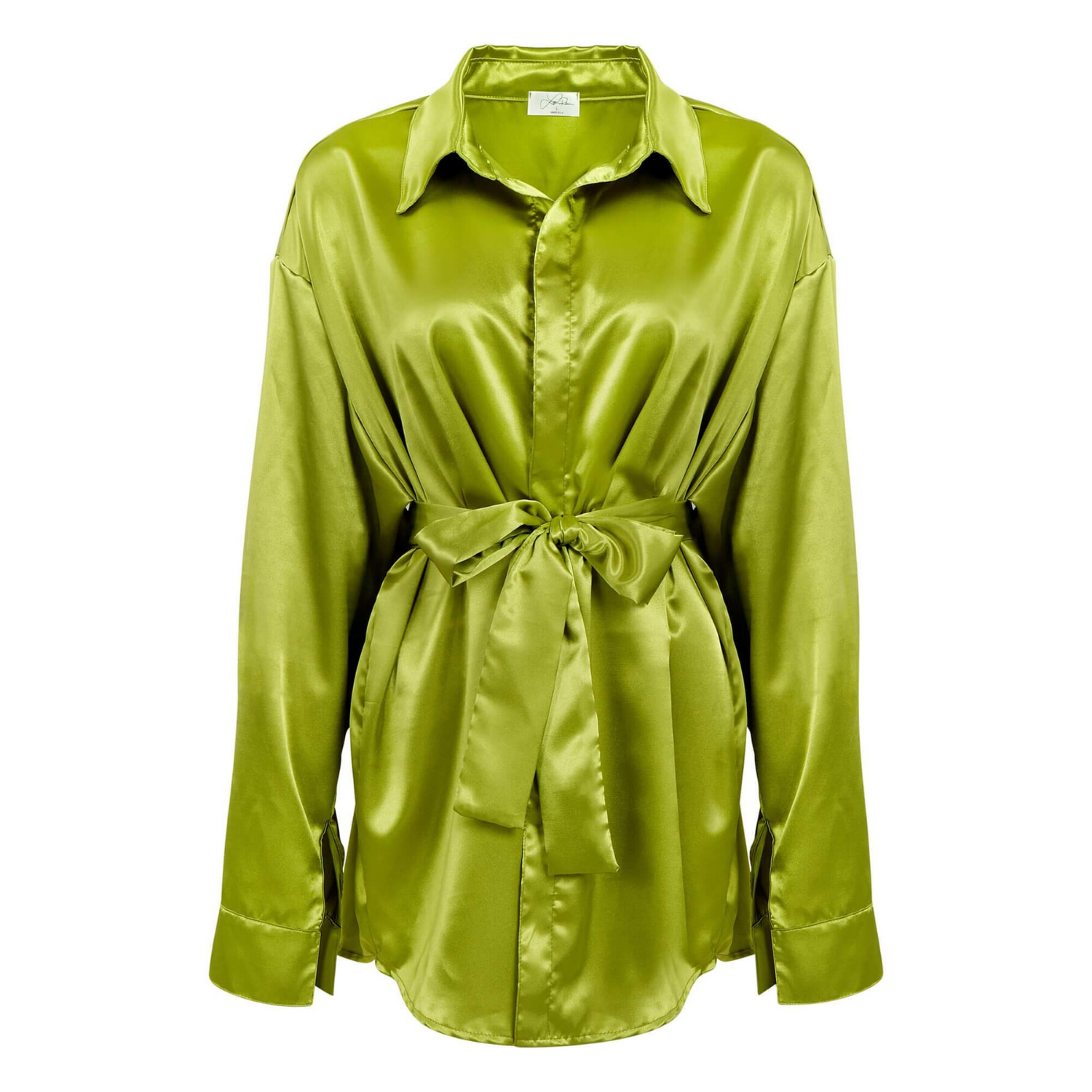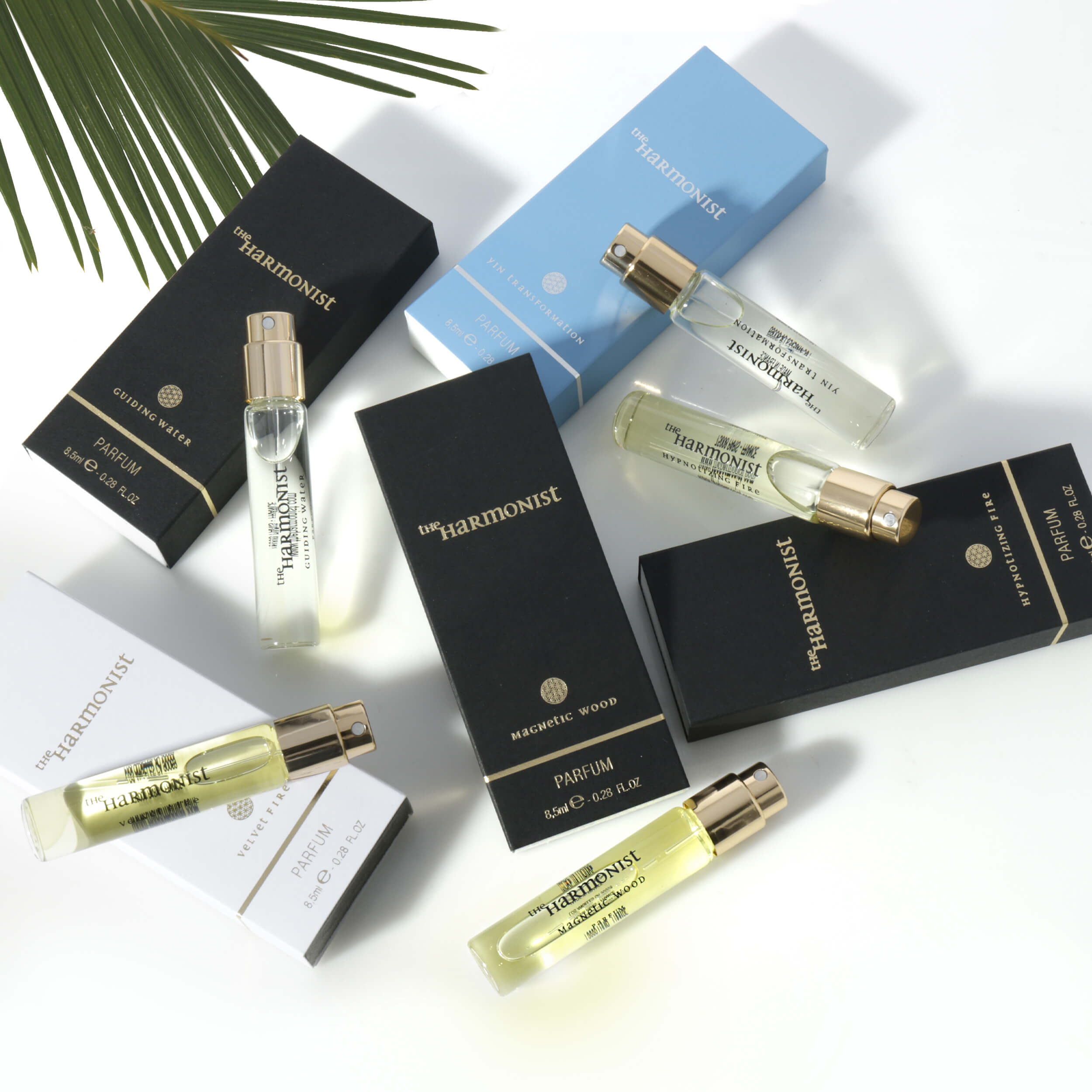
A shopper can dismiss an Amazon listing in seconds. If the main image is dim, the product looks too small, or the details are hard to see, price and product quality may never get a chance to matter. Knowing how to choose Amazon product images is not just a design decision. It is a sales decision that affects clicks, trust, returns, and conversion rate.
For most listings, the strongest image set does two jobs at once: it meets Amazon’s technical and category expectations, and it answers the questions a buyer would ask while holding the product in a store. The right images make the product easy to understand, compare, and want.
Start With the Main Image
Your main image is the visual storefront for your listing. It appears in search results, paid placements, category pages, and competitor comparisons. It needs to be instantly clear at a small size while still holding up when shoppers zoom in.
For many Amazon categories, the primary image should show only the product on a pure white background. The product should fill most of the frame without being cropped, and it should be photographed sharply with accurate color and clean edges. Props, text overlays, lifestyle settings, and decorative graphics generally belong in secondary images, not the main image.
The goal is not to make the product look artistic at the expense of clarity. A beauty bottle should show its label straight and readable. A watch should reveal its dial, finish, and band texture. An apparel image should show the garment’s true fit, silhouette, and color. When shoppers cannot identify the item immediately, they scroll past it.
Before production begins, confirm the current image rules for your Amazon category. Requirements can vary by product type, and marketplaces update standards. A photography team can create a polished main image, but the image strategy should always be based on the listing category and the way the product will be sold.
How to Choose Amazon Product Images for Your Listing
The best image selection follows the shopper’s decision-making process. Start by showing what the product is, then demonstrate what it does, how large it is, what makes it different, and why it fits the buyer’s needs.
A typical high-performing image set includes a clean hero image followed by detail shots, scale images, feature callouts, and lifestyle photography. The exact mix depends on the product. Jewelry needs close-ups that prove craftsmanship. Kitchen products need usage scenes and dimensions. Electronics need ports, controls, compatibility details, and clear views of what is included.
Avoid choosing images simply because they look attractive in isolation. Every image should earn its position by reducing uncertainty. If two images show nearly the same angle, replace one with a view that answers a different buying question.
Show the Product From the Angles That Matter
Choose angles based on the product’s functional and visual selling points. Front, back, side, top, and bottom views are useful when each one reveals something important. For a handbag, buyers may need to see the interior, zipper construction, hardware, strap drop, and pocket layout. For a skincare item, the front label, texture, dispenser, package size, and ingredient-related claims may be more relevant.
Close-up photography matters when quality is part of the purchase decision. Fine stitching, gemstone settings, brushed metal, embossed logos, fabric weave, and product texture all help support a premium price. These details should be well-lit and retouched carefully so they look accurate rather than artificially glossy.
Do not use every possible angle just because you have room in the image carousel. A simple product with no hidden features may need fewer studio angles and more context images. A technical or multi-part product may need more views before a shopper can confidently purchase.
Make Size and Scale Obvious
Size confusion is one of the most common causes of poor customer experience and avoidable returns. A dimensions graphic can help, but it is even more effective when paired with a real-world scale image.
Show a small item in a hand when appropriate, place a beverage container beside a familiar object, or photograph a piece of furniture in a room. For apparel, show the item on a model and include fit information in a compliant secondary graphic. For products with multiple sizes, make the differences visually obvious rather than relying on small text alone.
Scale images must be honest. Overstating a product’s size or using a setting that creates a misleading impression may drive initial clicks, but it can damage reviews and increase return costs.
Choose Images That Explain Benefits, Not Just Features
Feature images say what a product has. Benefit images show why that feature matters. Both have a place in an Amazon image set.
For example, a vacuum-insulated tumbler can show its lid design, stainless steel construction, and capacity. But the image set should also communicate the buyer benefit: easier commuting, fewer spills, or a drink that stays at the preferred temperature longer. A travel organizer can show its compartments, then demonstrate how those compartments keep cables, chargers, and accessories organized.
Secondary images can use concise text callouts when they are readable on mobile devices and supported by the product. Keep the message focused. One image should not try to communicate six claims, four icons, and a full product manual. Buyers should understand the key point in a glance.
Strong feature graphics usually focus on one of these areas:
- Material quality, finish, or construction
- Dimensions, capacity, and included components
- Product functions and operating details
- Compatibility, care instructions, or usage guidance
- A clear point of differentiation from generic alternatives
Claims should be accurate, supportable, and appropriate for the category. This is especially important for cosmetics, supplements, medical-related products, cleaning products, and electronics. Good photography can strengthen a credible claim, but it cannot make an unsupported claim acceptable.
Add Lifestyle Images With a Clear Purpose
Lifestyle photography gives the product context. It helps shoppers picture ownership and understand where, when, and by whom the product is used. It is particularly valuable for home goods, apparel, accessories, beauty products, fitness items, toys, and food or beverage packaging.
The strongest lifestyle images feel believable and keep the product central. A kitchen scene should make a cookware item easier to imagine in use, not bury it under busy styling. A fashion image should show fit and proportion without distracting from the garment. A beauty image should highlight application, texture, or the intended customer routine.
There is a trade-off. Highly styled scenes can build brand appeal, but they may be less effective when a buyer still needs basic product information. If your budget is limited, prioritize a technically strong main image, essential detail shots, and size or feature images before investing heavily in lifestyle production.
Prioritize Color Accuracy and Professional Retouching
Color is a conversion issue, especially for apparel, cosmetics, jewelry, furniture, and décor. If the online color looks different from the delivered item, customers may return the product even when every other detail is correct.
Choose photography that uses controlled lighting, calibrated color workflow, and professional post-production. Retouching should remove dust, scratches, loose threads, glare, and minor manufacturing distractions while preserving the real appearance of the item. Jewelry should sparkle without losing its true metal tone. Glassware should look clean and dimensional, not cut out or flat. Apparel should retain natural texture and accurate drape.
Over-editing is a risk. Excessively smoothed skin-care packaging, exaggerated gemstones, or digitally altered product proportions can create a gap between expectation and reality. The best commercial retouching makes a product look its best version of itself, not like a different product.
Build a Shot List Before You Send Products Out
A clear shot list saves time, prevents missed details, and makes your photography budget work harder. Include the product variations, required angles, key features, dimensions, intended lifestyle settings, and any text you plan to add later. If you sell multiple colors or sizes, identify which versions need unique photography and which can use consistent templates.
Also provide the photographer with packaging, accessories, inserts, and anything included in the purchase. If a customer receives a set of three pieces, the image set should make that quantity clear. If batteries, chargers, cases, or replacement parts are not included, avoid images that imply otherwise.
For brands managing a growing catalog, consistency is just as valuable as a single excellent image. Matching lighting, camera angles, backgrounds, crop style, and retouching across products creates a more credible storefront and makes future launches easier to manage.
Use Image Quality to Support a Better Listing
Amazon product images work best when they align with the title, bullets, A+ content, and customer expectations. If your images focus on durability, the copy should explain the material. If your lifestyle image shows a compact travel use case, the dimensions should support that message. Every element should tell the same accurate story.
Professional product photography gives sellers more than attractive files. It provides a practical sales asset: high-resolution images that show products clearly, represent color and detail accurately, and make shoppers more comfortable buying. With fast turnaround, experienced retouching, and affordable per-image options, Product Photography Studio helps brands build Amazon image sets designed to earn more clicks and support stronger sales.
Choose images from the buyer’s point of view. When every frame answers a real question, your listing becomes easier to trust and easier to buy from.