A shopper can zoom into a product photo, but a single front-facing image still leaves a costly question unanswered: what does it look like from every other angle? For products with shape, texture, hardware, fit details, or premium finishes, 360 degree product images give buyers a closer substitute for handling the item in person.
That matters when your listing has only seconds to earn a click, hold attention, and support a purchase decision. A well-produced spin image does more than look impressive. It reduces uncertainty, shows workmanship, and helps your product page do the selling before a customer contacts support or leaves for a competitor.
What 360 Degree Product Images Show That Still Photos Cannot
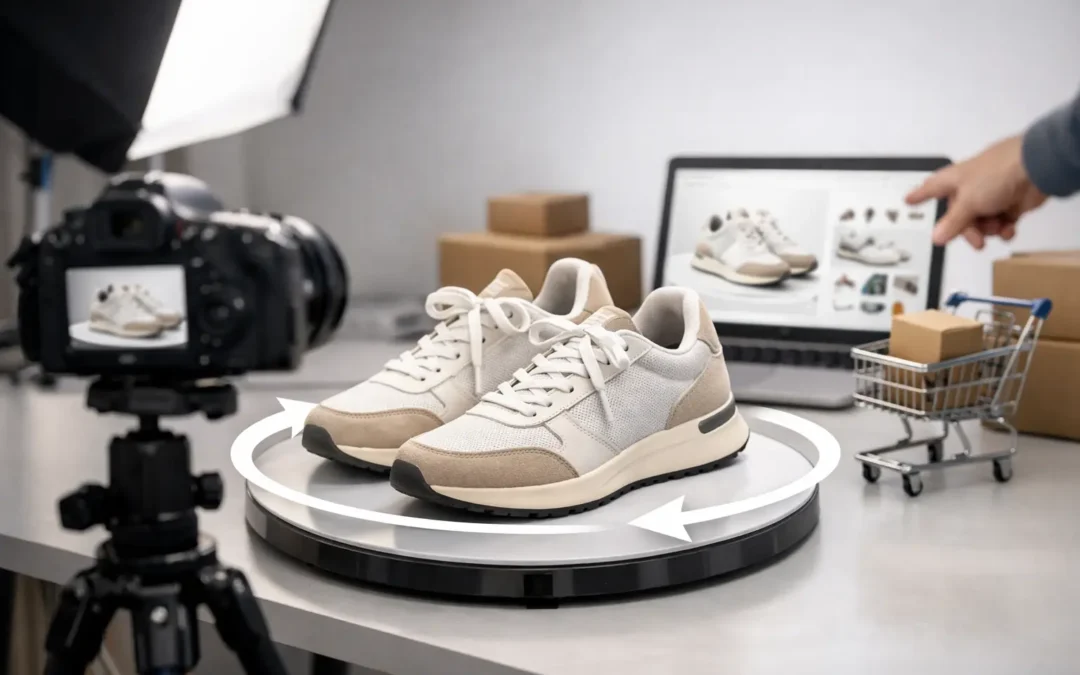
A 360-degree product image is an interactive sequence of photographs captured as a product rotates through a full circle. When displayed on an ecommerce product page, shoppers can drag, swipe, or click through the sequence to inspect the item from multiple angles.
Traditional product photography remains essential. You still need a strong hero image, detailed close-ups, scale references, lifestyle images when appropriate, and accurate color. The 360 view serves a different job: it connects those individual views into a more complete product experience.
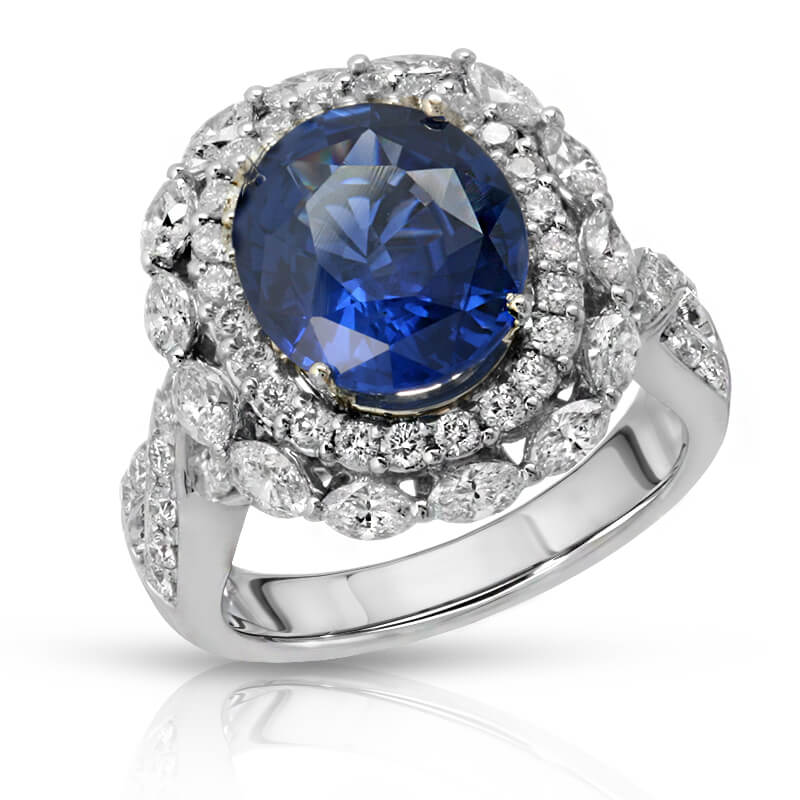
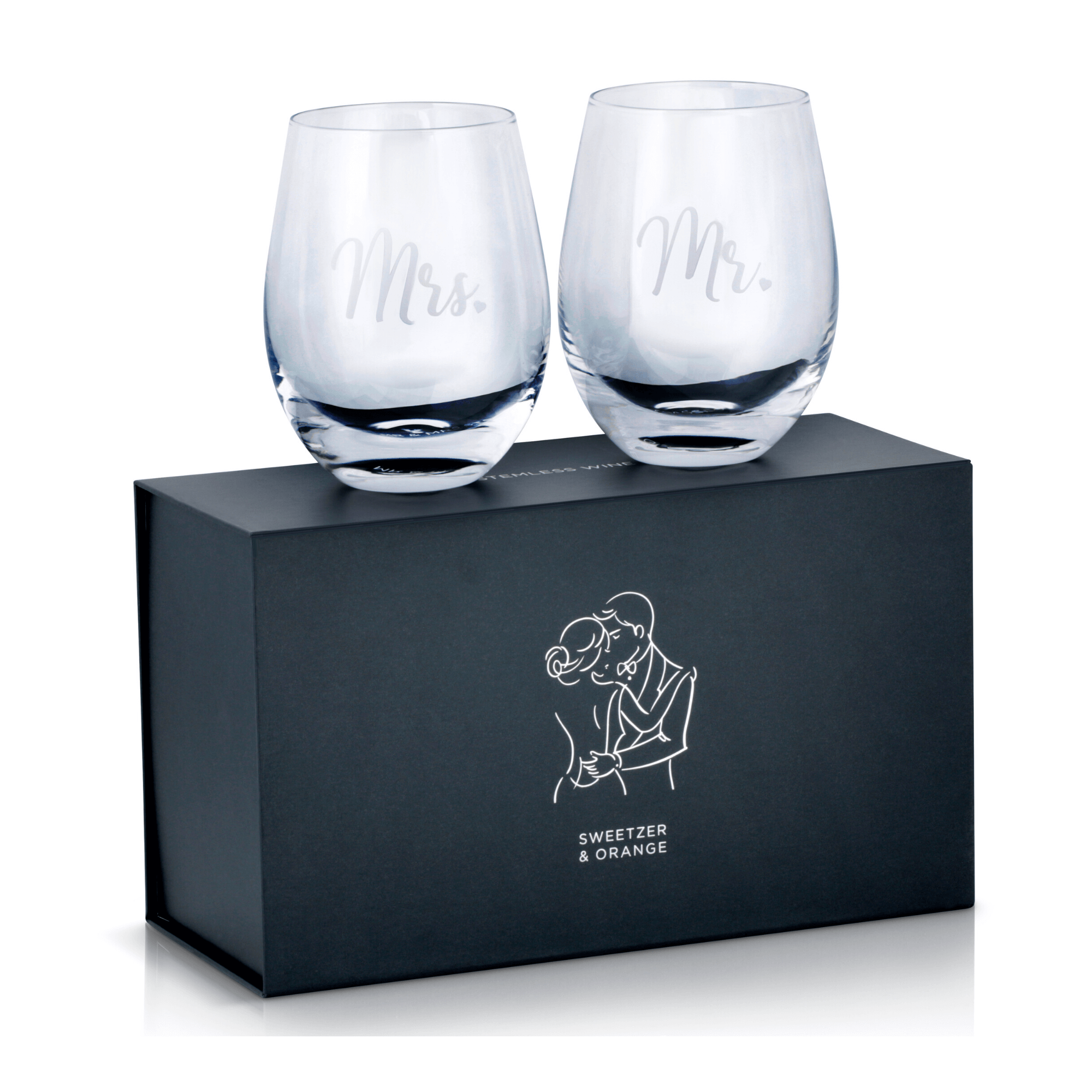
For example, a watch buyer may want to inspect the side profile, crown, clasp, and bracelet links. A cosmetics customer may want to see the cap, dispensing mechanism, label placement, and container shape. For handbags, shoes, glassware, electronics, jewelry, and home goods, the unseen angles are often where design details and quality become clear.
The benefit is not simply movement on a page. It is evidence. Shoppers can verify what they are considering instead of making assumptions from a limited set of still images.
Why Interactive Product Spins Can Improve Conversion
Online buyers cannot pick up your product, feel its materials, or examine its construction under store lighting. Your images must carry more of the sales conversation. A 360 spin gives customers control over that conversation by letting them focus on the angles they care about.
That control can improve buyer confidence, particularly for products where visual details influence perceived value. A polished jewelry piece may reveal stone placement and metal finish from the side. A premium beverage bottle can show its label application, cap design, and silhouette. An electronic accessory can demonstrate ports, buttons, thickness, and cable connections without forcing shoppers to interpret a written description.
There is also a practical performance advantage. Better product visualization can lead to more engaged visits, fewer pre-purchase questions, and fewer surprises after delivery. When expectations match the item that arrives, brands are in a better position to reduce avoidable returns.
Results depend on the product category, price point, traffic quality, and how the spin is displayed. A basic commodity item with a low purchase price may not need a full 360 presentation. On the other hand, a product with a higher price, multiple functional sides, intricate construction, or a design-led appeal often benefits from the additional visual proof.
Which Products Benefit Most From a 360 View
The strongest candidates are products whose value is easier to understand when buyers can see their full shape and construction. Jewelry, watches, handbags, footwear, eyewear, beauty packaging, glassware, bottles, toys, consumer electronics, appliances, medical products, and accessories are common examples.
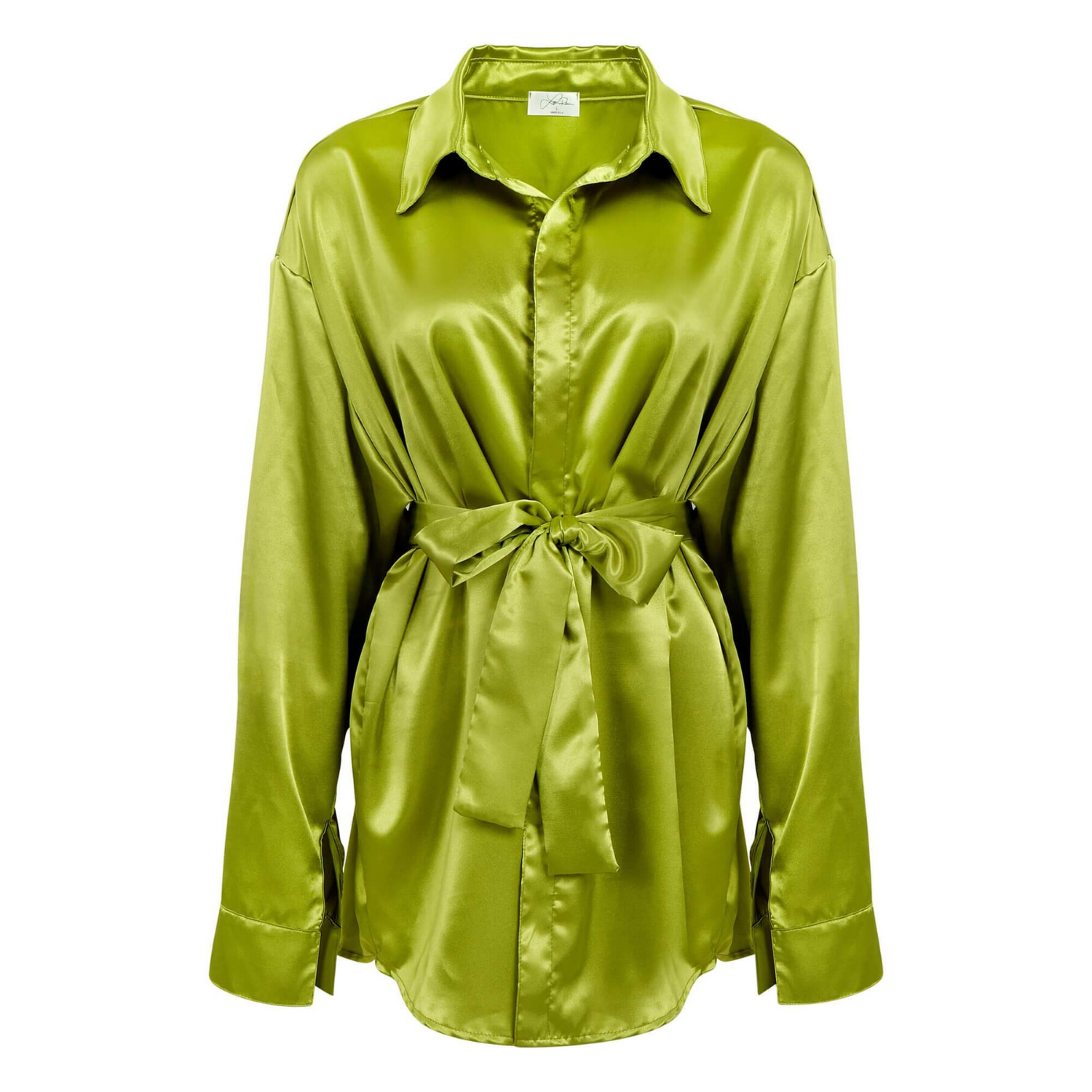
Apparel can also work well, though the approach should match the item. A rotating mannequin or ghost mannequin presentation may help shoppers assess garment shape, drape, collar construction, sleeve details, and back design. For apparel, accurate color and a consistent fit presentation are just as important as motion.
Products with reflective surfaces need extra care. Jewelry, chrome, polished metal, glossy packaging, and glass can create distracting reflections when photographed without a controlled setup. The goal is not to make a spin at any cost. The goal is to produce a clean, premium presentation that keeps attention on the product.
A 360 view is also useful for items with information on more than one side. If the back label, ingredient panel, warranty language, control panel, or connector layout affects purchase decisions, showing it directly can make the listing easier to trust.
Production Quality Determines Whether the Spin Helps
An interactive image can hurt a listing if the product shifts between frames, the lighting changes, or the rotation feels jerky. Shoppers notice inconsistency quickly, especially on premium goods. Each frame must be aligned so the product appears centered and stable throughout the full rotation.
Professional 360 degree product images begin with controlled lighting, consistent camera settings, and a clean product position. The number of frames matters as well. More frames generally create smoother motion, but they also increase production time and file weight. The right balance depends on product size, detail level, and the platform where the images will appear.
Retouching is a major part of the process. Dust, fingerprints, scratches, uneven labels, unwanted reflections, and minor surface distractions are more obvious when a product rotates. Careful post-production keeps the sequence clean while preserving the real color, texture, and construction of the item.
For brands selling across Amazon, ecommerce stores, catalogs, paid ads, and retail presentations, consistency should be planned from the start. A product photographed for a spin can also produce high-resolution still images, detail crops, and alternate angles. Capturing a complete asset set in one studio session can make future merchandising faster and more cost-effective.
How to Prepare Products for a Better Result
The camera records more than most brands expect. Before sending products to a studio, inspect every unit under bright light. Remove protective film, stickers, dust, retail tags, fingerprints, and adhesive residue unless those items are intentionally part of the product presentation.
Send the correct version of the item, including the final packaging, accessories, inserts, and colorway. If a product has interchangeable components, decide whether they should appear in the main 360 view or in separate supporting images. Trying to show every variation in one spin can make the page harder to understand.
It also helps to identify any features that must be visible. A jewelry brand may want special attention on a clasp or hallmark. An electronics seller may need ports, controls, or a charging connection shown clearly. A skincare company may want the label to face forward at the starting position. These details let the studio build the sequence around your selling points rather than treating every product as identical.
For a larger catalog, approve one sample before moving into full production. That step confirms the background, angle, retouching level, crop, rotation direction, and overall visual standard. It is a straightforward way to keep hundreds of SKUs consistent.
Where to Use 360 Product Photography
Your product detail page is usually the first priority. Place the spin where shoppers can find it without searching, and make sure it performs well on mobile devices. A large share of ecommerce traffic comes from phones, where a simple swipe interaction can be especially effective.
Marketplace requirements vary, so a 360 asset may not display the same way on every channel. In those cases, the individual frames can still support alternate product images, enhanced content, comparison graphics, and social media creative. The original capture remains useful even if the final interactive viewer changes from one platform to another.
Do not use a spin as a replacement for all other photography. It works best alongside a clear main image, close-up detail shots, dimensions or scale imagery, and lifestyle photography when context helps sell the product. Think of the 360 sequence as the inspection tool within a larger visual merchandising system.
Build Product Images Around the Buyer’s Questions
The right image package depends on what a customer needs to know before buying. If the question is color, prioritize color accuracy. If the question is craftsmanship, add detailed close-ups. If the question is shape, finish, or functionality from every side, a professionally produced 360 spin can give your listing the confidence it needs to convert.
Product Photography Studio helps brands create polished, high-resolution product assets with professional retouching, fast turnaround, and pricing designed for scalable ecommerce production. A strong product presentation does not need to be complicated. It needs to show the right details clearly, consistently, and at the moment a shopper is ready to decide.