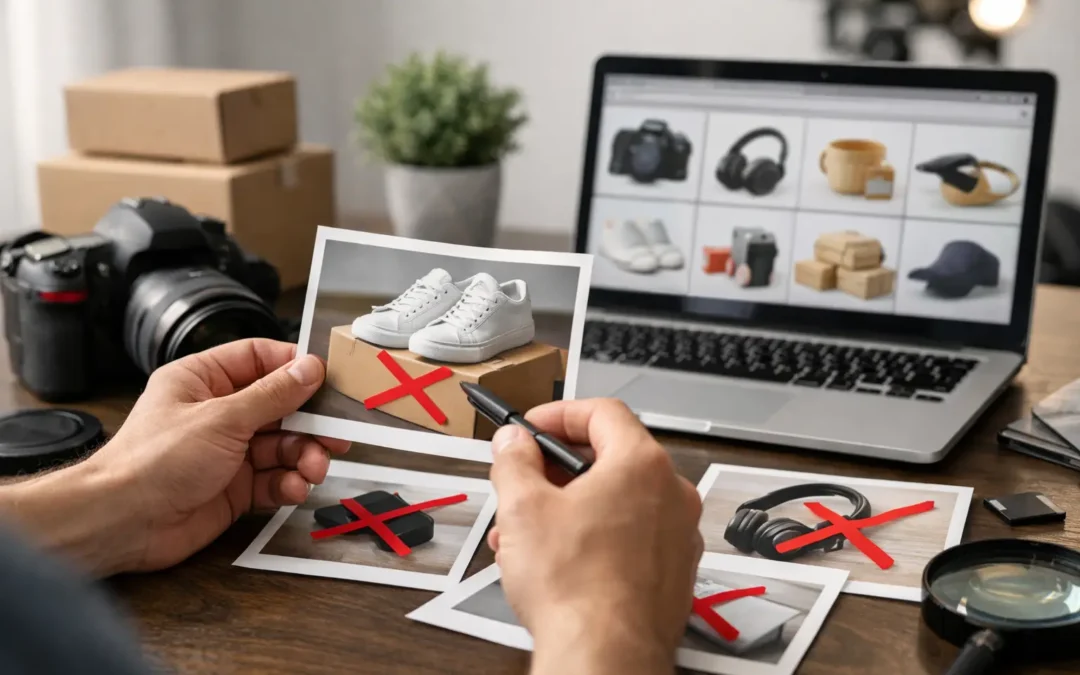
A listing can be ready to launch, inventory can be checked in, and then the main image gets blocked. If you are asking, why are Amazon photos rejected, the answer is usually not that the product looks bad. It is that the image fails a technical or category-specific requirement Amazon uses to keep search results consistent and shoppable.
For sellers, a rejected image is more than an editing inconvenience. It can delay a launch, suppress a listing, limit advertising, or leave a product page looking unfinished while competitors keep selling. The good news is that most rejections are preventable when photography, retouching, and file preparation are handled with Amazon’s standards in mind.
Why Are Amazon Photos Rejected by the Platform?
Amazon reviews listing images through automated checks and, in some cases, manual review. Its system looks for details that may be nearly invisible during a quick upload: an off-white background, a small graphic in a corner, insufficient product scale, incorrect cropping, or a mismatch between the image and the selected product category.
A photo can look polished on a brand website and still be unacceptable as an Amazon main image. Marketplace photography has a different job. The primary image must make the item immediately identifiable at thumbnail size, create a consistent shopping experience, and avoid elements that could confuse the buyer.
Requirements can also vary by category, product type, and marketplace. Always check the current image guidance in Seller Central before submission, particularly for apparel, jewelry, books, media, food, medical products, and restricted categories.
The Most Common Main Image Problems
The background is not pure white
For most Amazon main images, the background must be pure white, typically RGB 255, 255, 255. A background that appears white to the eye may actually be light gray, cream, blue, or slightly shadowed. Automated review can detect that difference.
This issue often happens when a product is photographed against white paper or acrylic but the lighting falls off near the edges. It can also happen during retouching when a natural shadow is preserved too heavily. A clean, fully white background helps the product separate clearly from Amazon’s page and search-result layout.
The product is too small in the frame
Amazon generally expects the product to occupy about 85% or more of the image area for a main image, though category exceptions exist. Excess empty space makes the item difficult to evaluate in search results, especially on mobile.
A common mistake is using a wide lifestyle crop as the hero image. That composition may work well as a secondary image, but it does not give shoppers a clear enough view of the actual item. Crop the primary photo tightly enough to create visual impact without cutting off a required component.
Text, badges, or graphics appear on the image
Promotional overlays are a frequent cause of rejection. Main images typically cannot include text, logos added as graphics, borders, icons, watermarks, pricing, discount language, or claims such as “Best Seller” and “Free Shipping.”
There is an important distinction here: a logo that is physically printed on the product or visible on its retail packaging is generally part of the product and may be shown. A logo, badge, or callout added during design is not. Keep sales messaging for the product title, bullets, A+ Content, or approved secondary images where allowed.
Props or unpurchased items are included
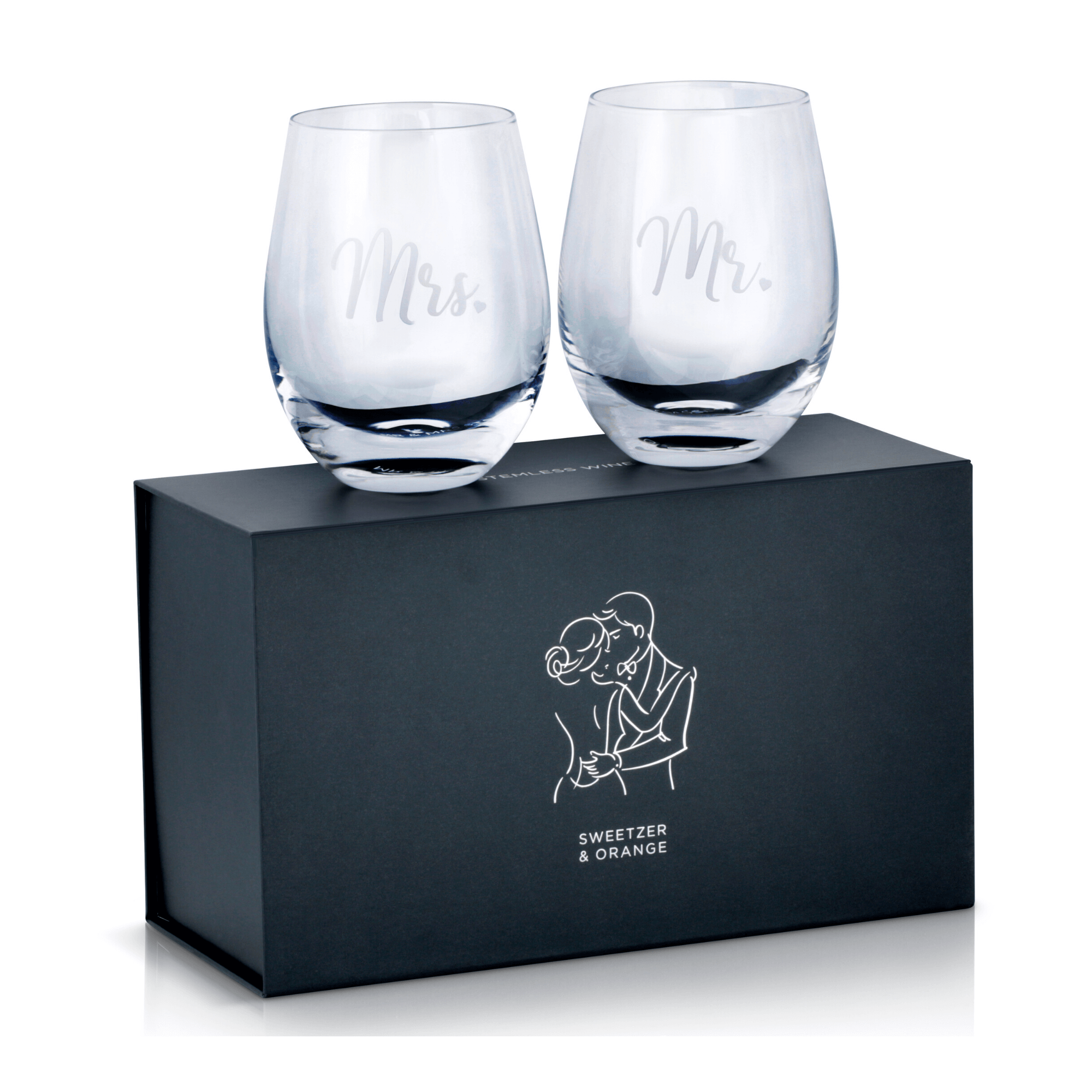
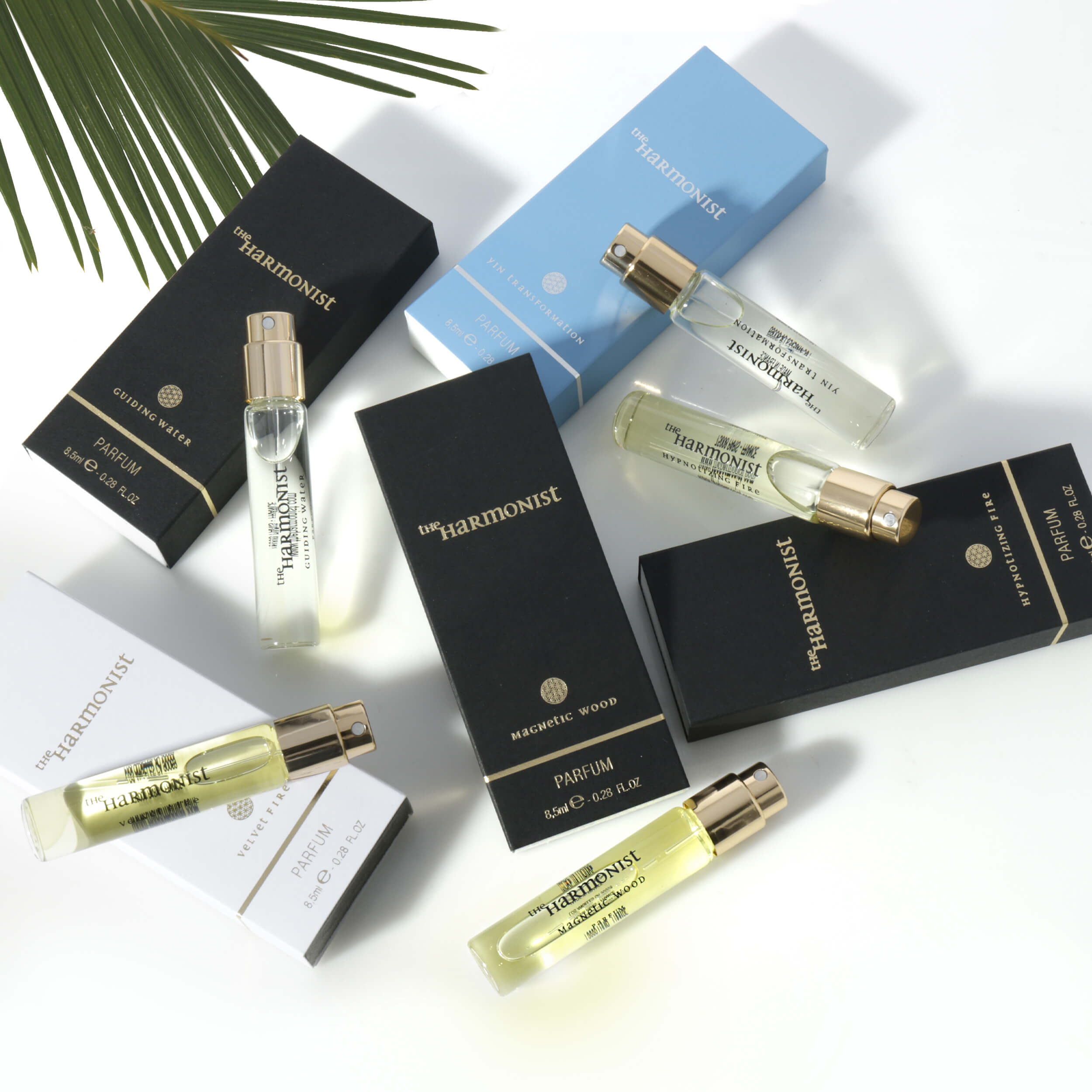
The main image should show what the customer receives. Decorative flowers, chargers not included with an electronic device, jewelry boxes sold separately, or a styled tabletop can all create a problem because they imply extra items may be part of the offer.
For bundled products, show the complete bundle clearly. For a single item, remove anything that is not included. This is especially relevant for beauty products, glassware, kitchen goods, and accessories, where styling props are often used for brand photography.
The product does not match the listing
An image may be rejected if the color, size, configuration, quantity, packaging, or model shown does not match the selected variation. A red handbag cannot serve as the primary image for a blue variation. A two-pack image should not represent a single-unit listing.
This can happen when a brand reuses a strong image across multiple SKUs without creating variation-specific files. It may save time during setup, but it also creates compliance risk and can lead to disappointed customers after purchase.
The image file is too small or poorly prepared
Amazon accepts several file formats, but a high-resolution JPEG is usually the practical choice for product photography. Low-resolution images, overly compressed files, unusual color profiles, corrupted uploads, or images with insufficient pixel dimensions can trigger rejection or reduce listing quality.
Amazon has minimum pixel requirements, while larger images are generally needed to support the zoom experience shoppers expect. As a working standard, prepare sharp, high-resolution files with accurate color, clean edges, and enough pixel dimensions for close inspection. Do not rely on enlarging a small original file in software. Upscaling cannot replace true photographic detail.
Category Rules Can Change the Answer
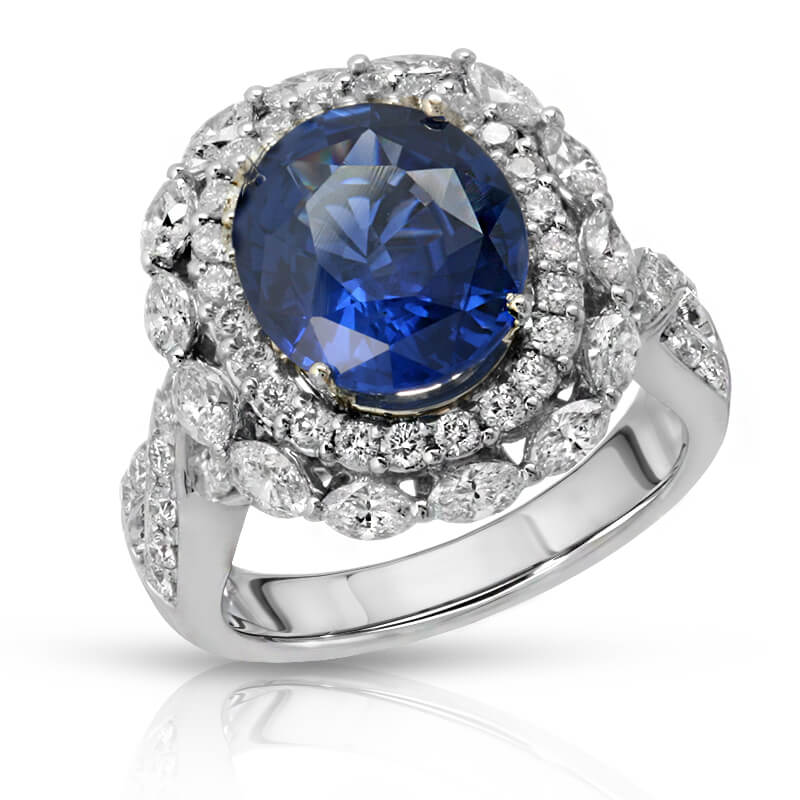
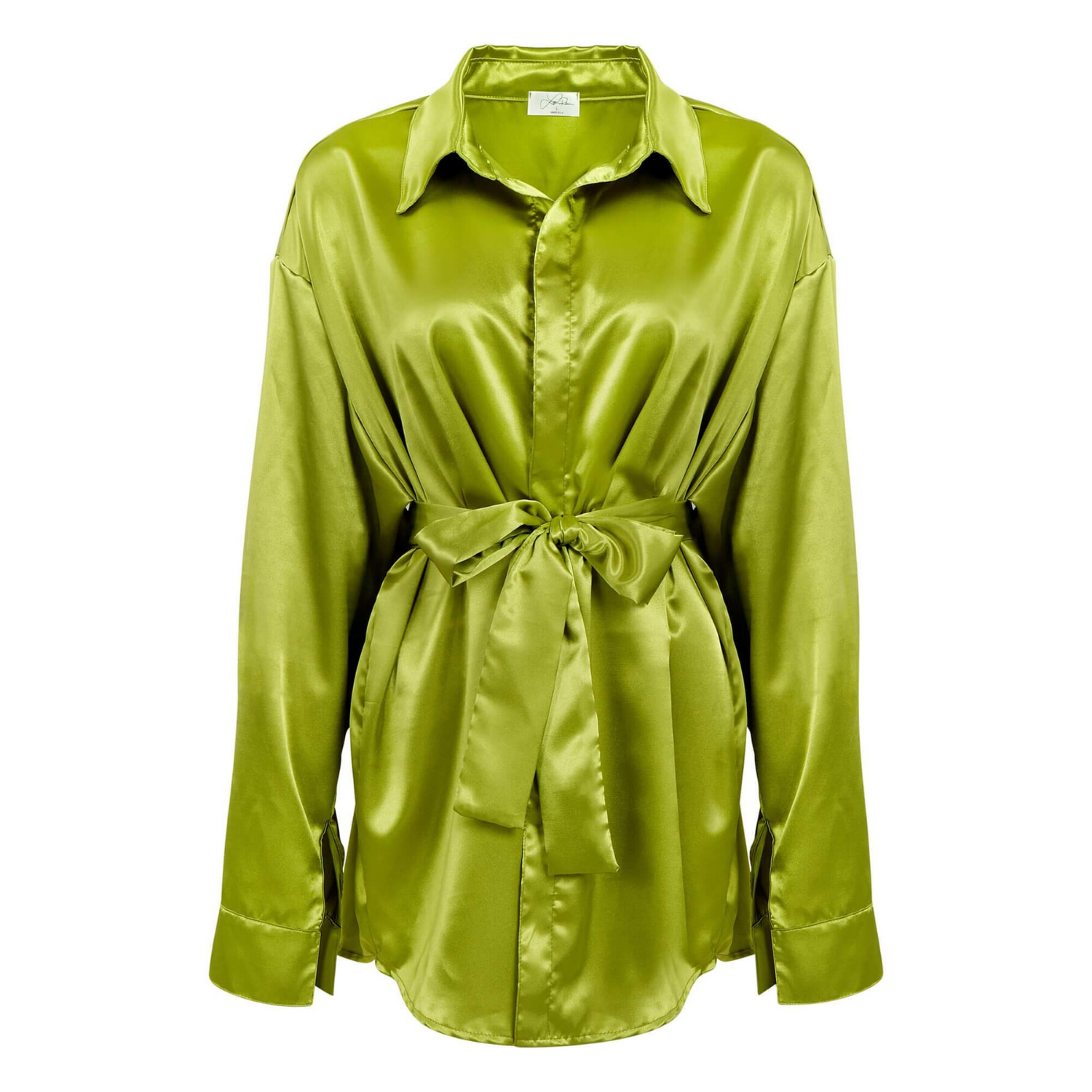
When sellers ask why Amazon photos are rejected, they often assume every category follows identical rules. That is not always the case. Apparel may allow a model in the main image under applicable category guidance, while many other product categories require the product alone. Books, music, and video products may use cover art. Jewelry images need careful handling of reflections, fine chains, gemstones, and scale without adding distracting visual elements.
Some categories also have special requirements for package images, nutrition labels, safety information, or regulated claims. If a product is in beauty, supplements, medical devices, food, or children’s products, the image strategy should be reviewed alongside the listing compliance strategy.
The practical takeaway is simple: photograph for the category, not just for the brand mood board. A clean, consistent image set protects your listing and gives buyers the details they need to purchase confidently.
Build an Amazon Image Set, Not Just One Approved Photo
Getting the main image approved is the first step. It is not the full visual selling job. Once the primary image is compliant, secondary images can answer the questions that prevent a buyer from clicking Add to Cart.
Use the remaining image slots to show multiple angles, close-up material detail, scale, dimensions, color options, package contents, and practical use. A skincare brand may need texture and ingredient-related visuals that stay within policy. A watch seller may need dial, clasp, side-profile, and wrist-scale photos. An apparel brand needs accurate color, fabric detail, fit context, and a consistent representation of each variation.
Lifestyle photos can be highly effective as secondary images because they show use and create desire. The trade-off is that they must never replace a compliant main image. Start with the clear product-on-white shot, then use the rest of the gallery to build confidence and differentiate the offer.
A Better Pre-Upload Review Process
Before uploading, inspect the image at full size and at thumbnail size. At full size, look for dust, harsh reflections, jagged cutout edges, color casts, distorted labels, and retouching artifacts. At thumbnail size, ask a more commercial question: can a shopper identify the product instantly against competing listings?
Confirm that the background is truly white, the complete product is visible unless category guidance permits otherwise, and no text or design overlays remain. Then compare the image against the exact SKU, variation, pack count, and accessories included in the offer. This review takes minutes and can prevent days of listing delays.
For larger catalogs, create a repeatable image checklist before photography begins. It is more efficient to capture the correct angle, package count, and variation color in the studio than to discover a missing requirement after products have been shipped or a campaign is scheduled.
When Professional Retouching Makes the Difference
Amazon-ready photography requires more than placing a product near a white background. Reflective items need controlled lighting. Glassware needs clean contours without losing transparency. Jewelry needs sparkle and accurate metal color without distracting reflections. Apparel needs color accuracy, natural texture, and precise cutout work when required.
Professional retouching addresses the small details automated systems and buyers notice: pure white backgrounds, clean product edges, balanced exposure, accurate color, dust removal, and consistent framing across a catalog. At Product Photography Studio, that preparation is built around commercial use, so the final images are designed to look polished while meeting the practical demands of ecommerce marketplaces.
A rejected image does not have to become a stalled launch. Treat the main image as a compliance asset first and a sales asset second, then let the rest of the gallery do the persuasive work. When every file is photographed, retouched, and reviewed for the exact product being sold, your listing has a much better chance of going live quickly and earning the click it deserves.